Teams Webhooks
Teams webhooks enable external systems to send messages, notifications, or otherwise interact with Teams channels and users.
Removing Incoming Webhooks
In the New Teams client, select the Teams icon  and navigate to the channel where you want to remove an Incoming Webhook.
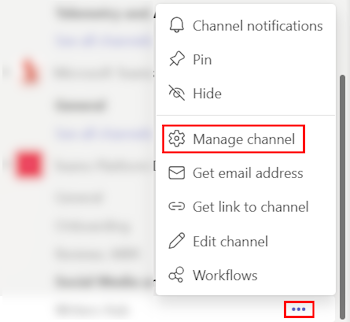
Select More options ••• on the right side of the channel name, and Manage channel:
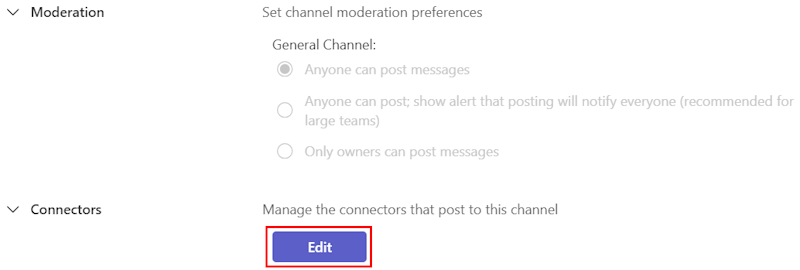
Select Edit, to manage the connectors and webhooks that connect to the specified channel:
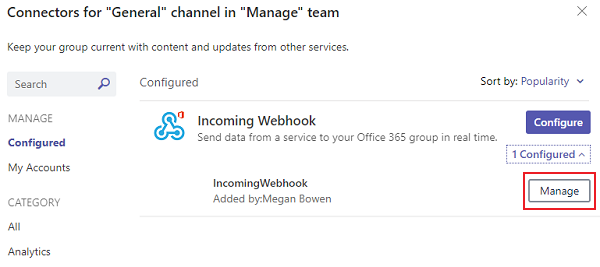
In the left pane, select Configured, and under Incoming Webhook, expand 1 Configured, as shown below:
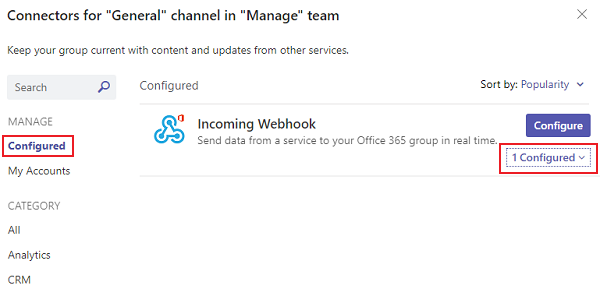
This reveals the Manage option. Select Manage:
Select Remove, as shown below:
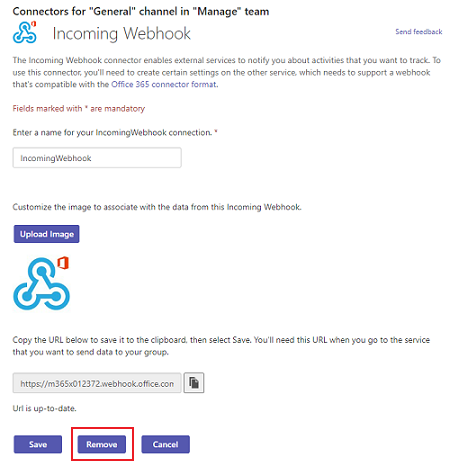
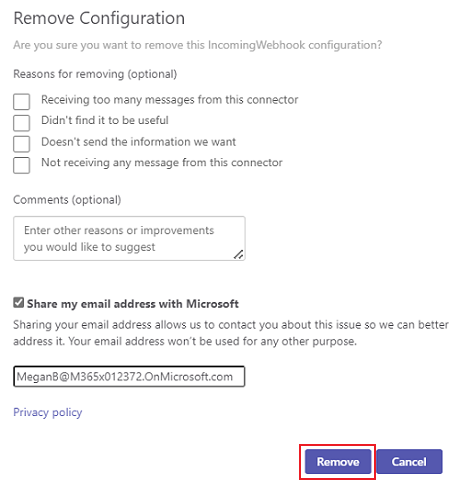
This will prompt the Remove Configuration dialog; select any necessary checkboxes. Then select Remove, as shown below: