Azure App Registration Client Secret (Entra)
Azure App Registration client secrets are credentials used to authenticate and authorize applications to access Azure/Entra services securely
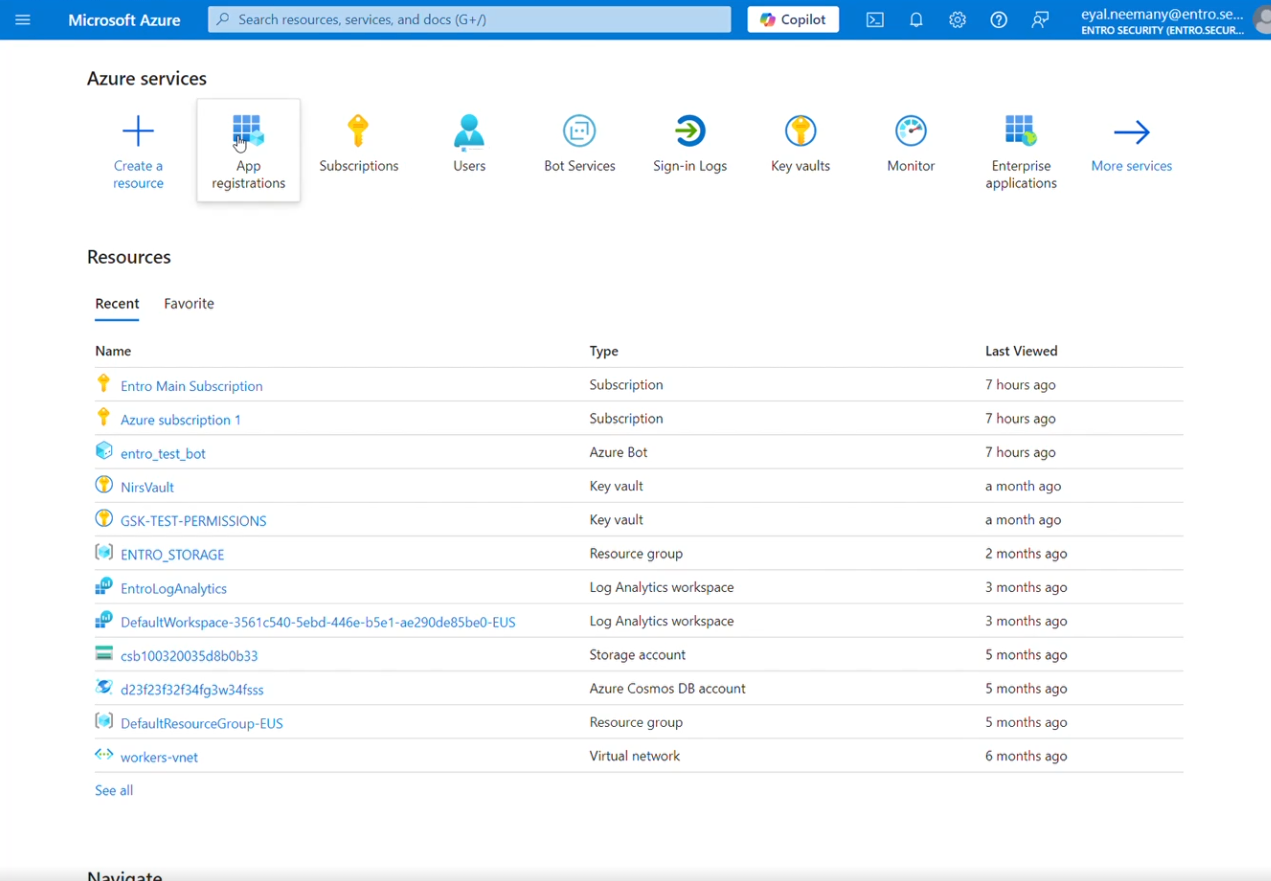
To modify Azure App Registration, navigate to the "App Registrations" service, as shown below:
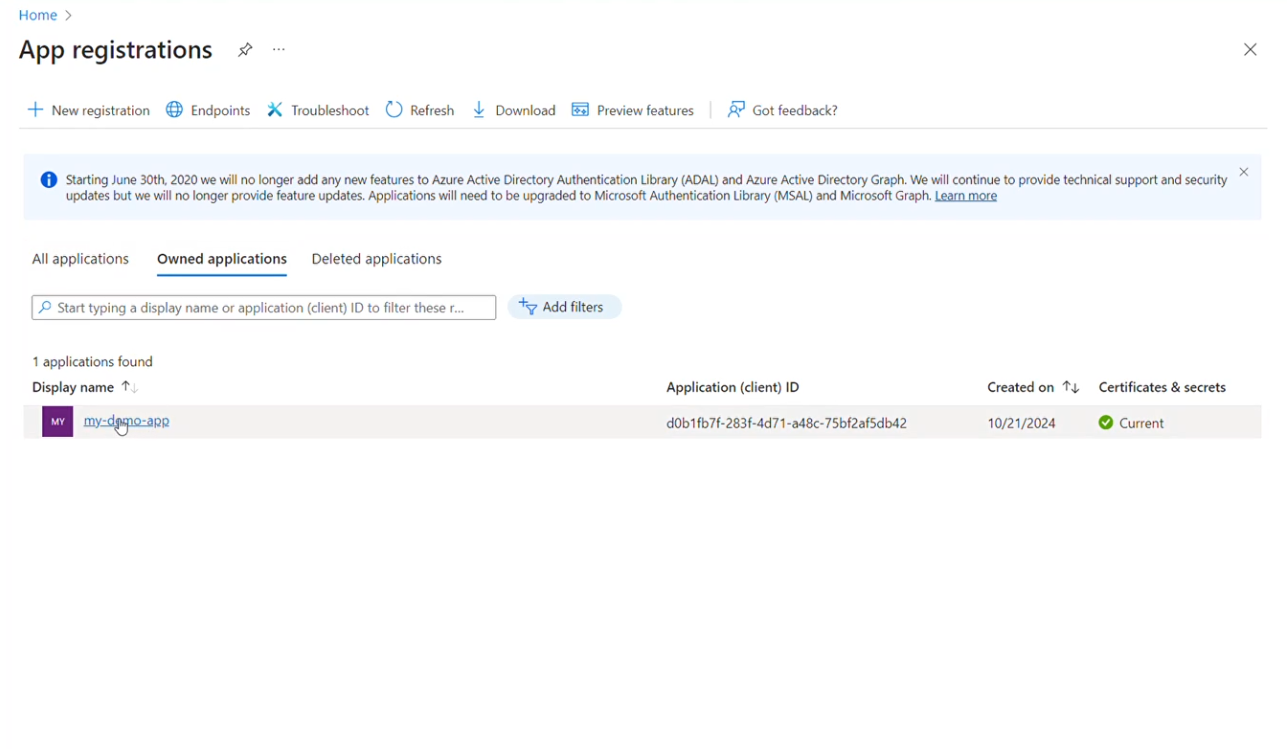
Search and select the application owning the client secret. You can search by the app ID or app name. Make sure to select the "All applications" tab if it's not owned directly by you.
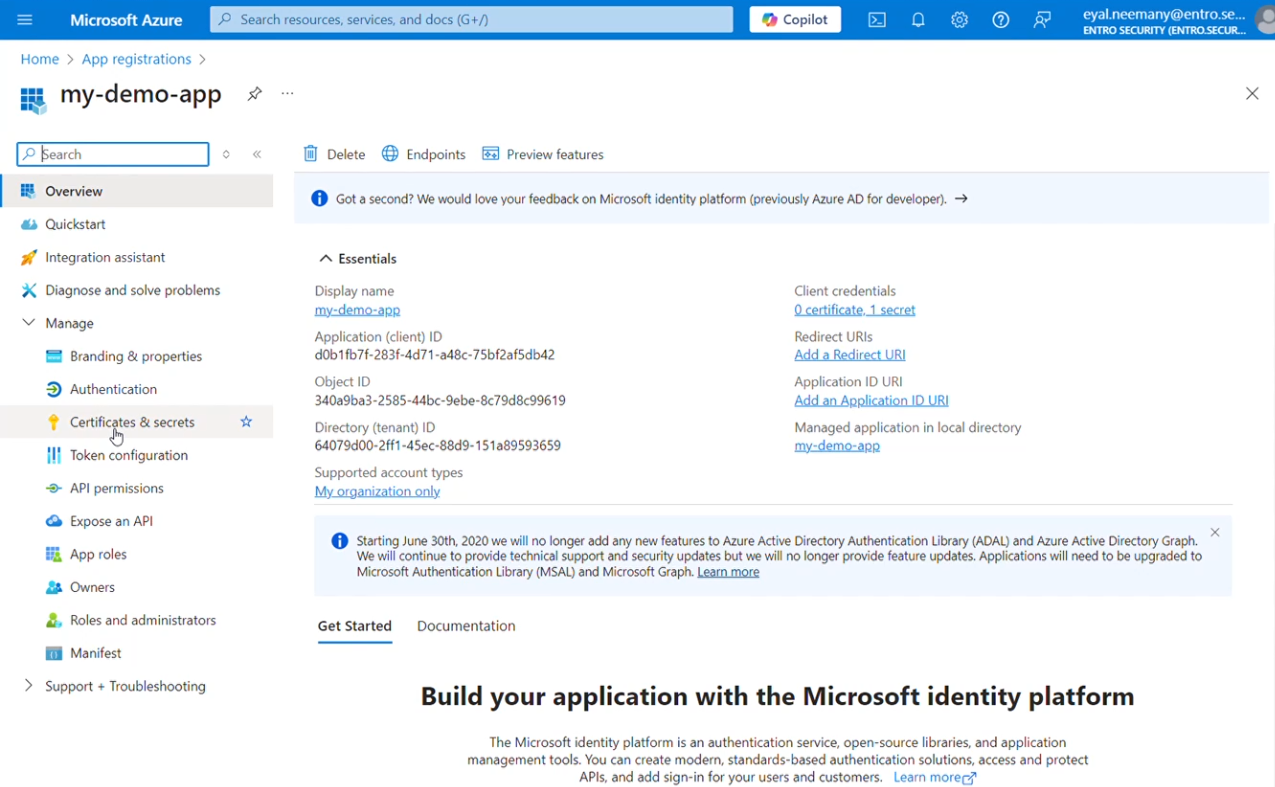
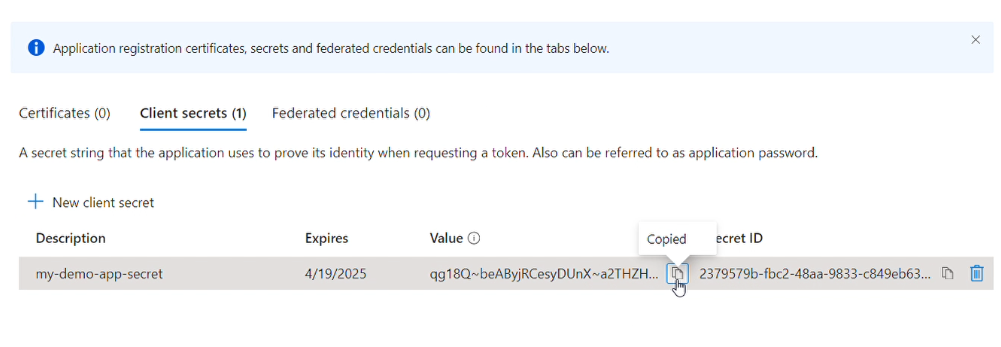
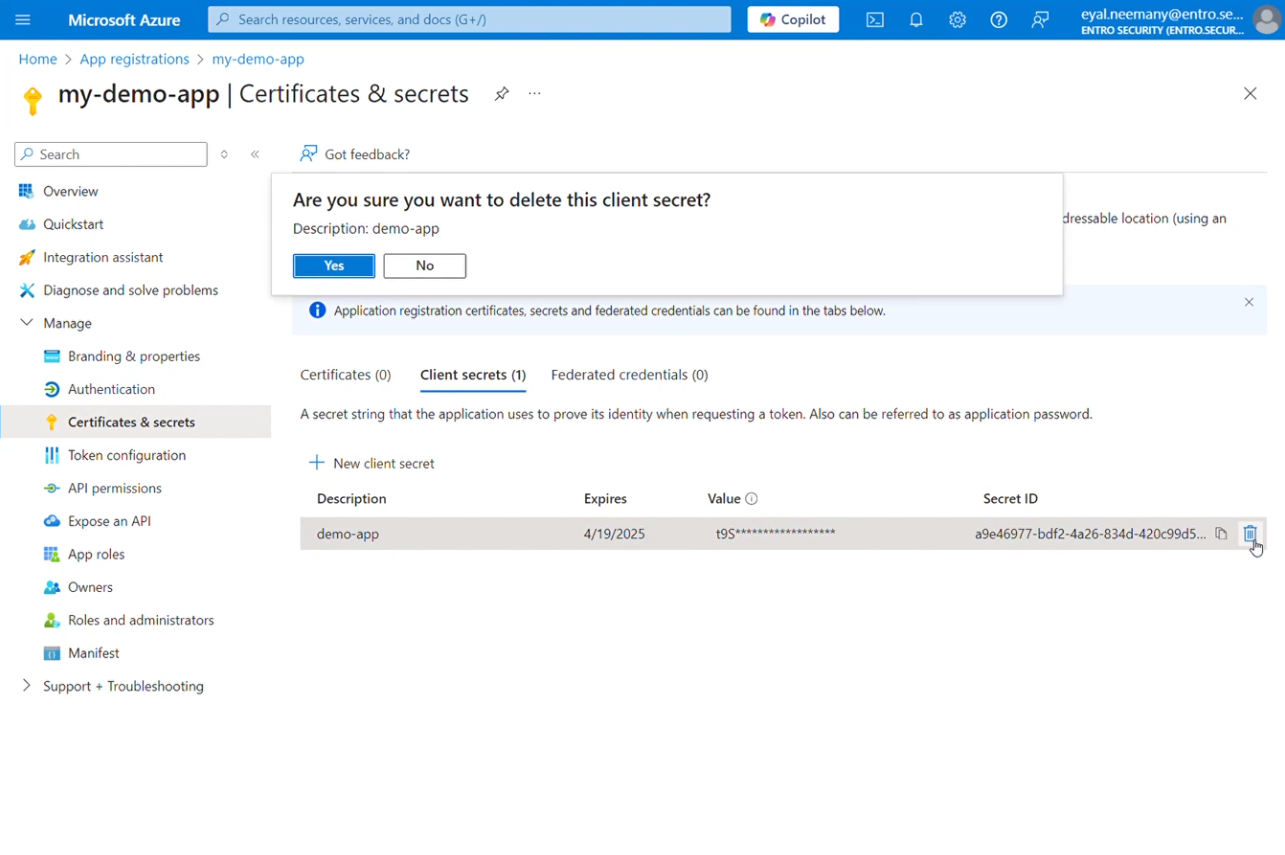
Delete the relevant secret, you can identify it by the "Value" snippet
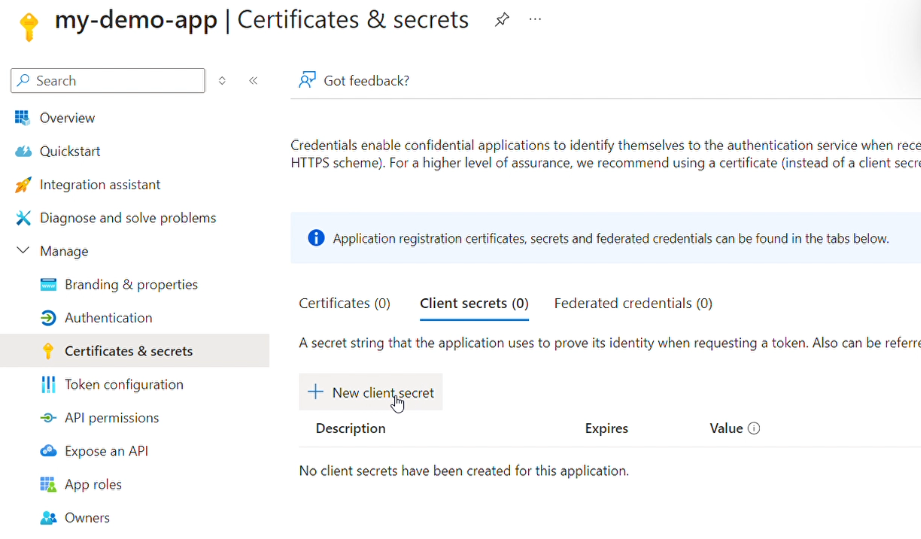
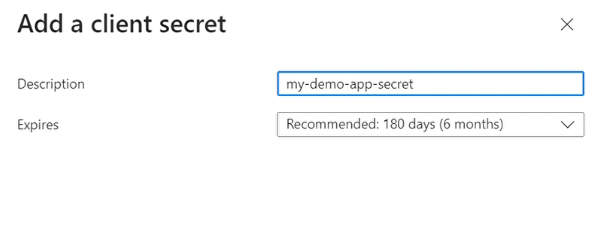
To create a new secret, click on "+ New client secret", insert a description name and set expiration date
Copy the new generated secret and store it securely