Encrypting Integration Secrets
If service account secrets are required by your organization to be encrypted before being stored in the SailPoint Entro integrations settings (management > Accounts & Integrations page), this guide will walk you through the process of encrypting the integrations secrets such that the Outpost can successfully utilize them when later connecting to the integrated services.
Public/Private Keypair Generation
-
Generate the private key -
openssl genpkey -algorithm RSA -out private.key -pkeyopt rsa_keygen_bits:2048 -
Generate the public key -
openssl rsa -in private.key -pubout -out public.key
Setting up the Connector
-
Encode the private key -
cat private.key | base64 -
Add it to the Connector's environment variables -
SECRET_PRIVATE_KEY="replace with base64 encoded private key"
Secrets Encryption
In order for SailPoint Entro to use the encrypted secrets, you need to encrypt them with the public key and then encode them with base64. Store the secret in a file, such as creds.txt.
-
Encrypt using the generated public key -
openssl pkeyutl -encrypt -pubin -inkey public.key -in creds.txt -out creds.encrypted -
Encode with base64 -
base64 -i creds.encrypted > creds.encrypted.b64.txt -
Copy the encoded value from the creds.encrypted.b64.txt file
-
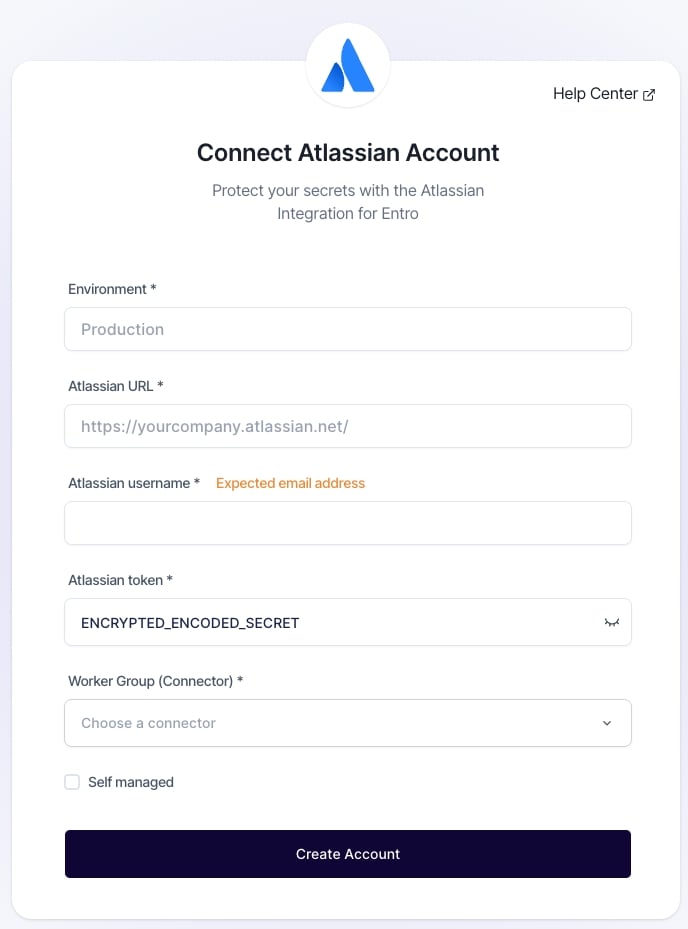
Paste it into the relevant secret field, such as the field where the Atlassian token is entered.