JFrog Artifactory Onboarding
Configuration Steps
Generate a Read-Only Access Token in JFrog
-
Log in to JFrog Artifactory as an administrator.
-
Go to Administration → User Management → Access Tokens.
-
Click Generate a Token.
-
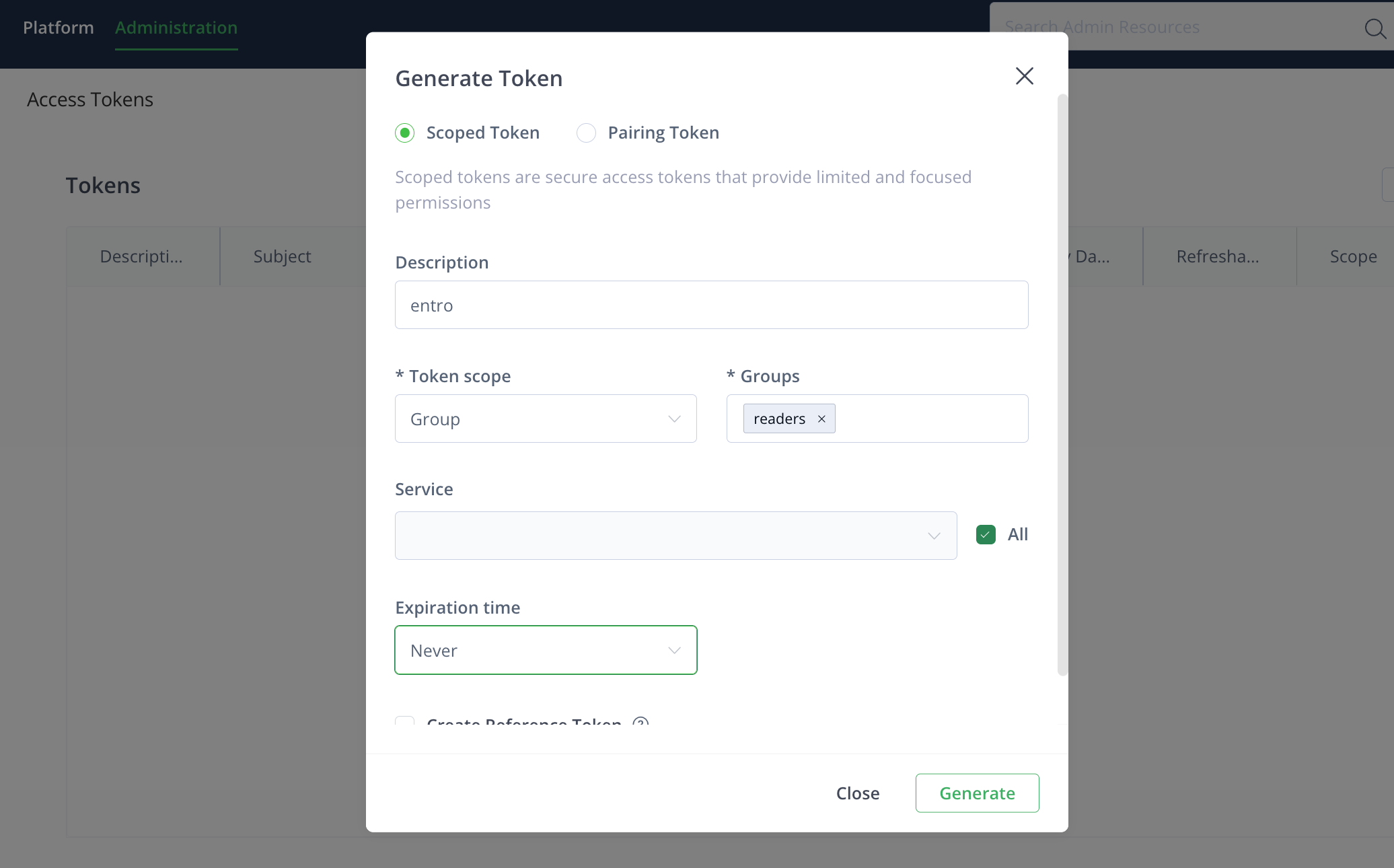
In the creation dialog, configure:
-
Description:
entro-token -
Token Scope: Group
-
Groups: readers (default group with read-only access to all repositories)
-
Expiration time: Never
-
-
Click Generate.
-
Copy the generated token immediately and store it securely.
Connect JFrog Artifactory in SailPoint Entro
-
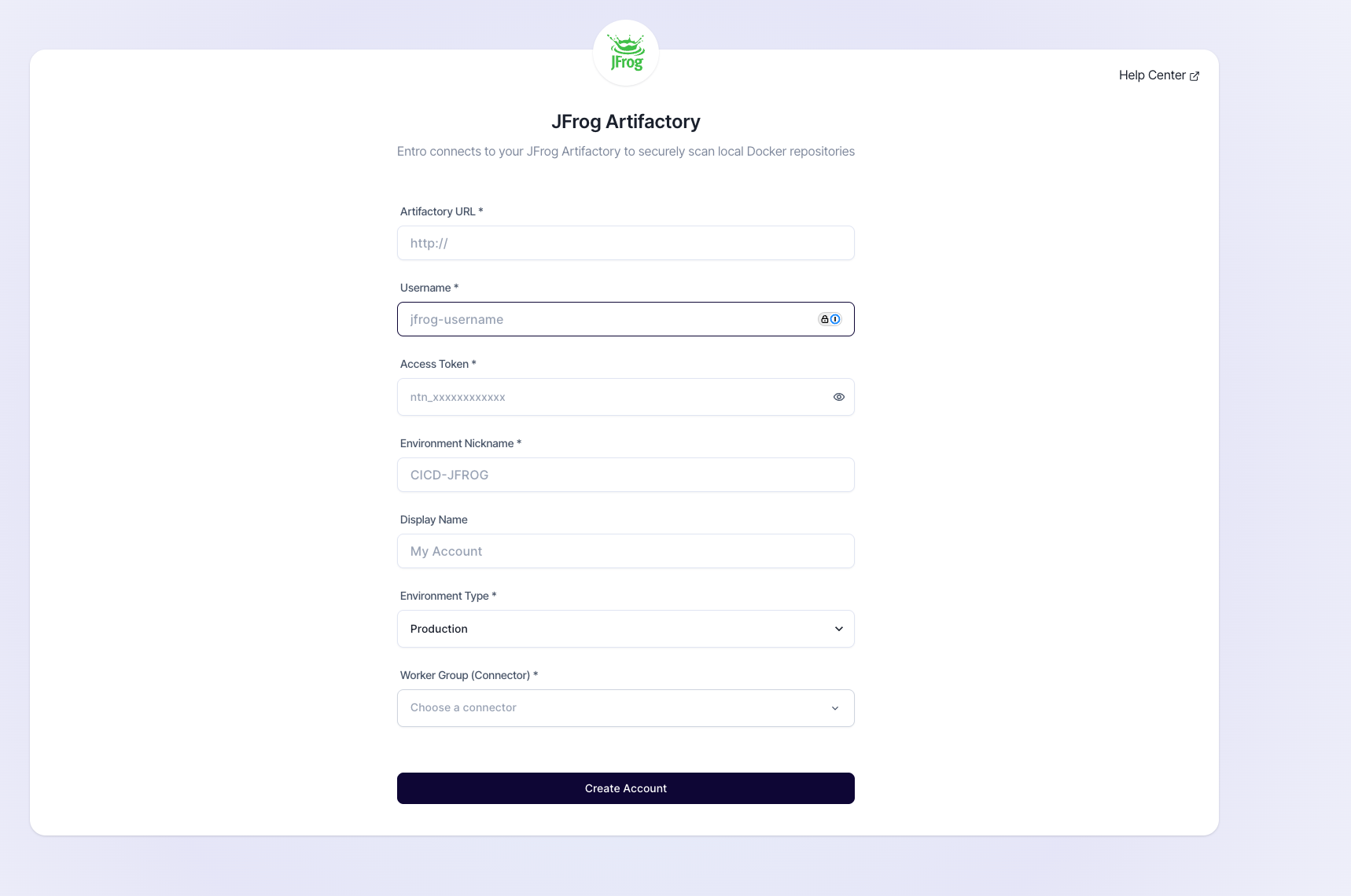
In the SailPoint Entro Dashboard, navigate to Management → Accounts & Integrations → Add New Account → JFrog Artifactory
-
Fill in the connection details:
Field Description Artifactory URL Base URL of your JFrog instance (e.g., https://artifactory.example.com)Username Username of the account used for token creation Access Token Scoped read-only Access Token Environment Nickname Descriptive name for the integration Environment Type Select relevant environment Worker Group (Connector) Choose the appropriate SailPoint Entro worker group -
Click Connect. SailPoint Entro validates the credentials and establishes a secure link.
-
When successful, the integration status displays Verified.