Setting up SAML SSO
Supported IdP Platforms for Single Sign-On (SSO)
-
Auth0
-
Azure Entra ID
-
Classlink
-
Cyberark
-
Descope
-
Duo
-
Google Workspace
-
JumpCloud
-
Keycloak
-
LastPass
-
Microsoft Active Directory Federation Services (ADFS)
-
miniOrange
-
Okta
-
onelogin
-
PingFederate
-
PingOne
-
Salesforce
Overview of Integration Steps
-
Request Single Sign On (SSO) support from SailPoint Entro Support.
-
SailPoint Entro Support will provide the customer with an expiring link to configure their IdP solution for Single Sign On (SSO) with the SailPoint Entro platform (example:
https://api.descope.com/sso/setup/{GUID}?t={GUID}). -
Navigate to the link and choose your IdP solution for Single Sign On (SSO) solution.
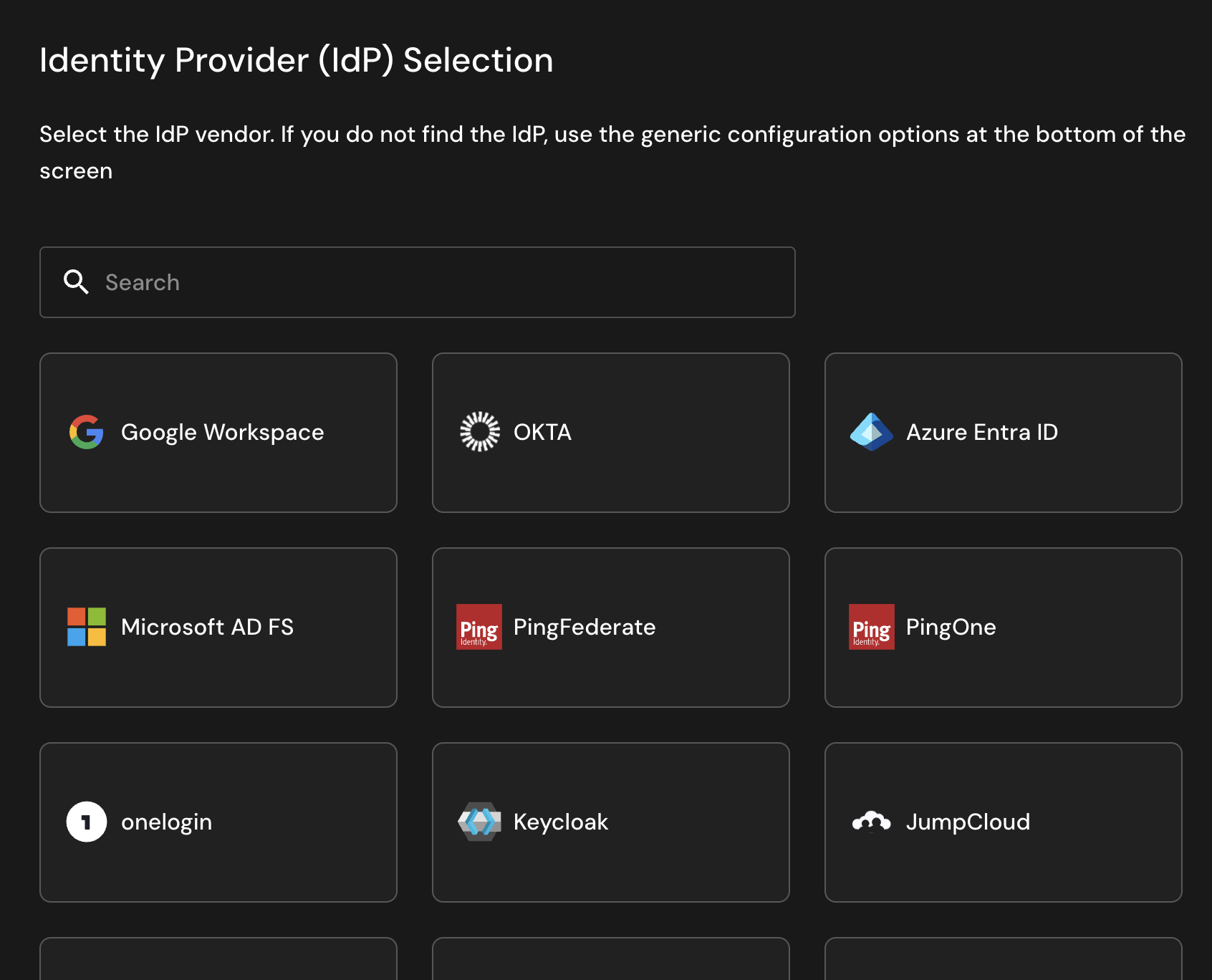
-
Configure the IdP and Descope Single Sign On (SSO) configuration following the steps provided in the Descope configuration console.
-
Notify SailPoint Entro Support that the configuration has been completed and note all the domains of the users that will be logging into the SailPoint Entro platform (for example: blazercorp.com, blazer.com, contractor.blazer.com, blzrcrp.com)
Note
Single Sign On (SSO) will not be used for the customer's SailPoint Entro tenant until after Step 5 is completed.