GitHub Cloud App Install (Recommended)
Integrate GitHub with SailPoint Entro via the official GitHub App for secure, automated onboarding.
Note
Recommended: install via the GitHub App install flow for the simplest, most secure setup.
Configuration Steps
-
Create a GitHub integration through SailPoint Entro
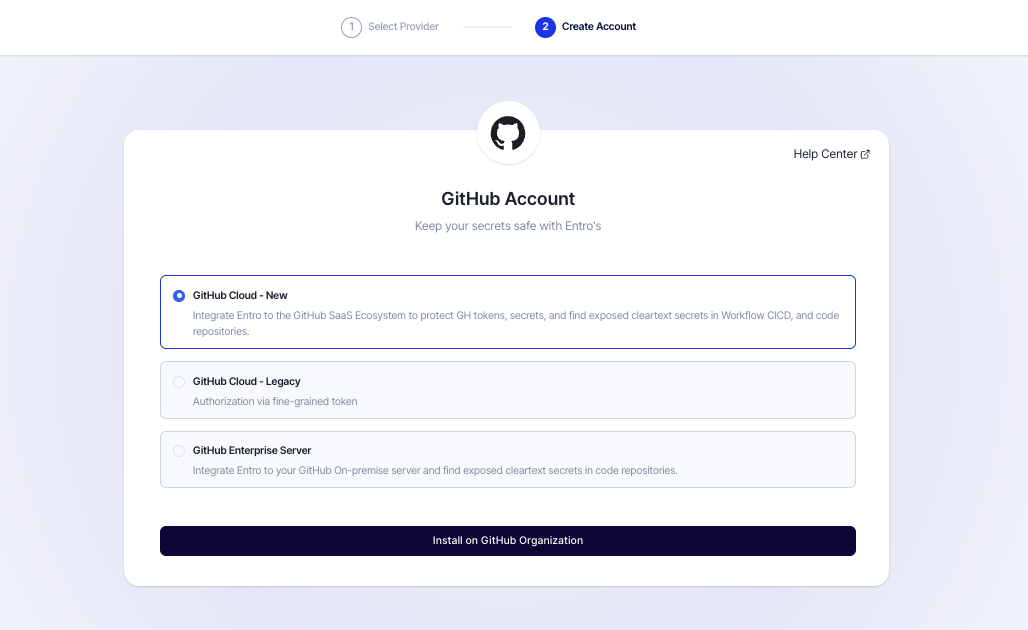
In the SailPoint Entro Platform, go to Management → Accounts & Integrations → Add new account → GitHub and select GitHub Cloud - New.
-
Install GitHub App
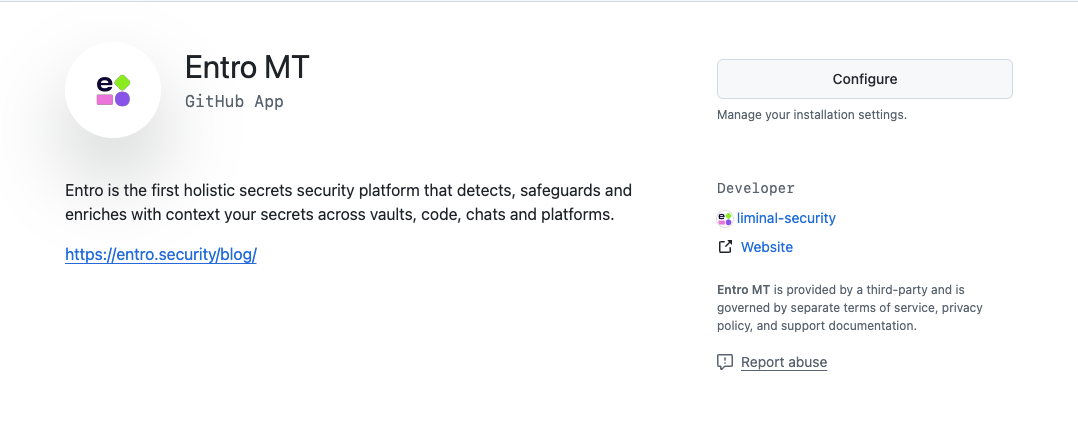
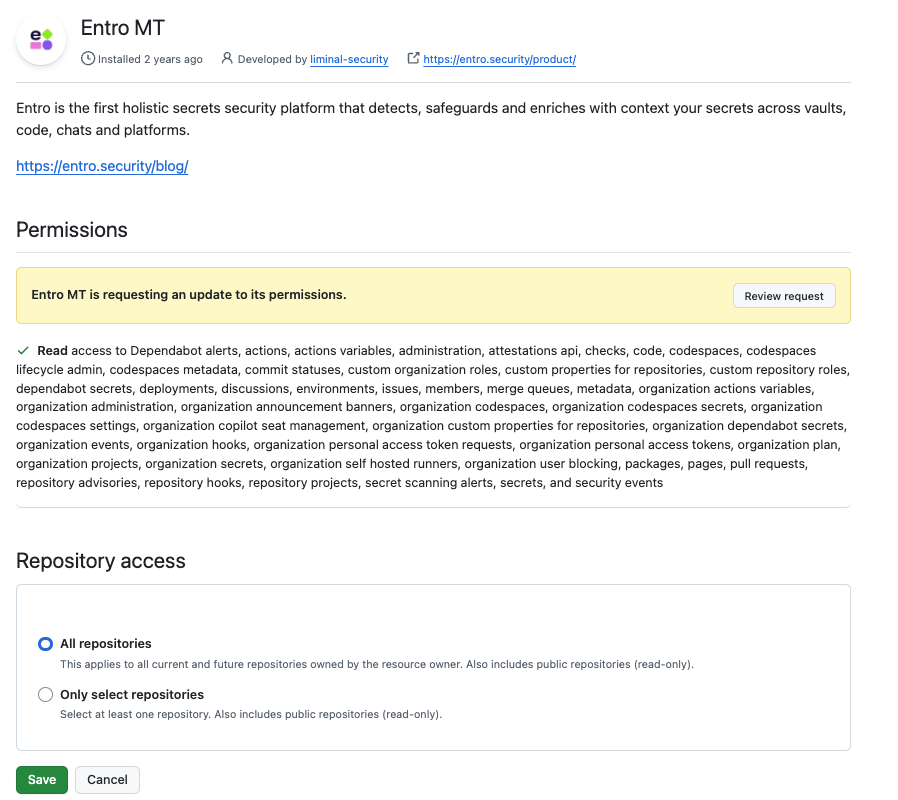
Click on Install on GitHub Organization. You will be redirected to the GitHub App install page. Configure your target organization (or repositories), review permissions, and click Install again.
-
Return to SailPoint Entro
After installation, you will be redirected to SailPoint Entro.
-
Complete onboarding form
Fill out the onboarding form in SailPoint Entro:
-
**Display name:**Choose or create a name for this organization.
-
Company Nickname: Choose or create a name for this organization.
-
Worker Group (Connector): Select your designated connector agent.
-
Optional: Configure an AWS account and s3 bucket to enable GitHub Cloud S3 Log streaming


-