Governance Audit Plugin
Purpose
The SailPoint Entro Cursor Governance Audit plugin provides automatic audit logging for Model Context Protocol (MCP) tool calls executed within Cursor. It captures agent interactions with external tools and gives security teams a verifiable audit trail.
What This Integration Is
The SailPoint Entro Governance Audit plugin passively intercepts MCP tool calls and forwards audit metadata to SailPoint Entro.
Note
No code execution is modified. No tool output is changed.
Key Capabilities
-
Policy compliance: Enforce policies for agentic AI activity.
-
Automatic audit logging: Capture remote MCP tool calls.
-
Agentic visibility: Show how AI tools interact with external services.
-
Security and compliance: Support governance requirements for AI workflows.
Deployment Model
The plugin is installed locally in Cursor or required from the Cursor admin dashboard. It communicates outbound to the SailPoint Entro Control Plane using an authenticated token.
Installation
Use Cursor Plugin Installation for the full flow:
High-Level Architecture
+---------------------+           +------------------------+
|       Cursor        |           |SailPoint Entro Console |
|  (Local Environment)|           |    (Control Plane)     |
+---------+-----------+           +-----------+------------+
          |                                   ^
          |        Audit Log Metadata         |
          +-----------------------------------+
                   (Auth: SailPoint Entro Token)
Demo
-
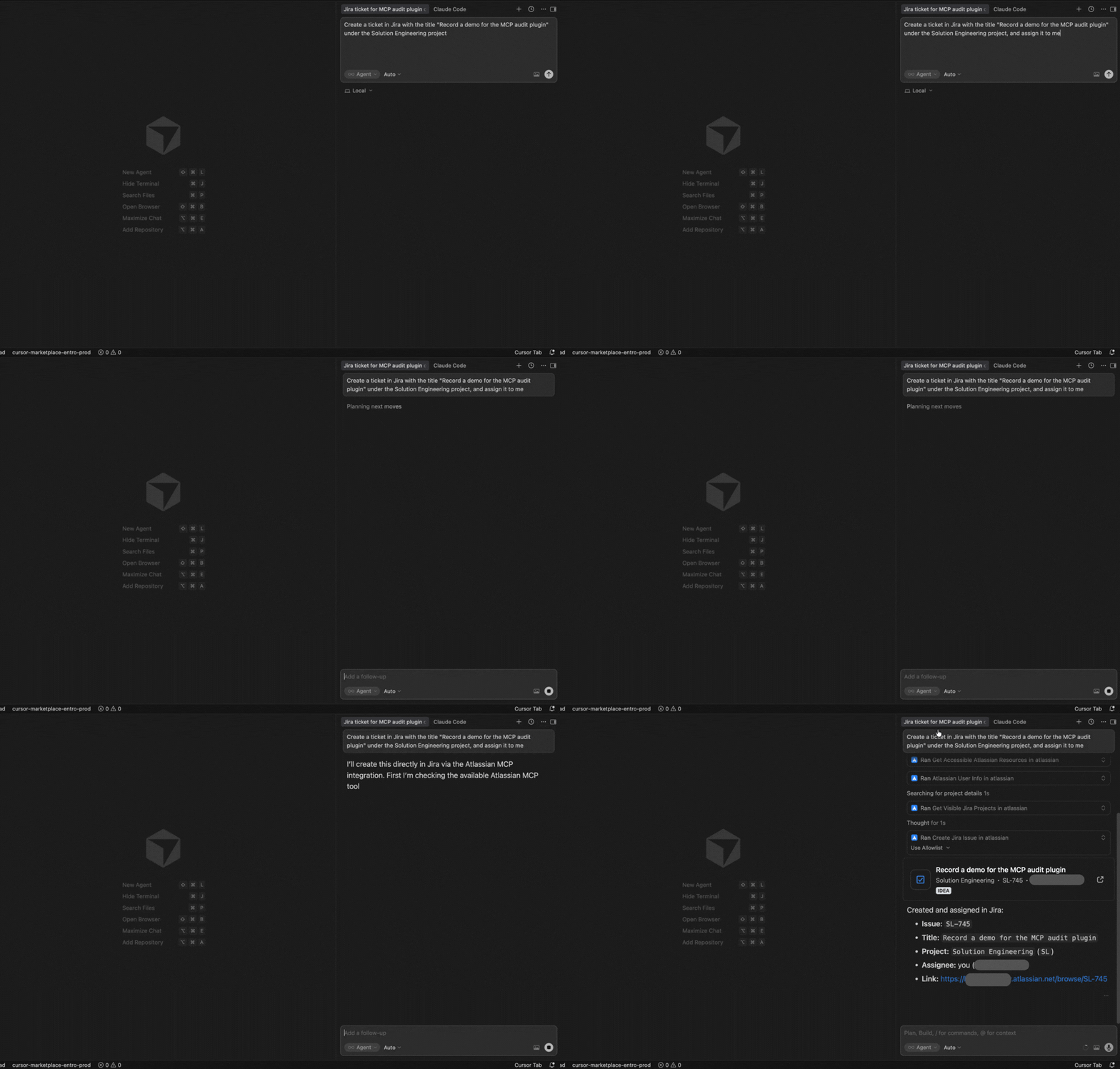
Trigger an MCP call in Cursor
In this example, Cursor triggers an MCP call to create a Jira ticket. The plugin detects the call and audits it.
-
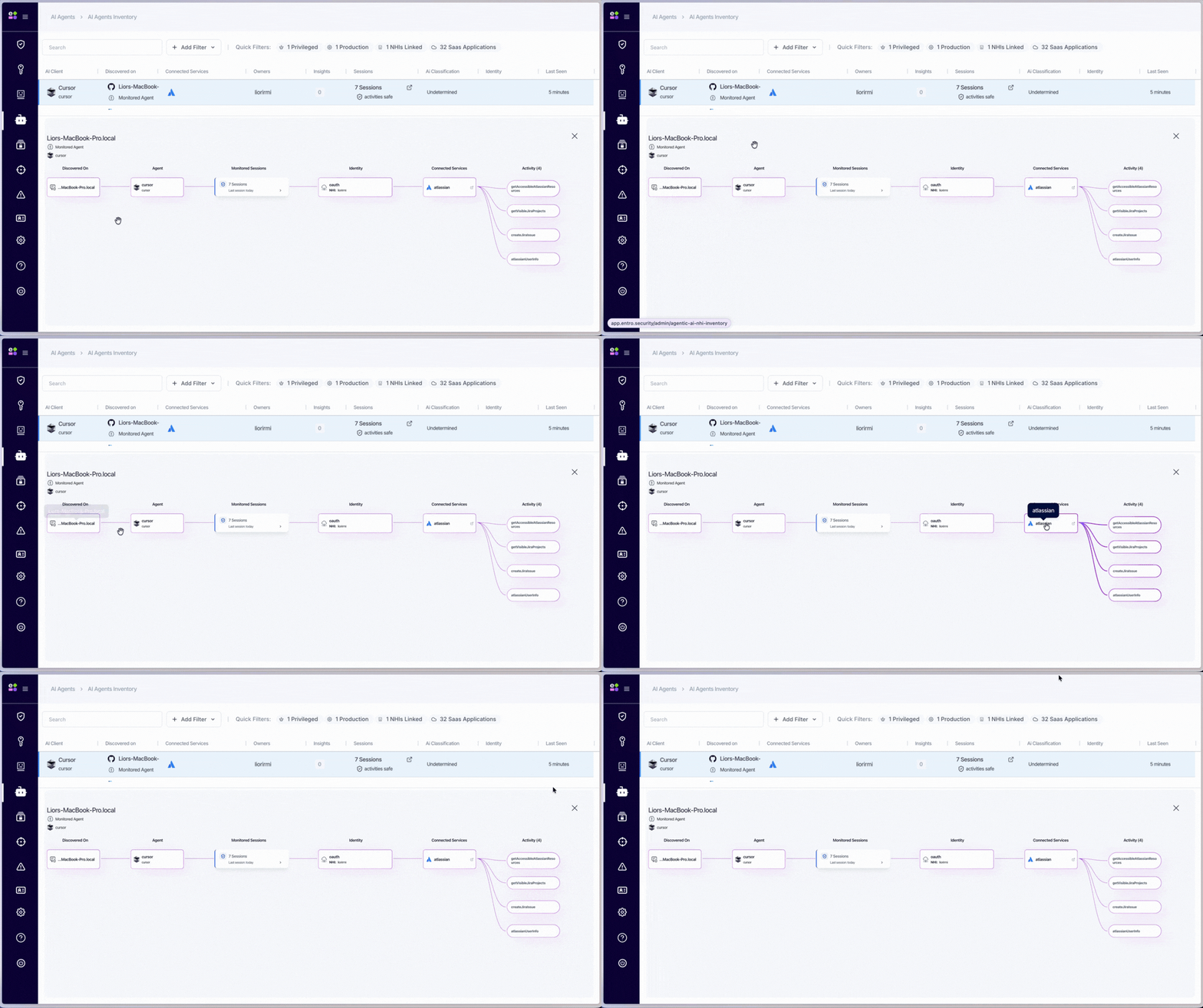
Review the audit log in SailPoint Entro
The audit log is sent to SailPoint Entro. You can review it in AI Agents → AI Agents Inventory.
Troubleshooting and Validation
-
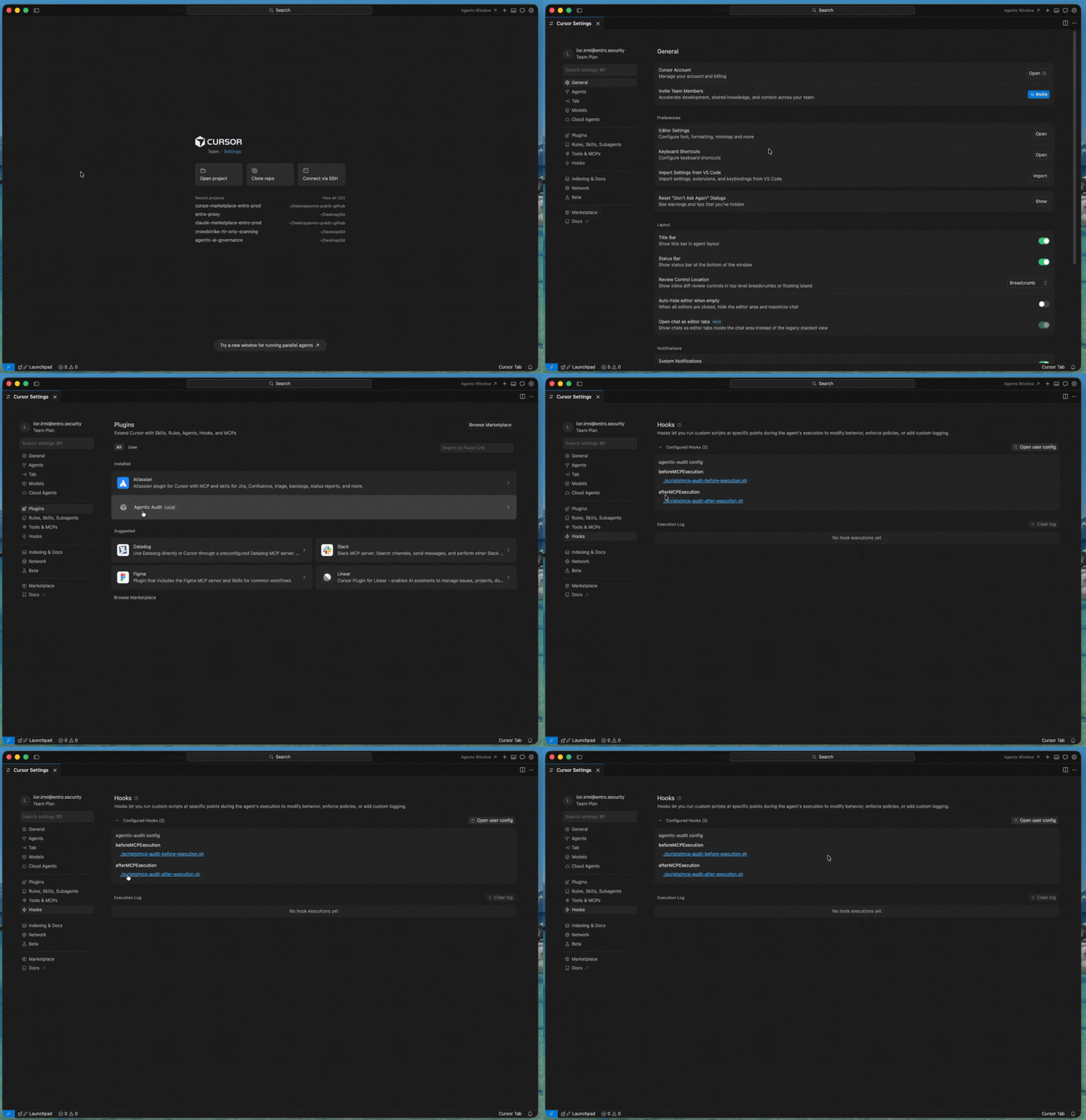
Check the plugin is installed
Open Cursor settings and confirm the plugin is available.
-
Execute a test MCP tool call
Perform a test MCP tool call to validate functionality.
Common Issues
| Issue | Cause | Resolution |
|---|---|---|
| Marketplace add fails | Invalid GitHub token | Verify token |
| Plugin not found | Marketplace missing | Re-add marketplace |
| No logs | Missing token | Re-run install |
| Auth error | Token expired | Regenerate token |
Support
Contact SailPoint Entro Support through your Customer Success Manager or approved support channels.
Permissions Reference
Summary
The Cursor Governance Audit plugin uses the minimum access required to intercept and log MCP tool call metadata.
Data collected
-
Tool name
-
Invocation timestamp
-
Tool parameters
-
Host name
-
System username
-
Cursor account email
-
Used identity — masked auth token,
"oauth", or"local-process" -
User prompt
-
MCP server name
-
MCP server type
-
MCP server address for remote servers
-
MCP server command for local servers
-
MCP server environment variables for local servers
-
Tool call result
Security controls
-
Token-based authentication
-
TLS 1.2+ encrypted transport
-
Stateless processing with no local secret storage