Webhooks
Webhook alerting enables integration between SailPoint Entro and your automation or incident response workflows, ensuring your teams receive real-time notifications whenever a risk is detected. By configuring webhooks, organizations can automatically forward SailPoint Entro alerts to external systems for faster triage, investigation, or remediation.
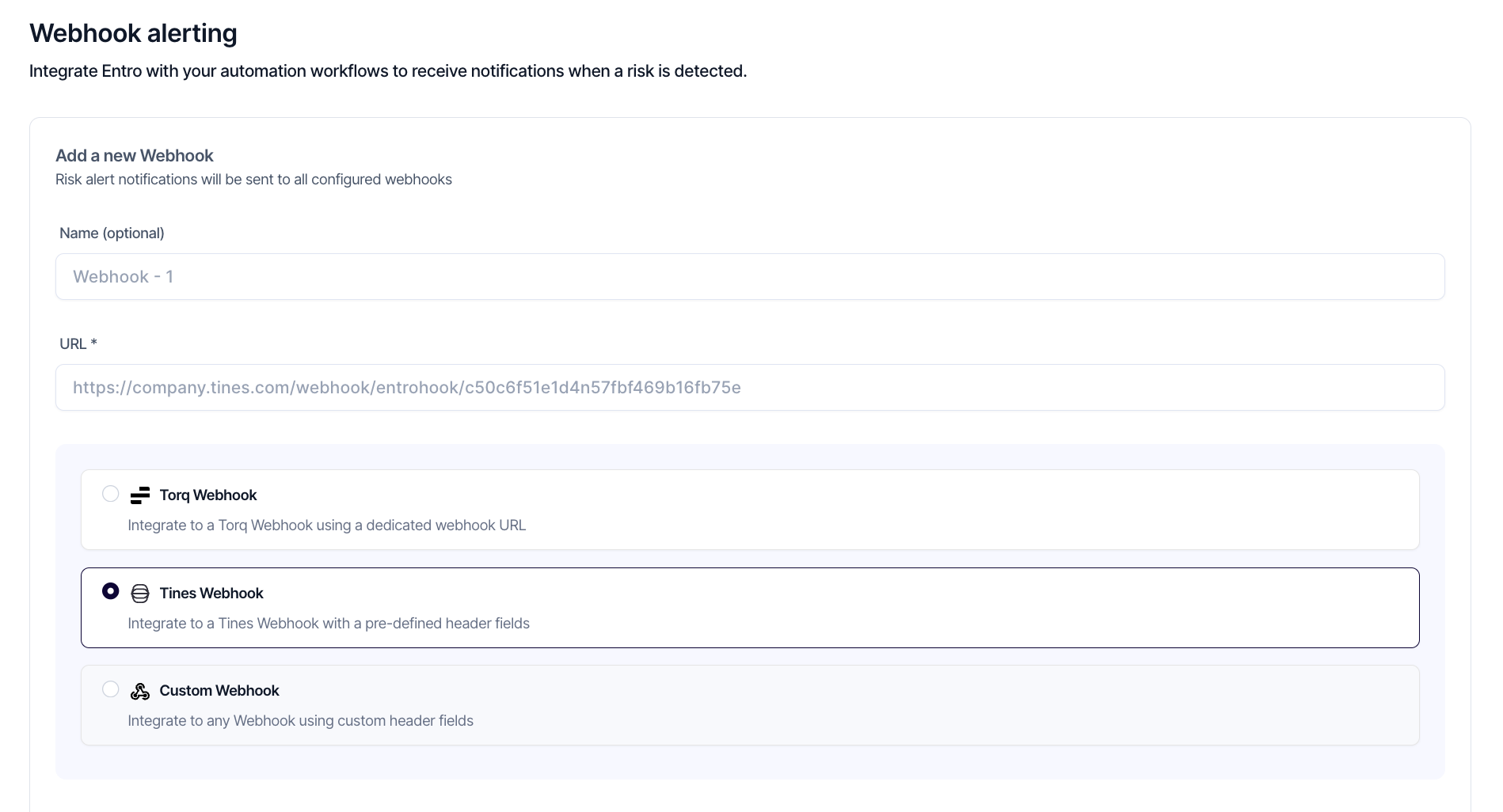
Adding a New Webhook
To create a webhook, provide a name (optional) and the destination URL that will receive the alert payloads. All configured webhooks will receive notifications for every new risk detected by SailPoint Entro.
Integration Types
SailPoint Entro supports several webhook configuration options to align with your automation platform:
-
Torq Webhook - Use a dedicated Torq webhook URL for seamless integration with Torq workflows.
-
Tines Webhook - Connect to a Tines webhook using predefined header fields for easy setup.
-
Custom Webhook - Integrate with a third-party service by defining your own header fields and endpoint structure.
After configuration, select Save to activate the webhook or Reset to clear any unsaved fields. You can edit, test, or remove webhooks at any time to keep integrations current and relevant.