Claude Plugin Installation
Follow these steps end to end: add the SailPoint Entro marketplace first, then install the plugins you need—locally or for your whole organization.
Index
Local Setup
Add the SailPoint Entro marketplace (local)
Claude plugins are distributed via marketplaces. Add SailPoint Entro’s marketplace to your local Claude configuration before installing any SailPoint Entro plugin.
Prerequisites
-
Claude Code CLI installed locally
-
GitHub token and GitHub repository URL for the marketplace, provided by SailPoint Entro
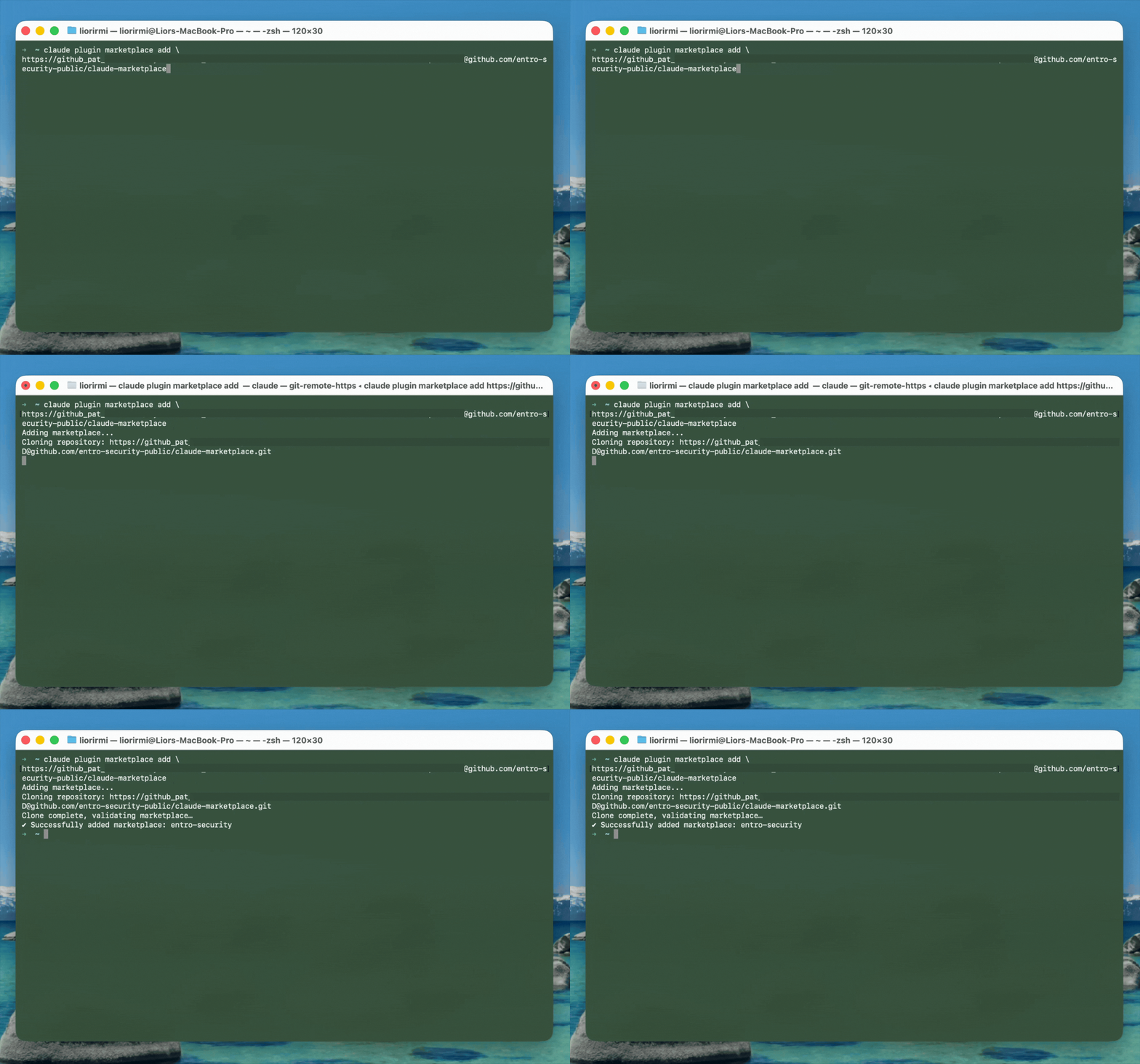
In your terminal, run the following. The repository URL and token are customer-specific—use the values SailPoint Entro gave you.
Add SailPoint Entro marketplace
claude plugin marketplace add \
https://<your_sailpoint_entro_marketplace_github_token>@<github_repository_url>
Browsing plugins
After the marketplace is added, you can browse SailPoint Entro’s plugins from the CLI.
Install MCP Audit (local)
-
Install
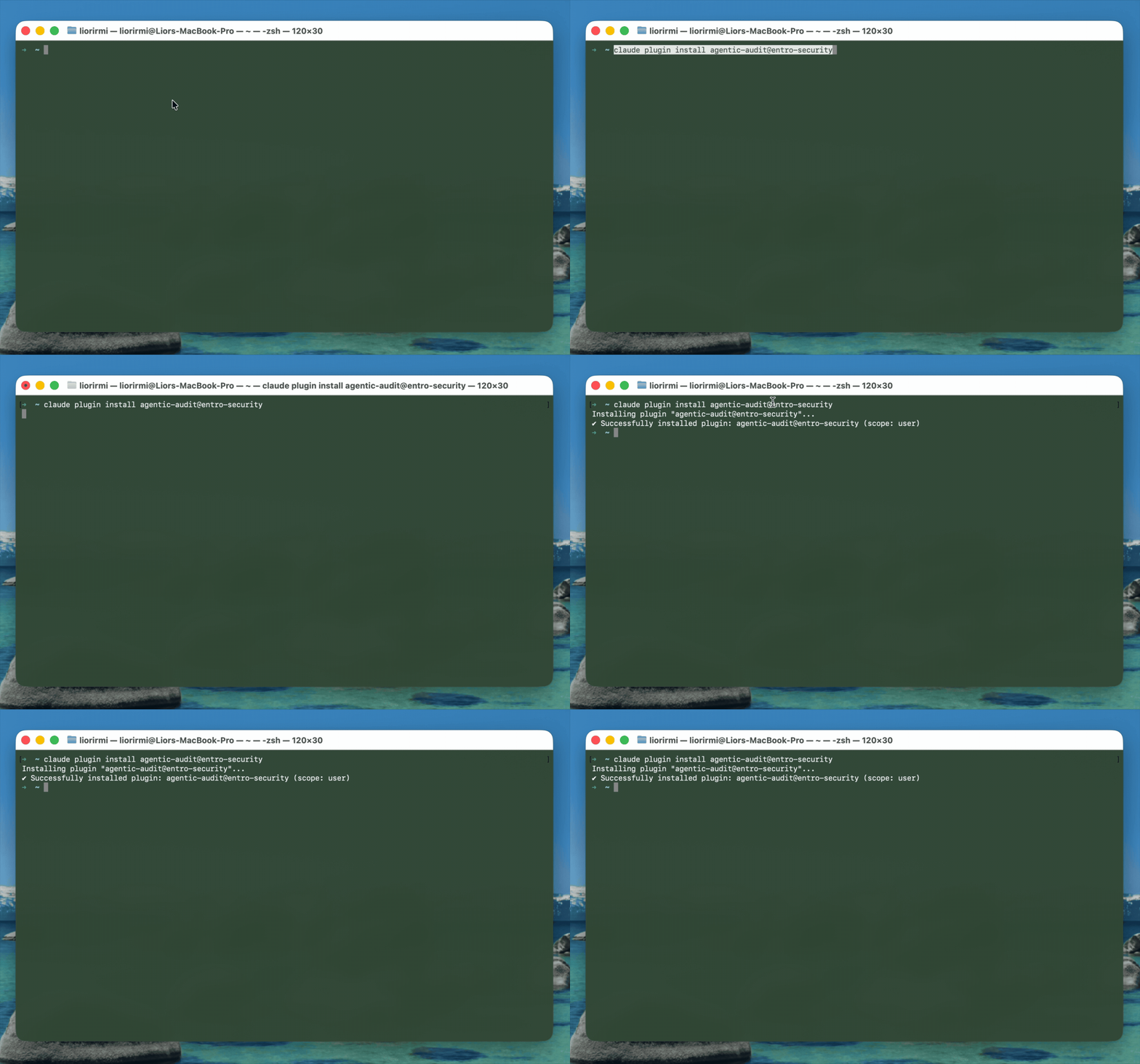
In your terminal, install the plugin from the SailPoint Entro marketplace:
Install MCP Audit plugin
claude plugin install agentic-audit@sailpoint -
Verify hooks
In Claude Code chat in your terminal, run
/hooksto confirm the plugin configured hooks.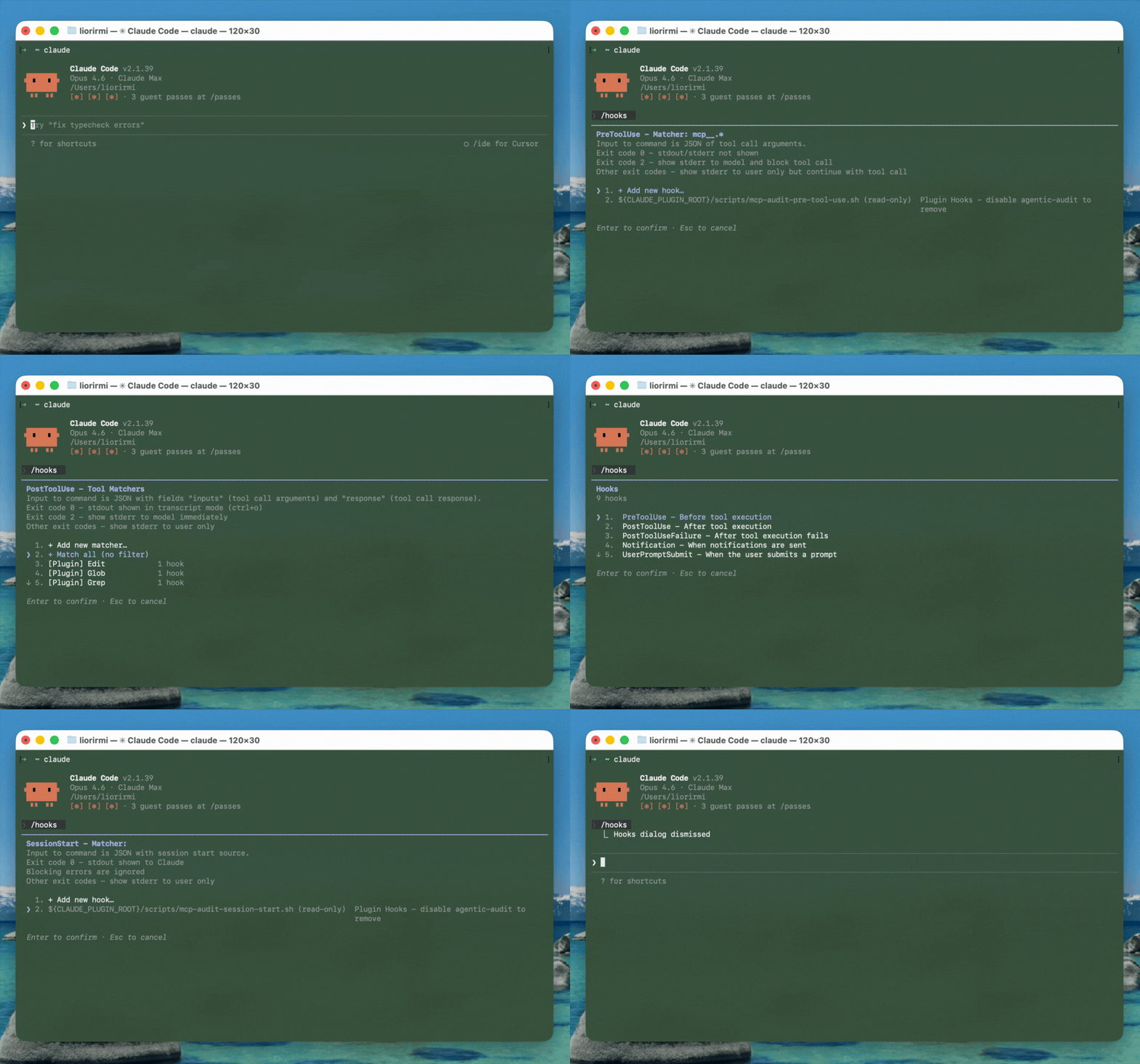
Install Secret Scanner (local)
-
Install
In your terminal, install the plugin from the SailPoint Entro marketplace:
Install Secret Scanner plugin
claude plugin install secret-scanner@sailpoint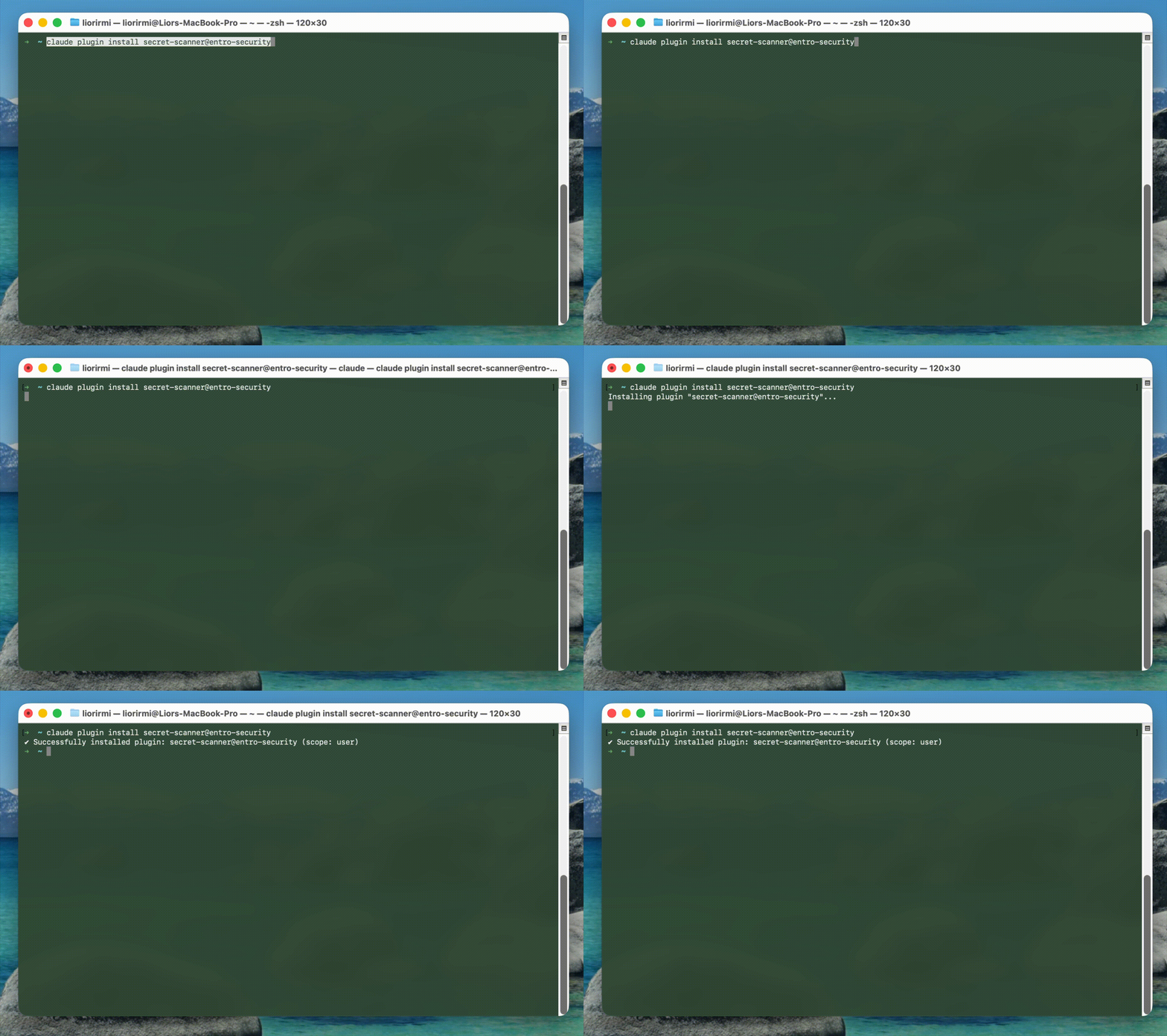
-
Verify hooks
In Claude Code chat in your terminal, run
/hooksto confirm the plugin configured hooks.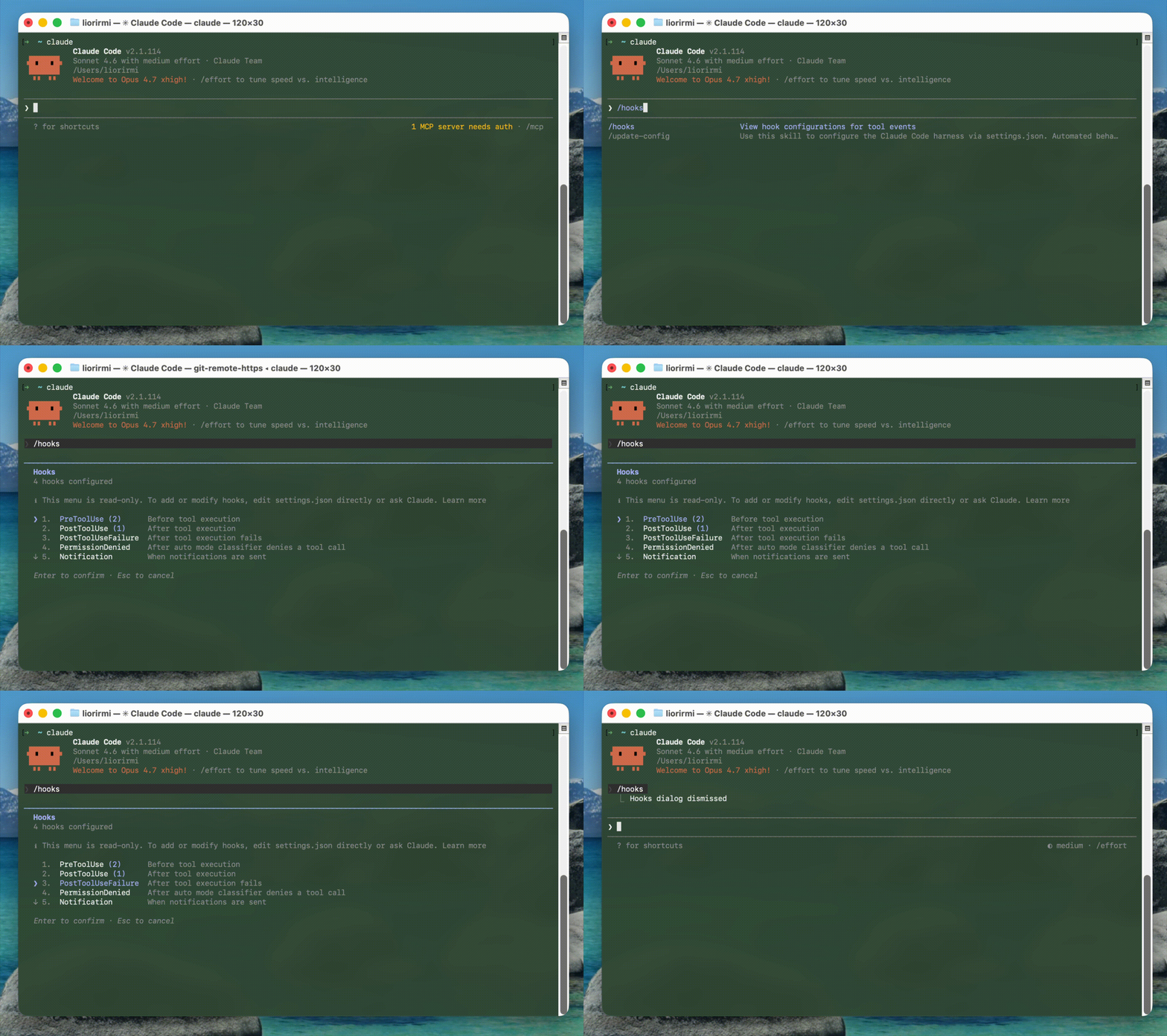
Organization Setup
Add the SailPoint Entro marketplace (organization)
Org-wide installs also require the SailPoint Entro marketplace to be registered in the Claude admin console.
Prerequisites
-
Claude Team or Enterprise account
-
GitHub token and GitHub repository URL for the marketplace, provided by SailPoint Entro
In the Claude admin console, open Claude Code → Managed settings, and add the SailPoint Entro marketplace using your repository URL and token.
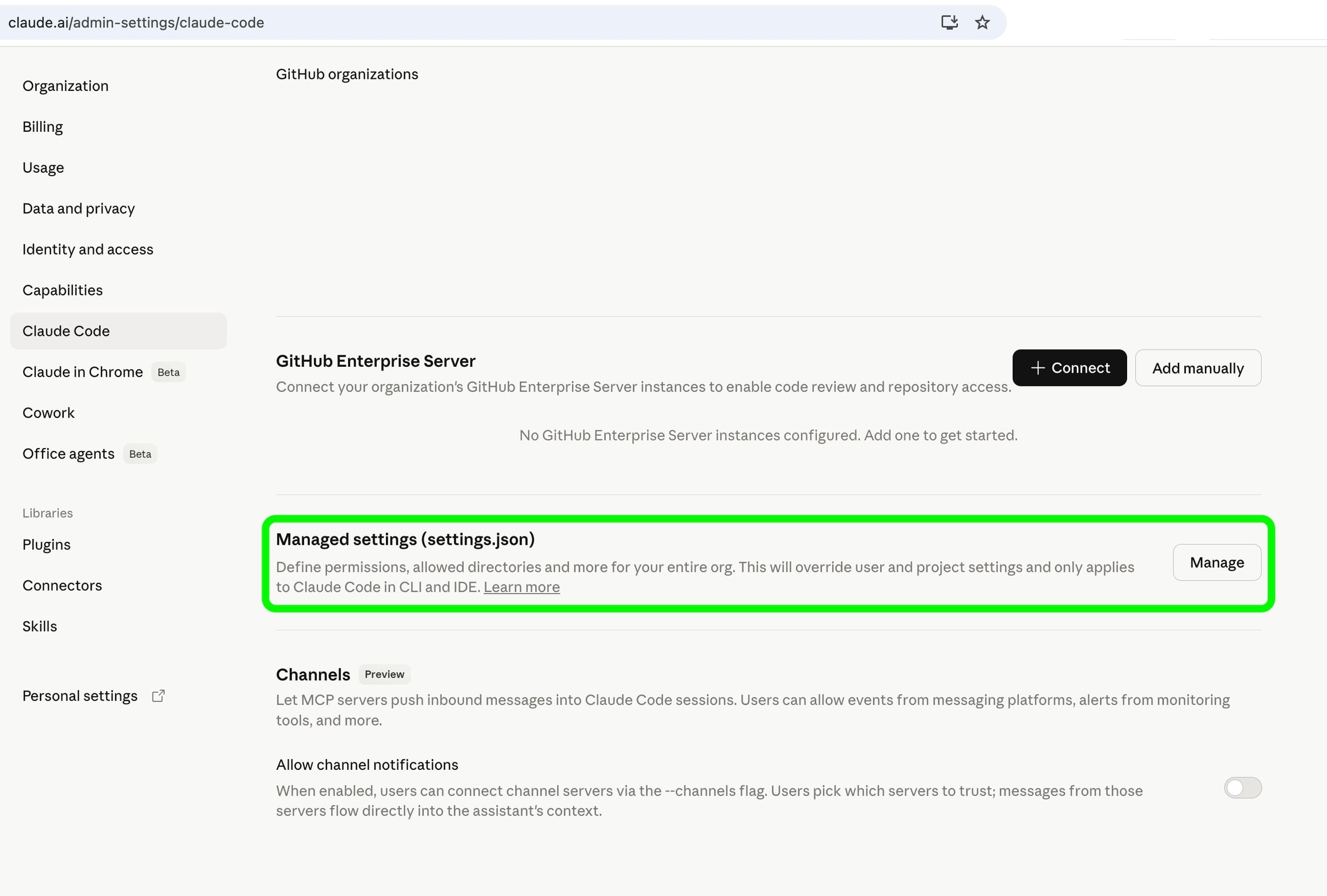
Add:
{
  "extraKnownMarketplaces": {
    "sailpoint": {
      "source": {
        "source": "git",
        "url": "<<YOUR_MARKETPLACE_REPOSITORY_URL>>"
      }
    }
  }
}
Replace <<YOUR_MARKETPLACE_REPOSITORY_URL>> with the git URL SailPoint Entro provided (including token in the URL if that is how your org configures it).
Distribute plugins (managed settings)
In the same Claude Code → Managed settings JSON, add or merge **enabledPlugins** so required plugins install automatically for users on Claude Code in your organization.
You normally maintain one managed-settings object that includes both extraKnownMarketplaces (from the previous step) and enabledPlugins (below).
Example (Marketplace + Plugins)
{
  "enabledPlugins": {
    "agentic-audit@sailpoint": true,
    "secret-scanner@sailpoint": true,
    "prompt-security@sailpoint": true
  },
  "extraKnownMarketplaces": {
    "sailpoint": {
      "source": {
        "source": "git",
        "url": "<<YOUR_MARKETPLACE_REPOSITORY_URL>>"
      }
    }
  }
}
Distribution to Claude Desktop Code user
In order to distribute the plugins to Claude Desktop Code, you will need to either upload as a zip or sync to a GitHub repo under your control after installing the Claude GitHub app.
Note
Claude Desktop Code, not to be confused with Claude Code, does not support hooks as well as Claude Code - and as such - behavior is less explicit and limited in support.
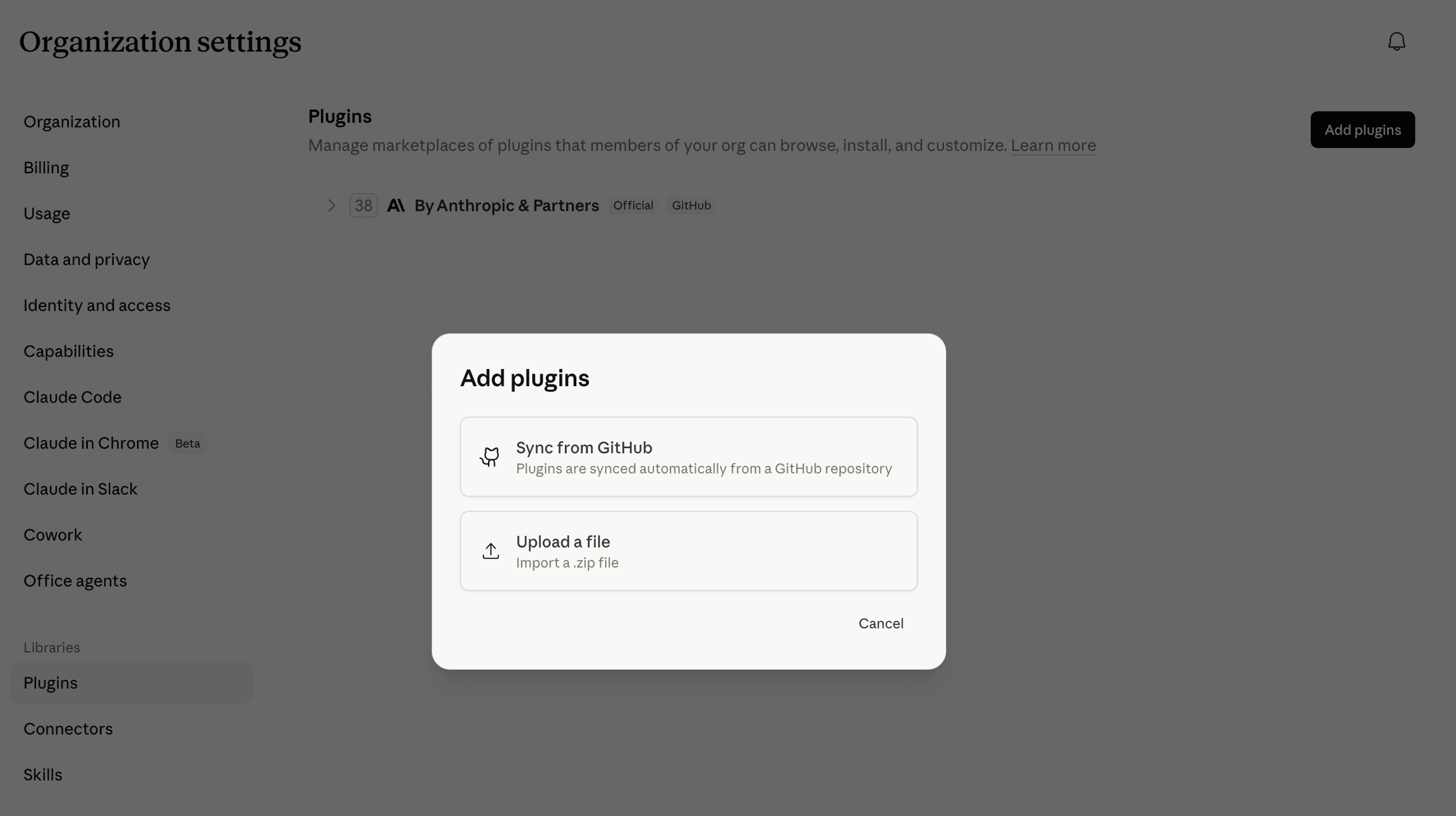
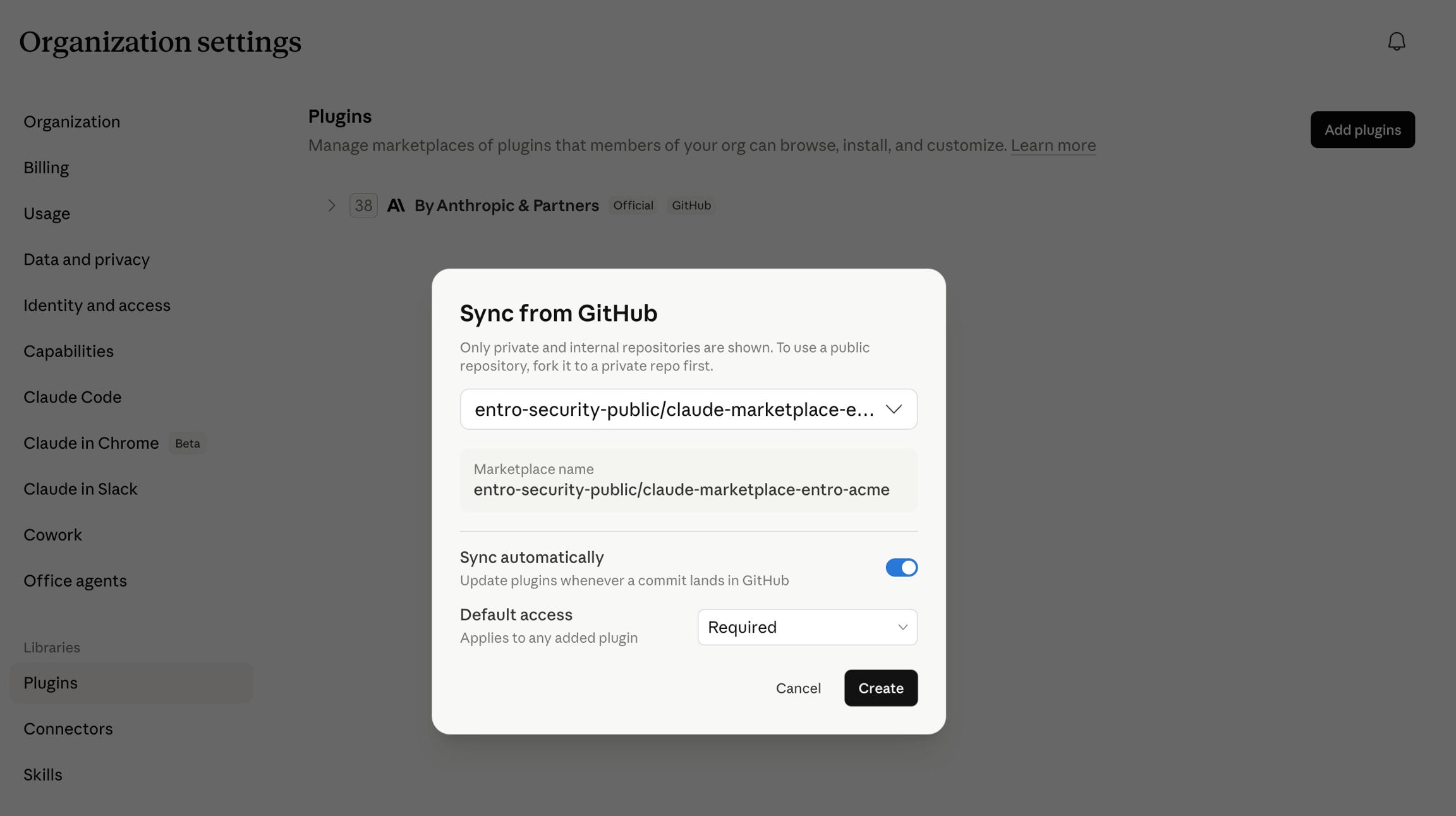
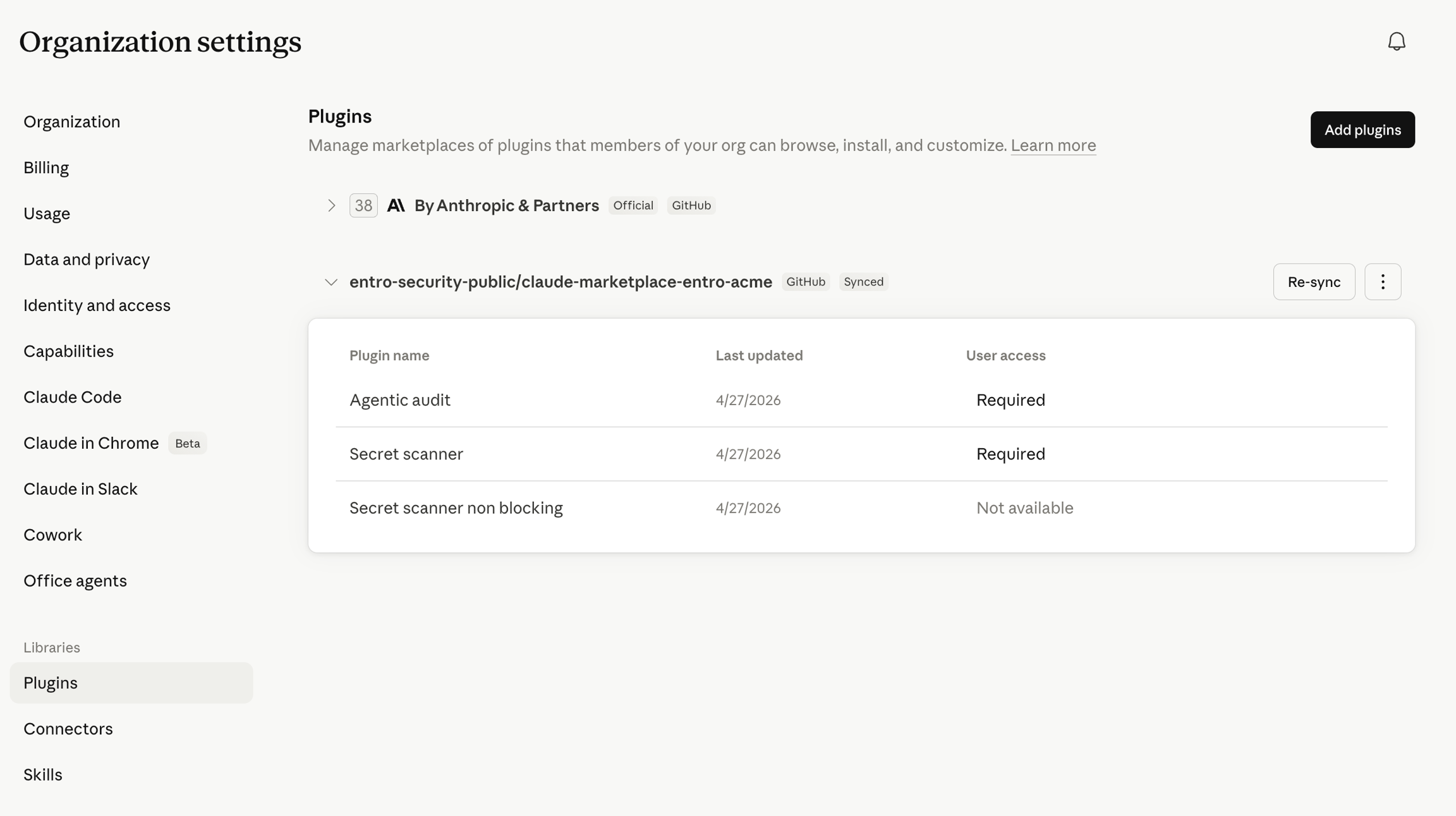
Organization MCP Audit
Enable the MCP Audit plugin and set it as required. In managed settings, add the agentic-audit plugin as required.
Add:
After the plugin is required, it installs automatically for organization accounts using Claude Code. MCP tool calls are audited.
Organization Secret Scanner
Enable the Secret Scanner plugin and set it as required. In managed settings, add secret-scanner or secret-scanner-non-blocking as required.
Add:
After the plugin is required, it installs automatically for organization accounts using Claude Code. Prompts and MCP calls are scanned for secrets.