Cursor Plugin Installation
Install the SailPoint Entro marketplace plugins in Cursor
Follow these steps end to end. Use the local flow for individual installation. Use the organization flow for managed rollout.
Index
Local Setup
Get the SailPoint Entro plugin source (local)
Use this flow when you install plugins for a single Cursor user.
Prerequisites
-
Cursor installed locally
-
GitHub token and GitHub repository URL provided by SailPoint Entro
For Cursor local installation, use the plugin folders from your private SailPoint Entro marketplace repository.
- Clone or download your private marketplace repository.
- Copy plugin folders into
~/.cursor/plugins/local/. - Keep
.cursor-plugin/plugin.jsonat the plugin root. - Restart Cursor or run Developer: Reload Window.
Note
This flow works on any Cursor plan. Team marketplace management requires Cursor Team or Enterprise.
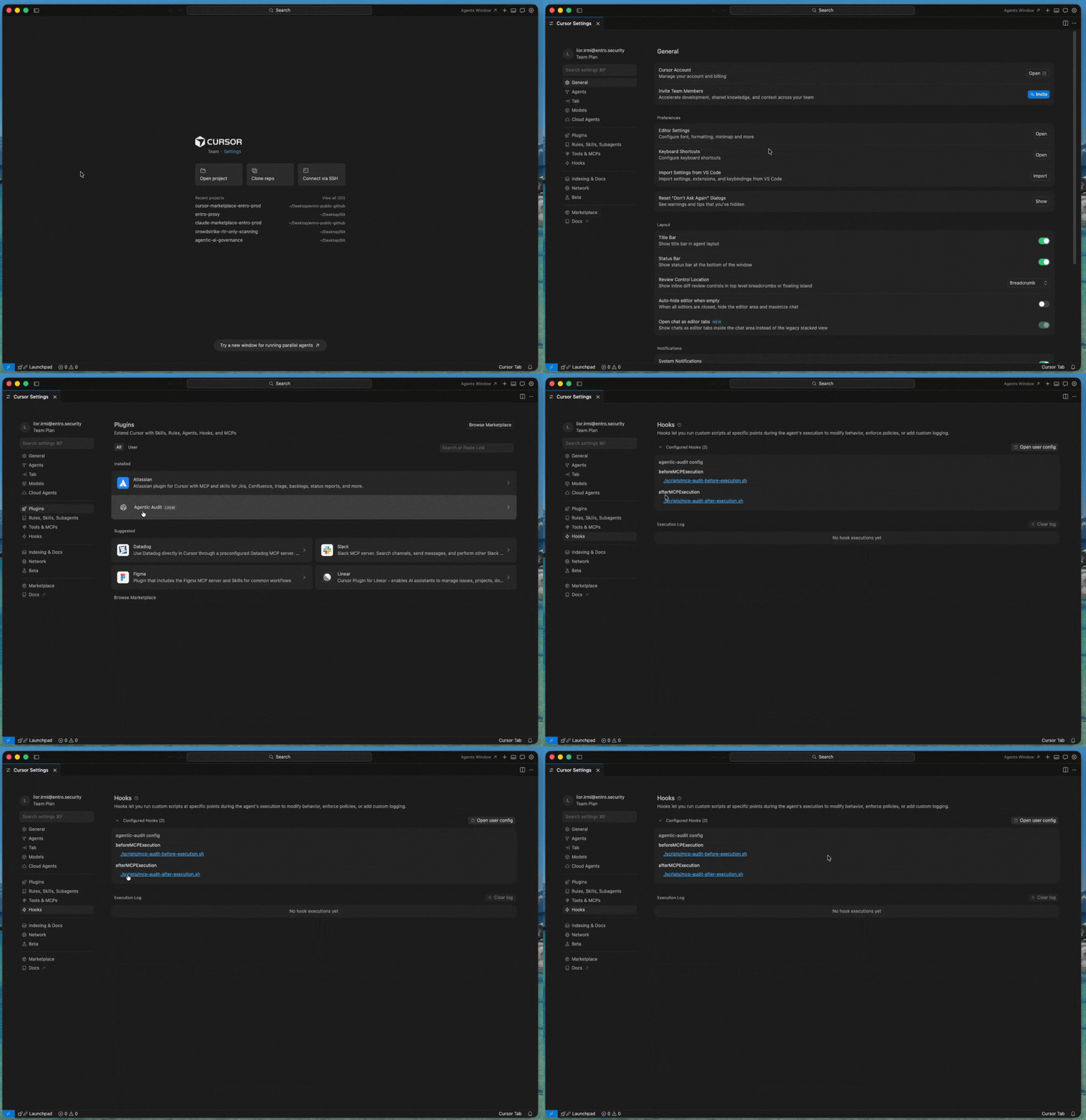
Install Governance Audit (local)
Copy the agentic-audit plugin directory from the marketplace repository into:
Then reload Cursor.
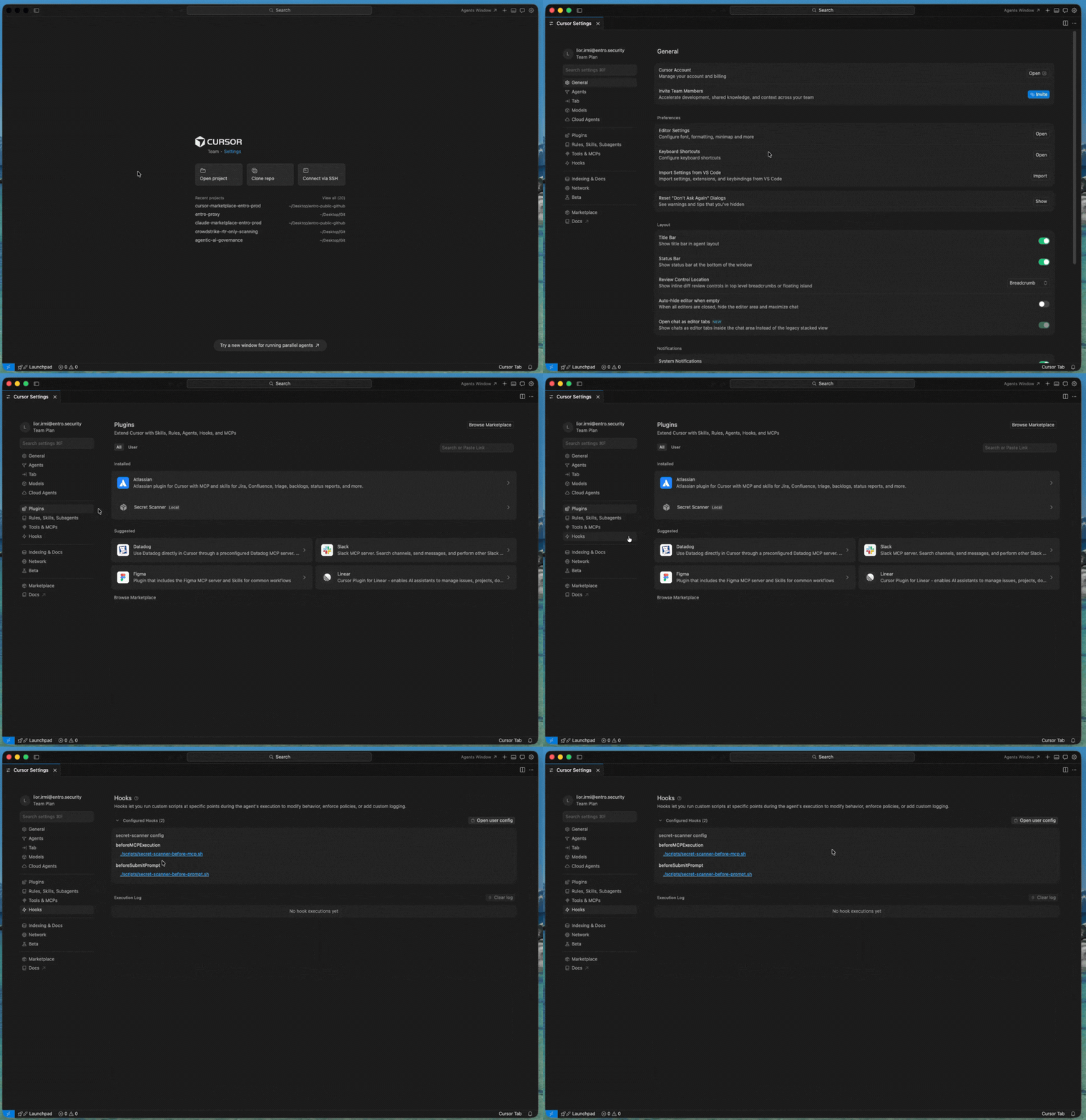
Install Secret Scanner (local)
Copy one of these plugin directories from the marketplace repository into:
-
secret-scanner -
secret-scanner-non-blocking
Then reload Cursor.
Organization Setup
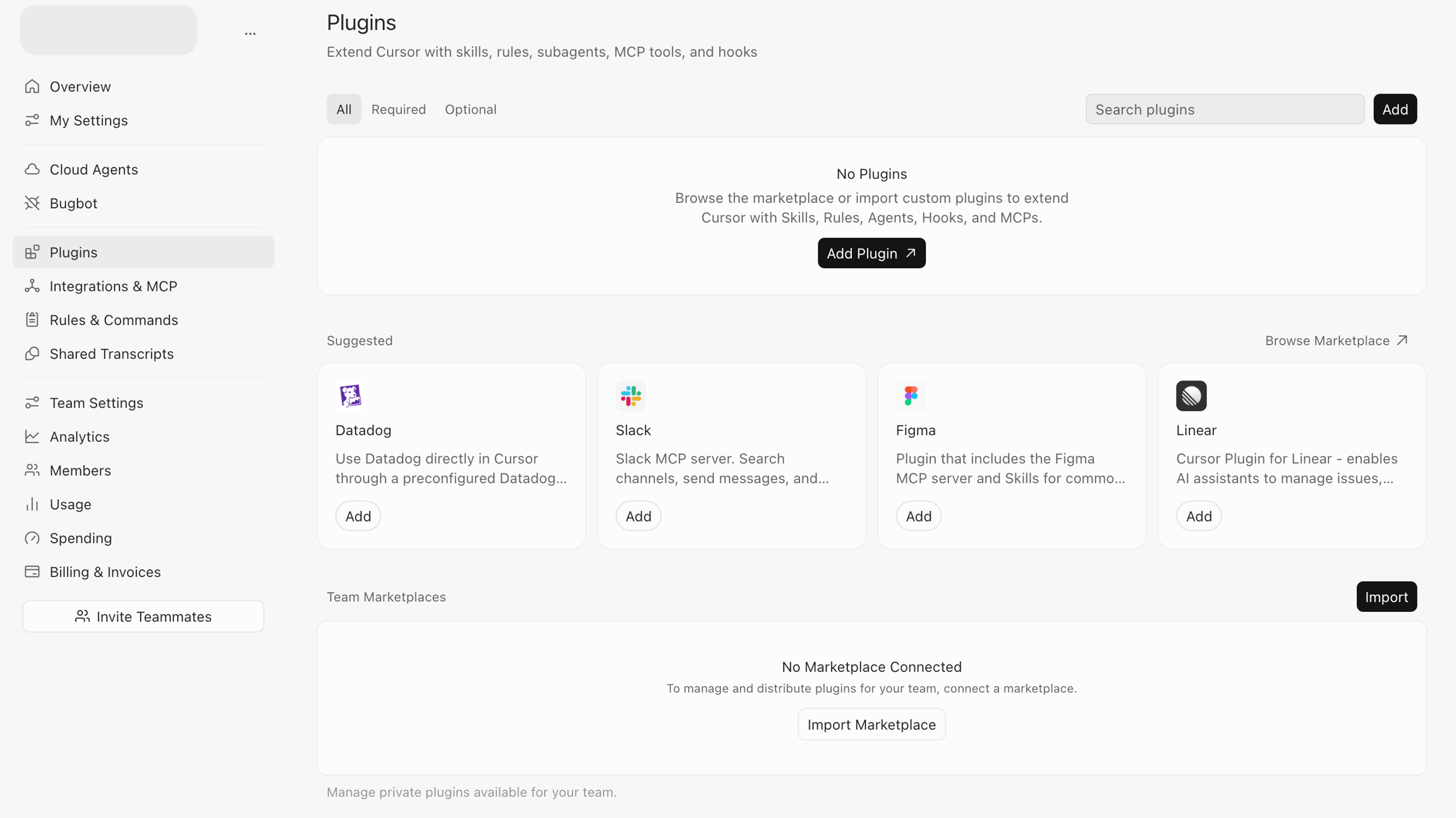
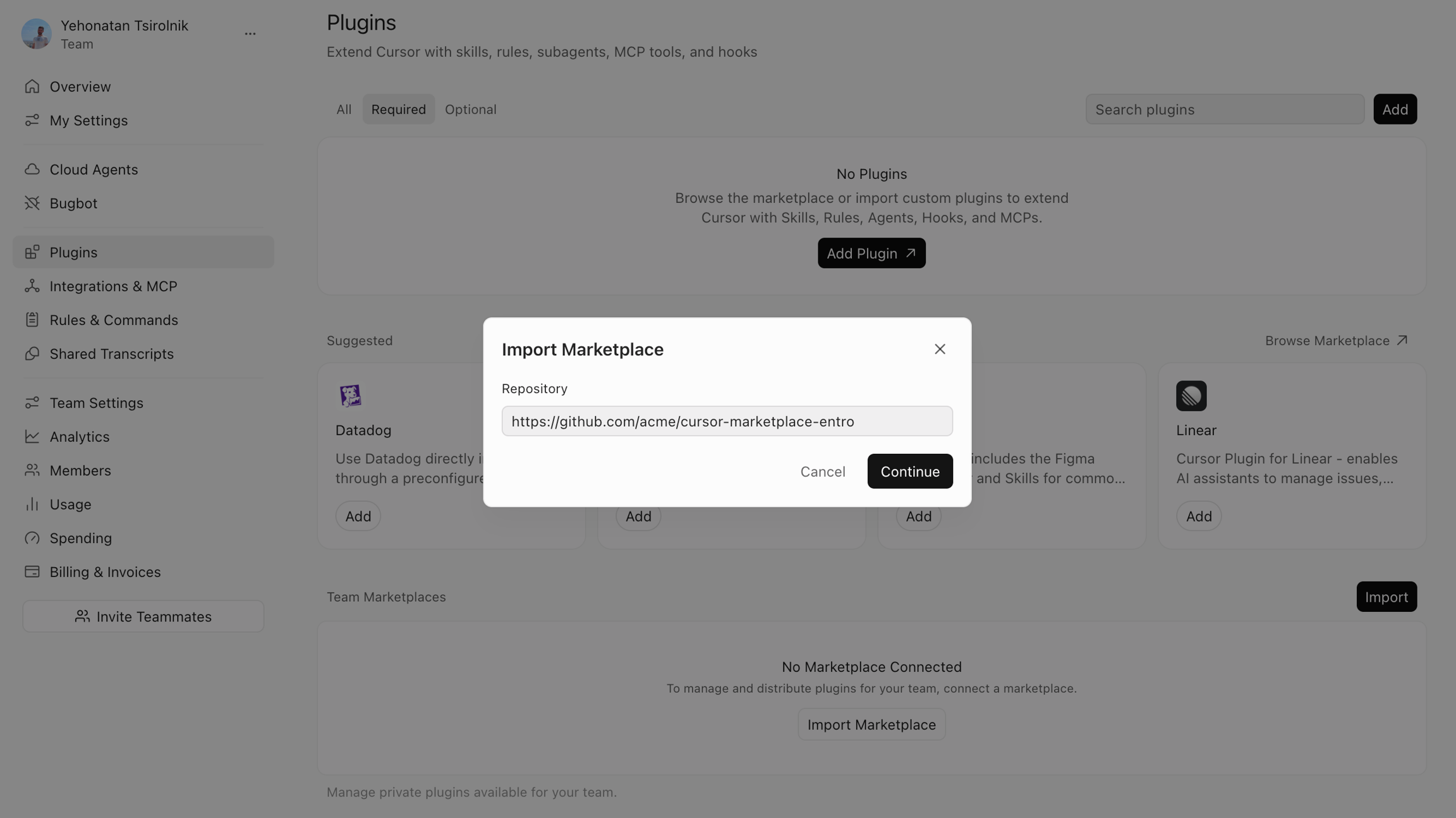
Add the SailPoint Entro marketplace (organization)
Use this flow when you manage plugins for a Cursor organization.
Prerequisites
-
Cursor Team or Enterprise
-
GitHub repository URL provided by SailPoint Entro
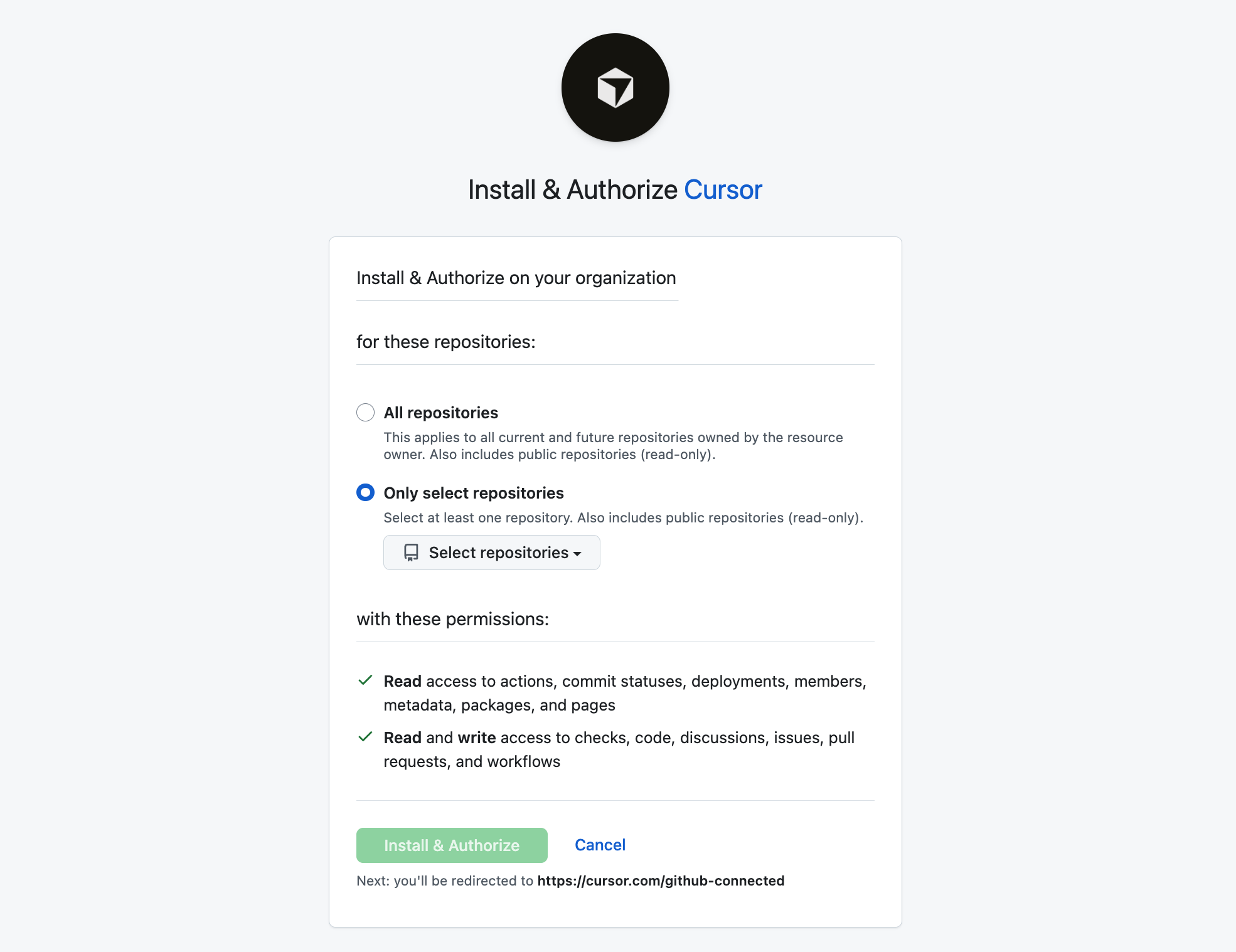
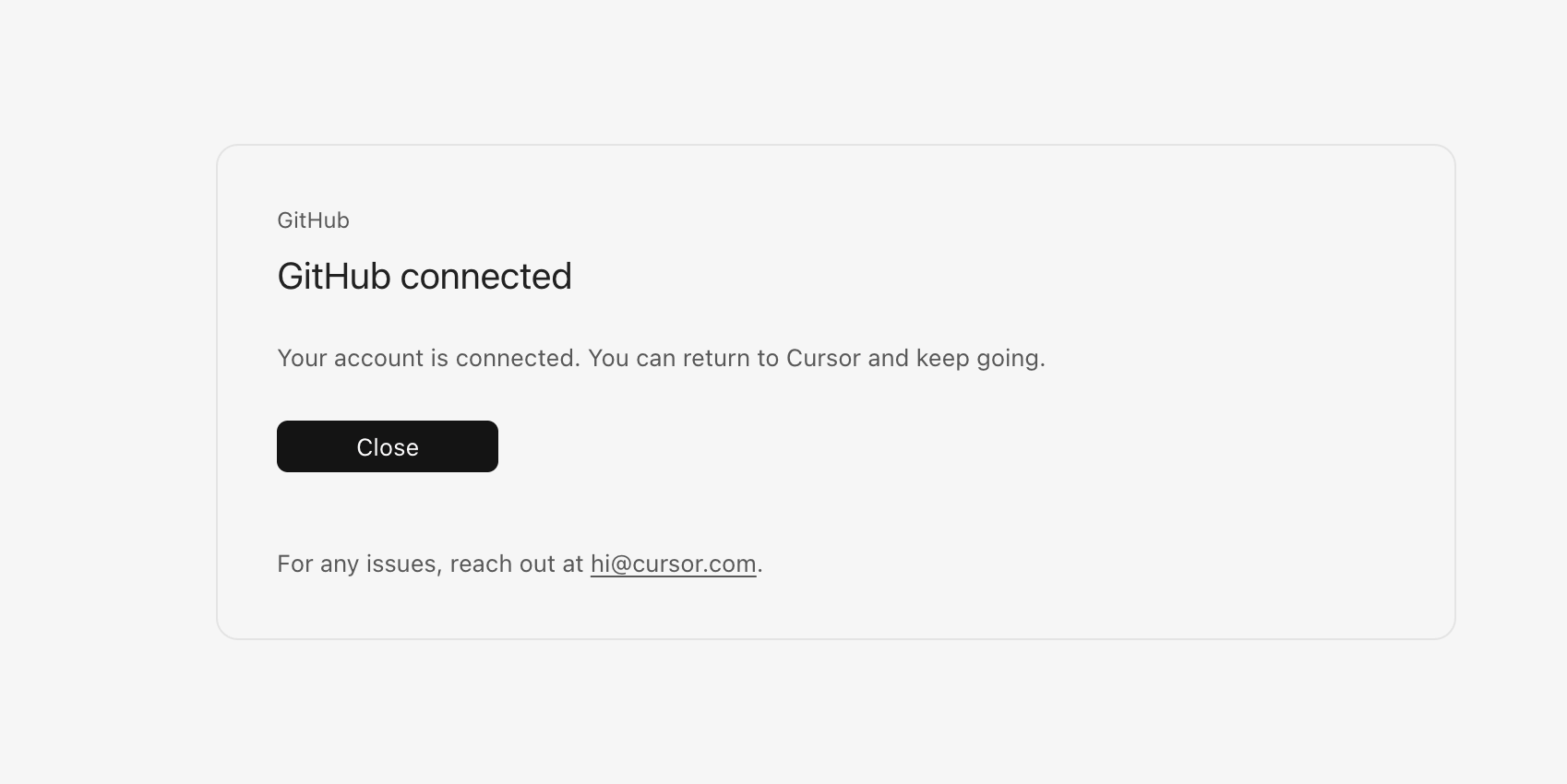
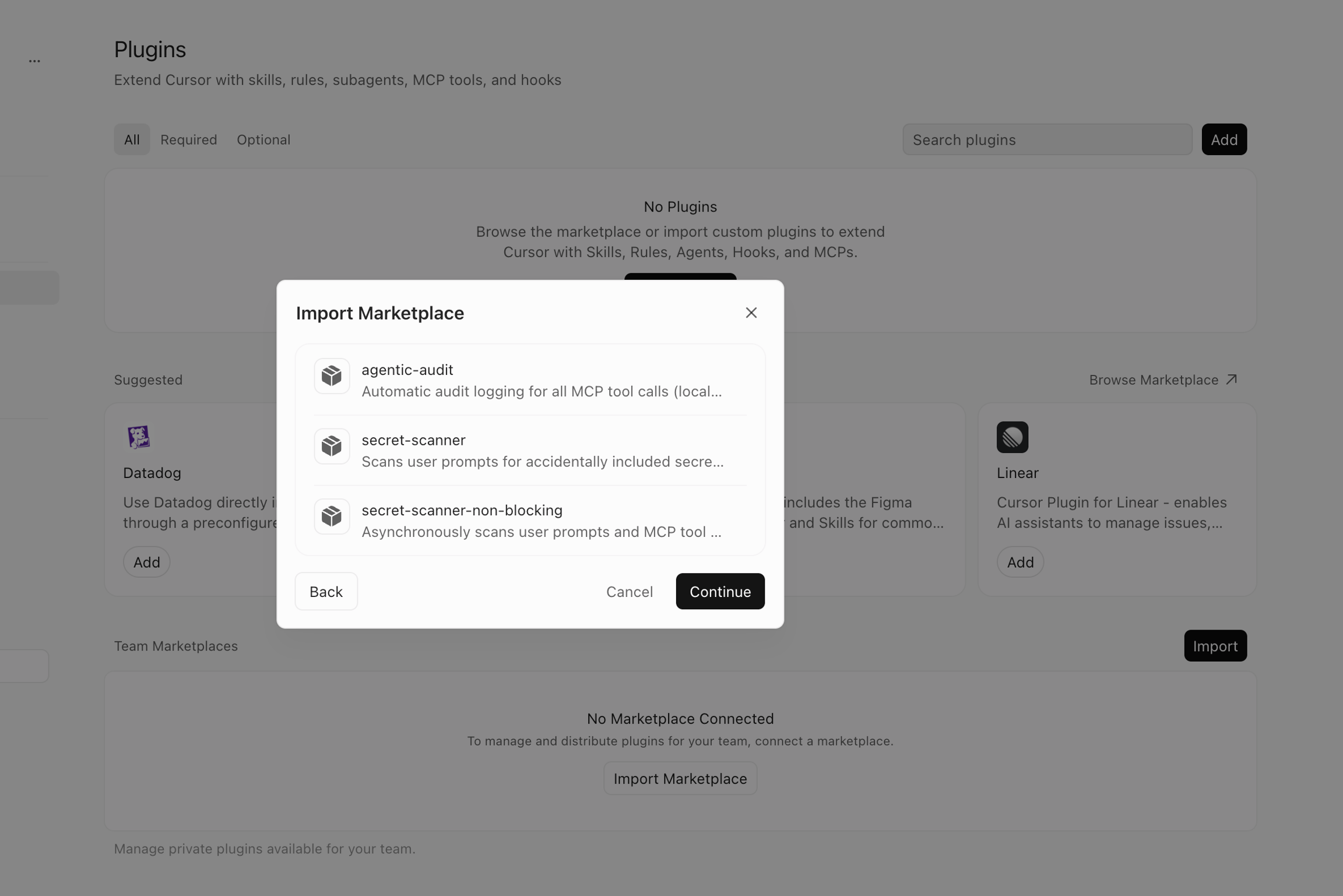
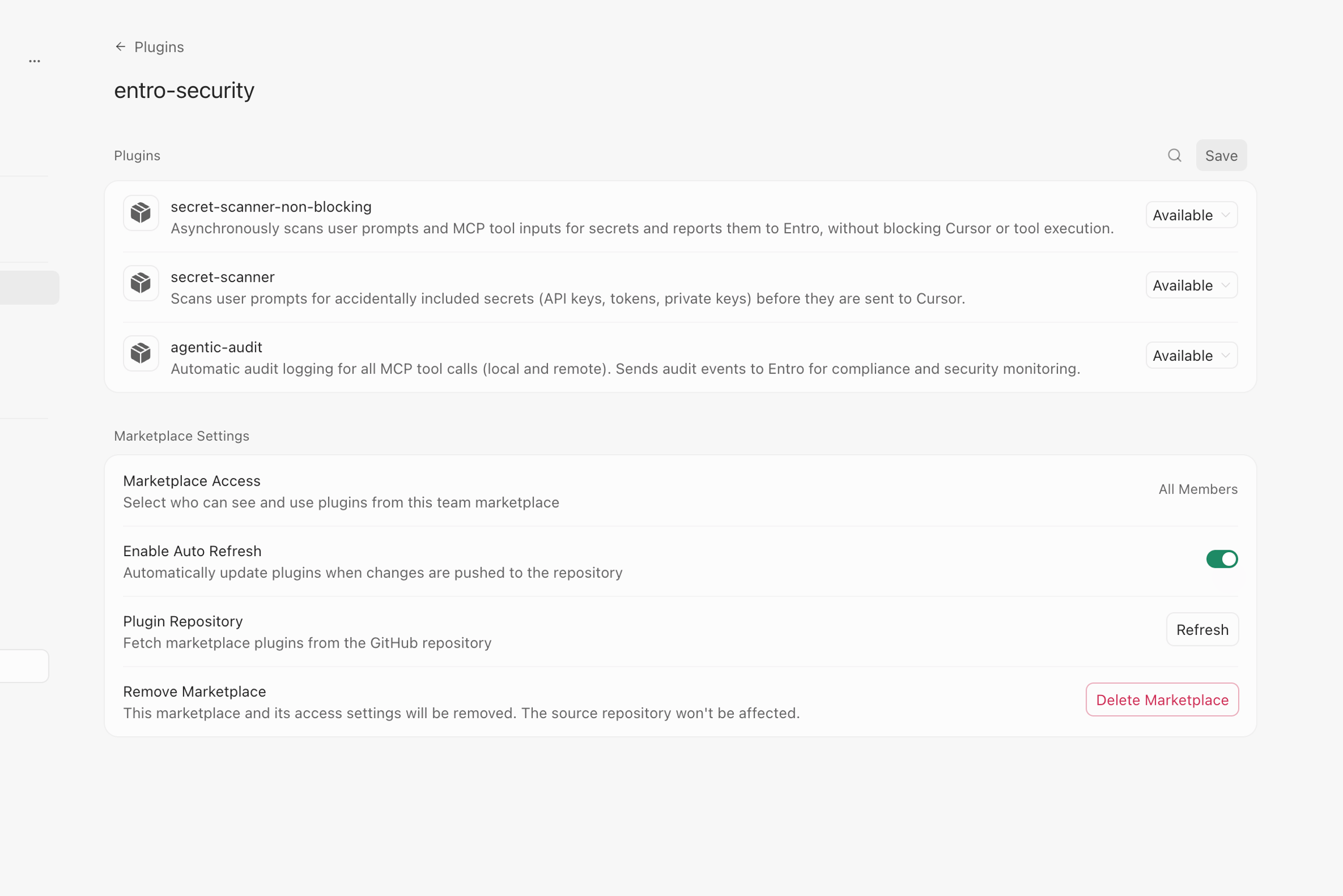
In the Cursor admin dashboard, add the SailPoint Entro marketplace using the customer-specific repository URL SailPoint Entro provided.
Require Governance Audit (organization)
In the Cursor admin dashboard, enable Governance Audit and mark it as required.
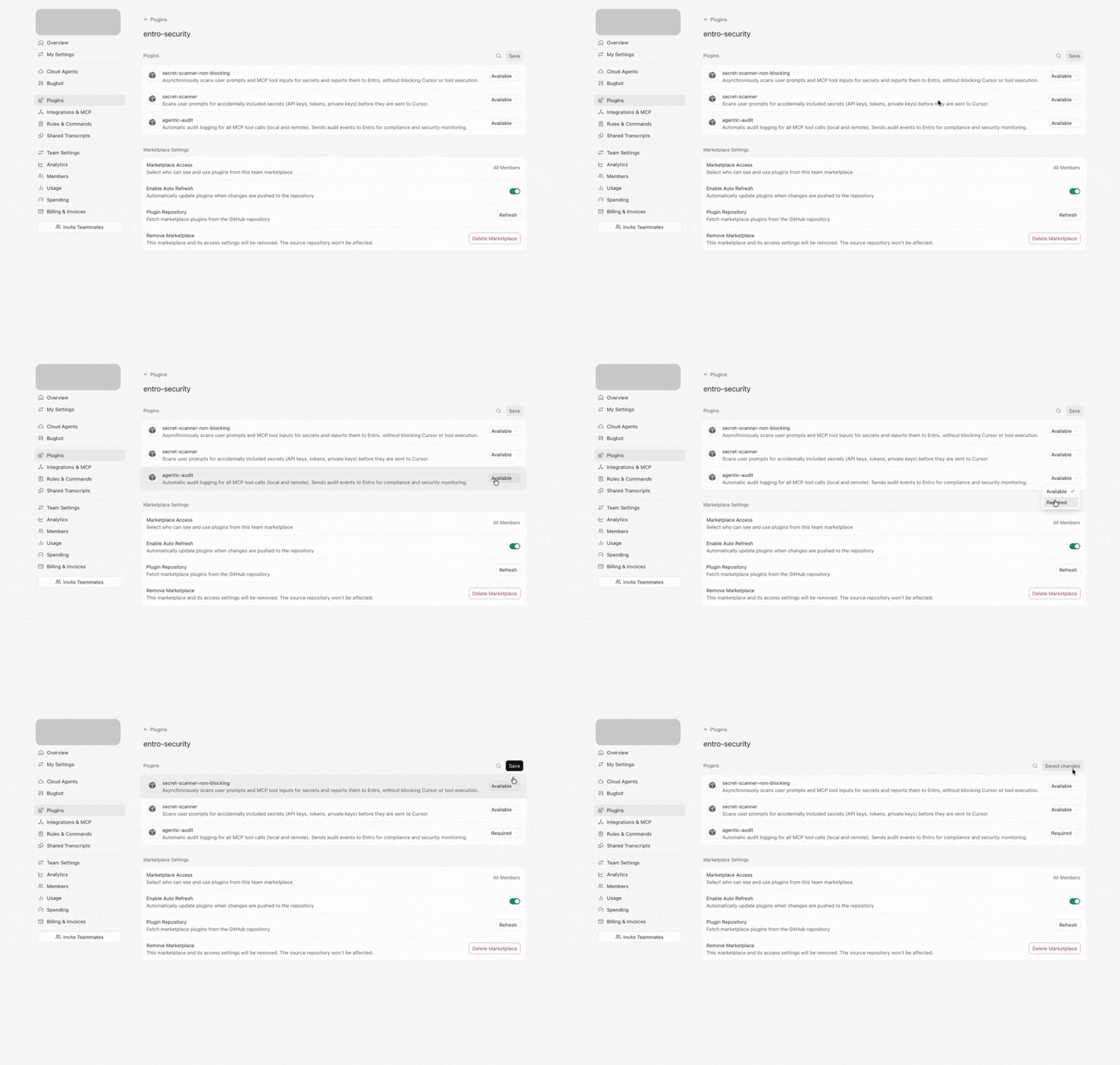
After that, the plugin installs automatically for users in your organization. MCP tool calls are audited.
Require Secret Scanner (organization)
In the Cursor admin dashboard, enable Secret Scanner or Secret Scanner Non-Blocking and mark it as required.
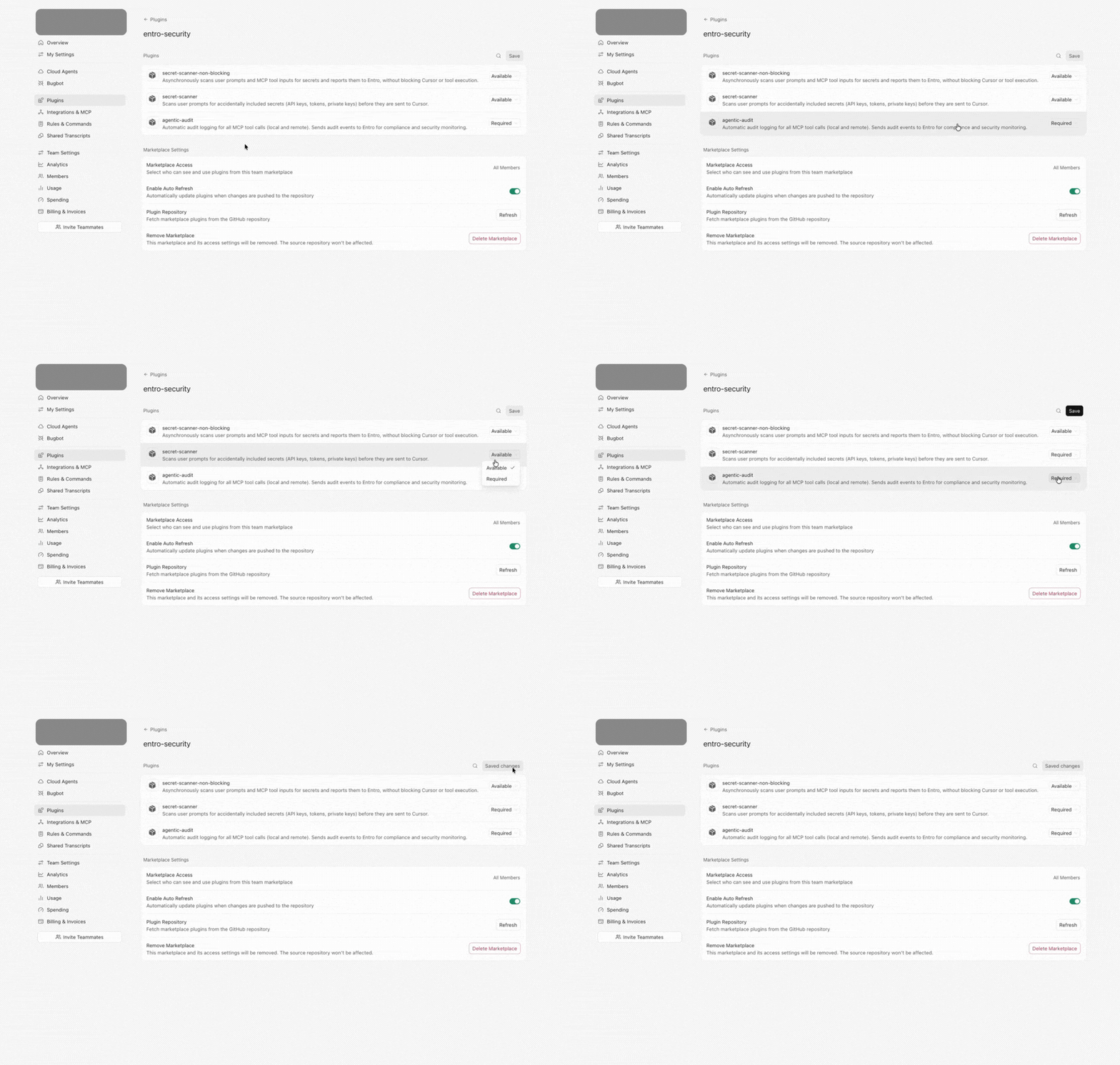
After that, prompts and MCP tool calls are scanned for secrets for users in your organization.