SailPoint Entro API
Discover SailPoint Entro automation capabilities
API URL - https://api.entro.security
Note
For dedicated tenants, use the following API URL using the name of your tenant here: https://https://demo.entro.security, the API URL would be https://demo-api.entro.security
Create API Key
To use the SailPoint Entro API for administration tasks or for scanning, you must first create an API key with the appropriate scope.
-
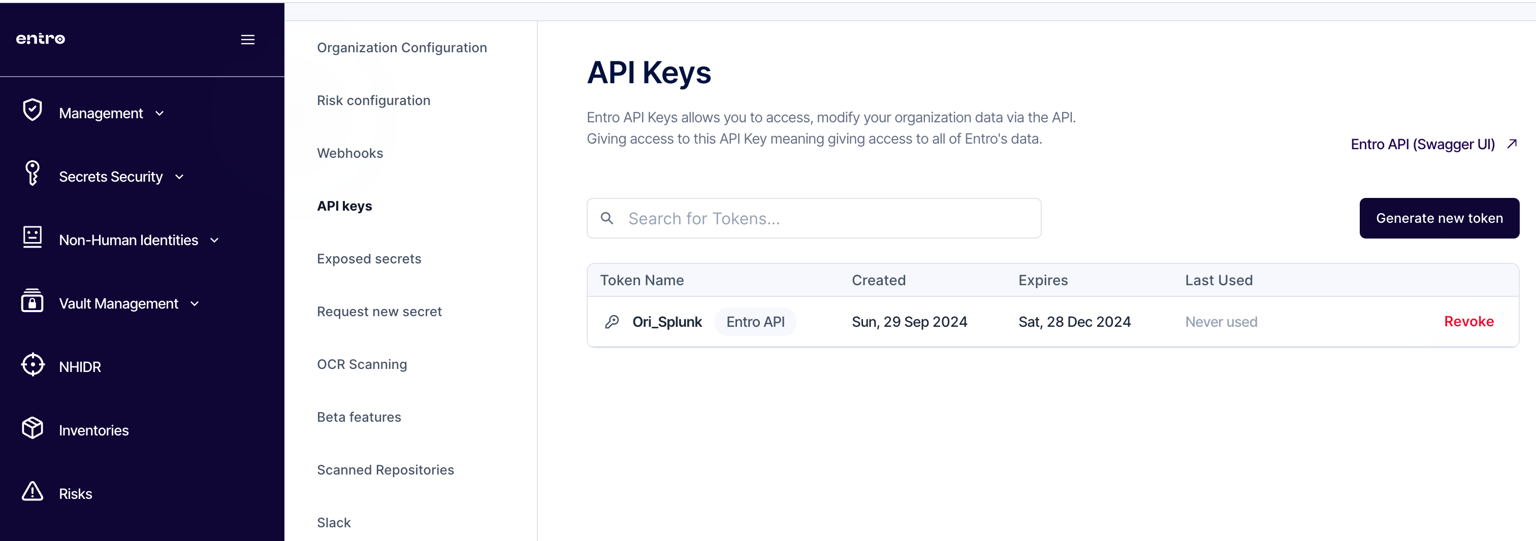
Access the API Keys page under the Settings menu.
-
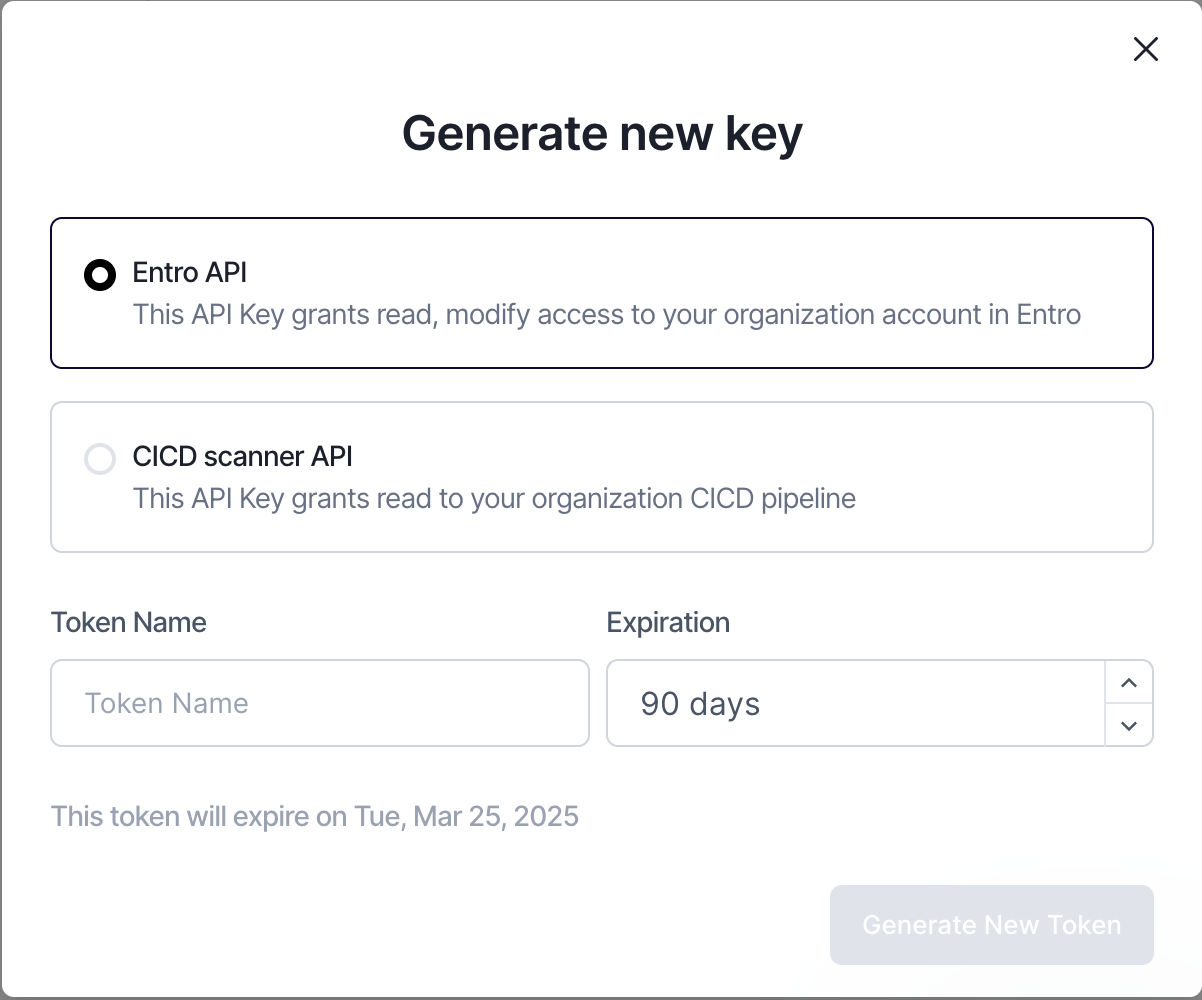
Click the "Generate new token" button
-
Select the appropriate API key type, "Entro API" for all API functions or "CICD scanner API" for use of only the scanning endpoint.
Entro API Swagger UI
In the API Keys page under the Settings menu, click the "Entro API (Swagger UI)" link to view the Swagger page for the SailPoint Entro API endpoints.
To access and use the Swagger UI, perform the following steps.
-
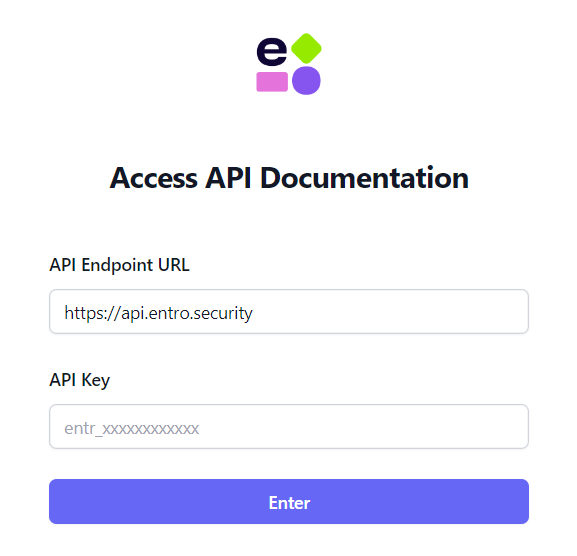
Enter the appropriate API URL and the API key.
-
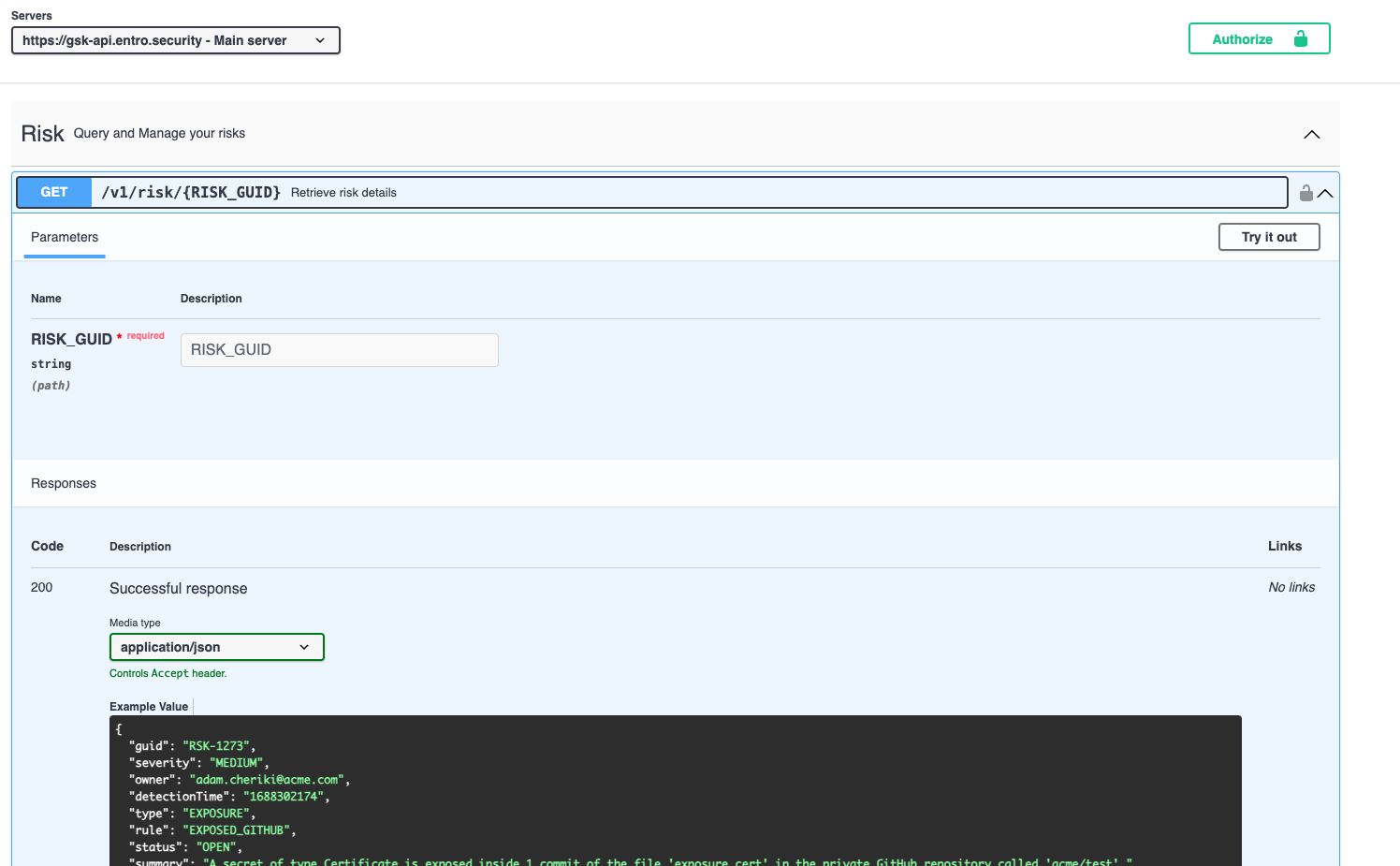
Click the green "Authorize" button, enter your API key again, finally clicking the "Authorize" button.
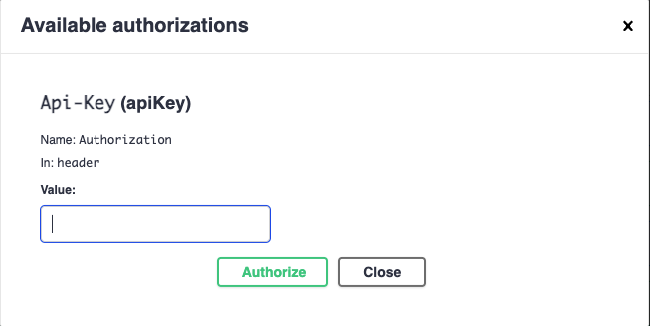
-
Now you may open API endpoints and click the "Try it out" button to test API usage.