GitLab Onboarding
Configuration Steps
Option 1: Generate a Group Access Token (Preferred)
-
Log in to your organization's Gitlab console as an administrator.
-
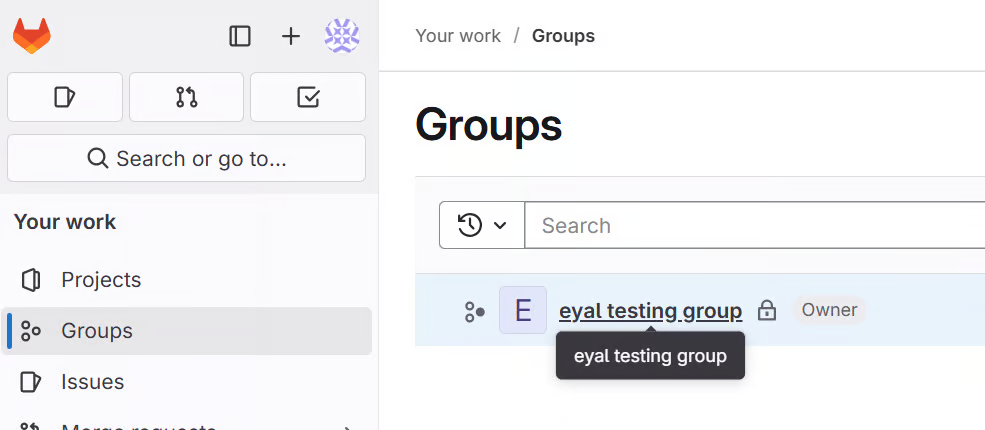
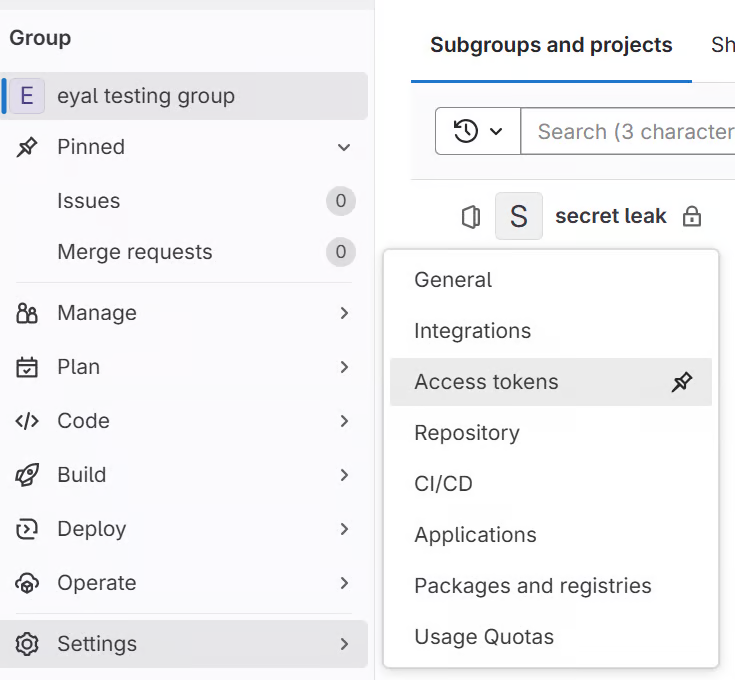
Navigate to Groups → [Select Group] → Settings → Access Tokens.
Note
In case Group Access Tokens aren't enabled, try to enable them from Group settings > Permissions and group features > Allow group and project access tokens.
This setting is available in Gitlab self-managed instances, or Ultimate / Premium tiers in Gitlab.com. Use the PAT Onboarding as an alternative if Group Access Tokens are unavailable. -
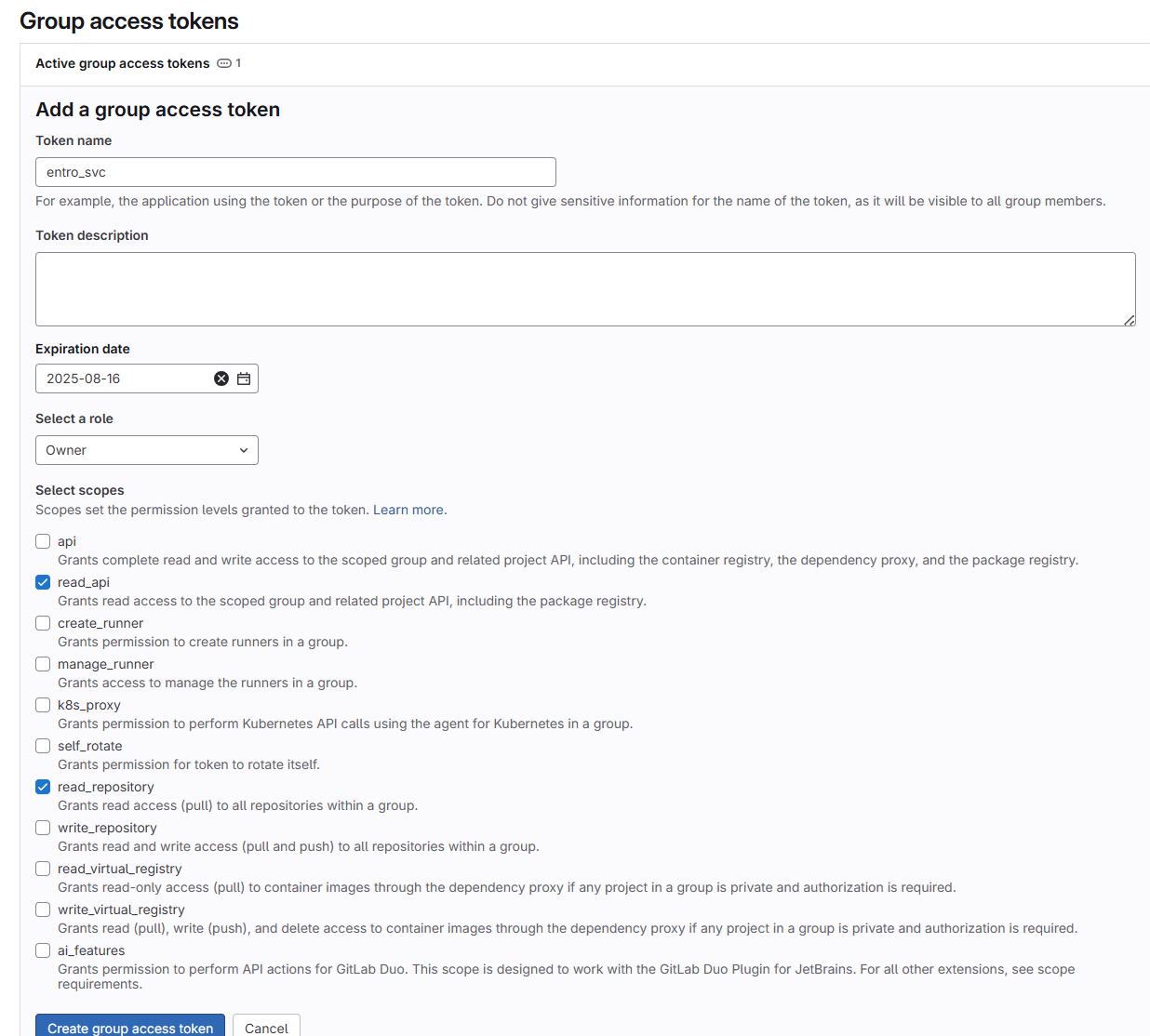
Click Add new token. Configure:
-
Token name:
entro_svc(optional) -
Role:
owner -
Rotation date: per your internal policy
-
Selected Scopes:
read_api, read_user, read_repository -
Click Create token.
-
-
Copy the token immediately and store it securely.
Option 2: Generate a Personal Access Token
-
In GitLab, open your User Profile → Access Tokens.
-
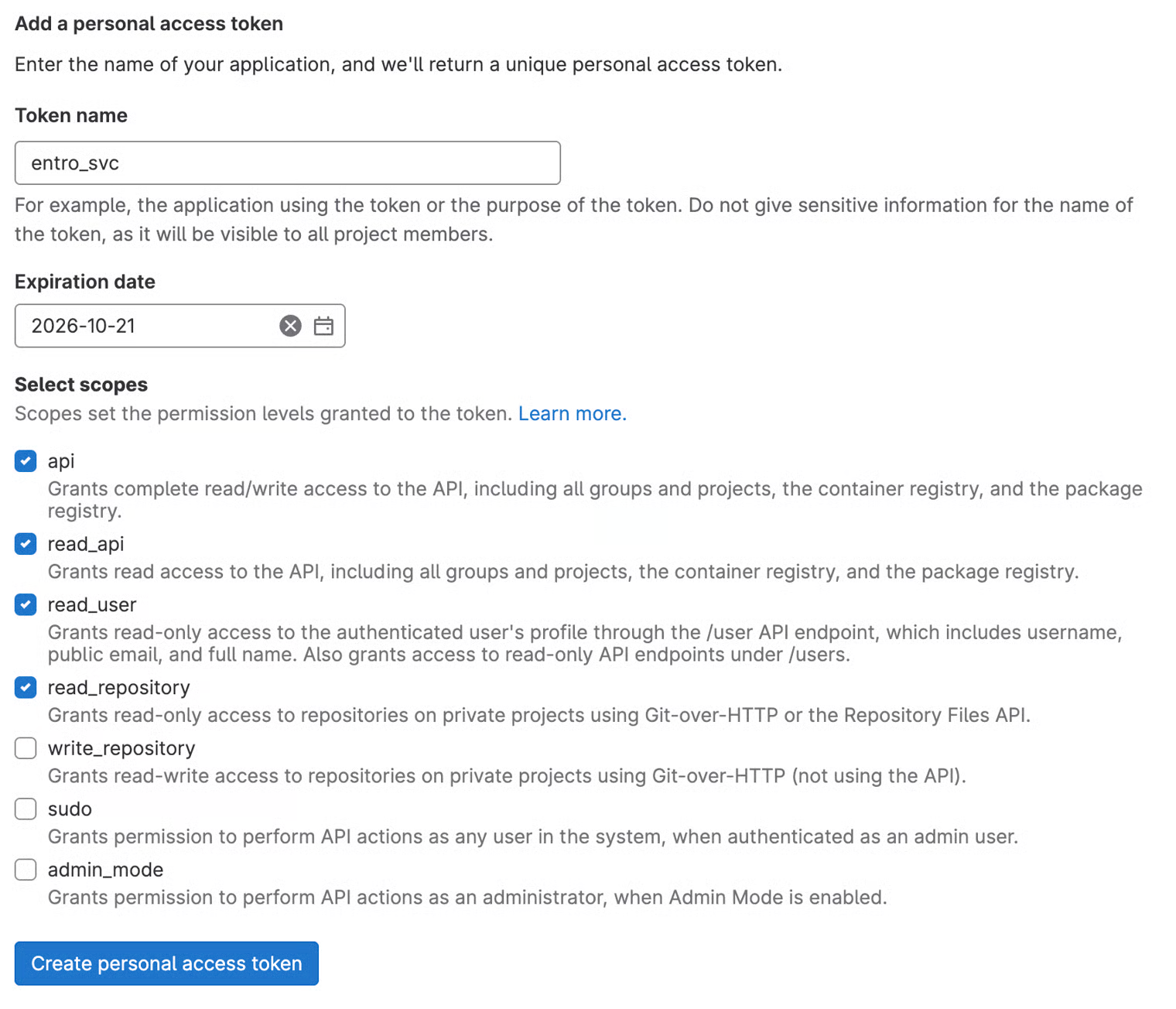
Click Add new token. Configure:
-
Token name:
entro_pat(optional) -
Expiration date: per your internal policy
-
Scopes: Select: All
readscopes as-well as theapiscope
-
-
Click Create token.
-
Copy the generated token and store it securely.
-
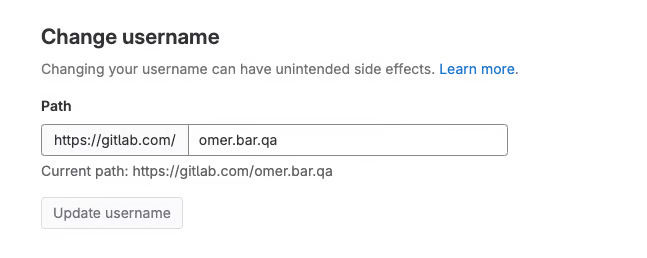
Navigate to User Settings → Account and copy your username.
Complete SailPoint Entro Onboarding Form
-
In the SailPoint Entro Platform, go to Management → Accounts & Integrations → Add new account → GitLab
-
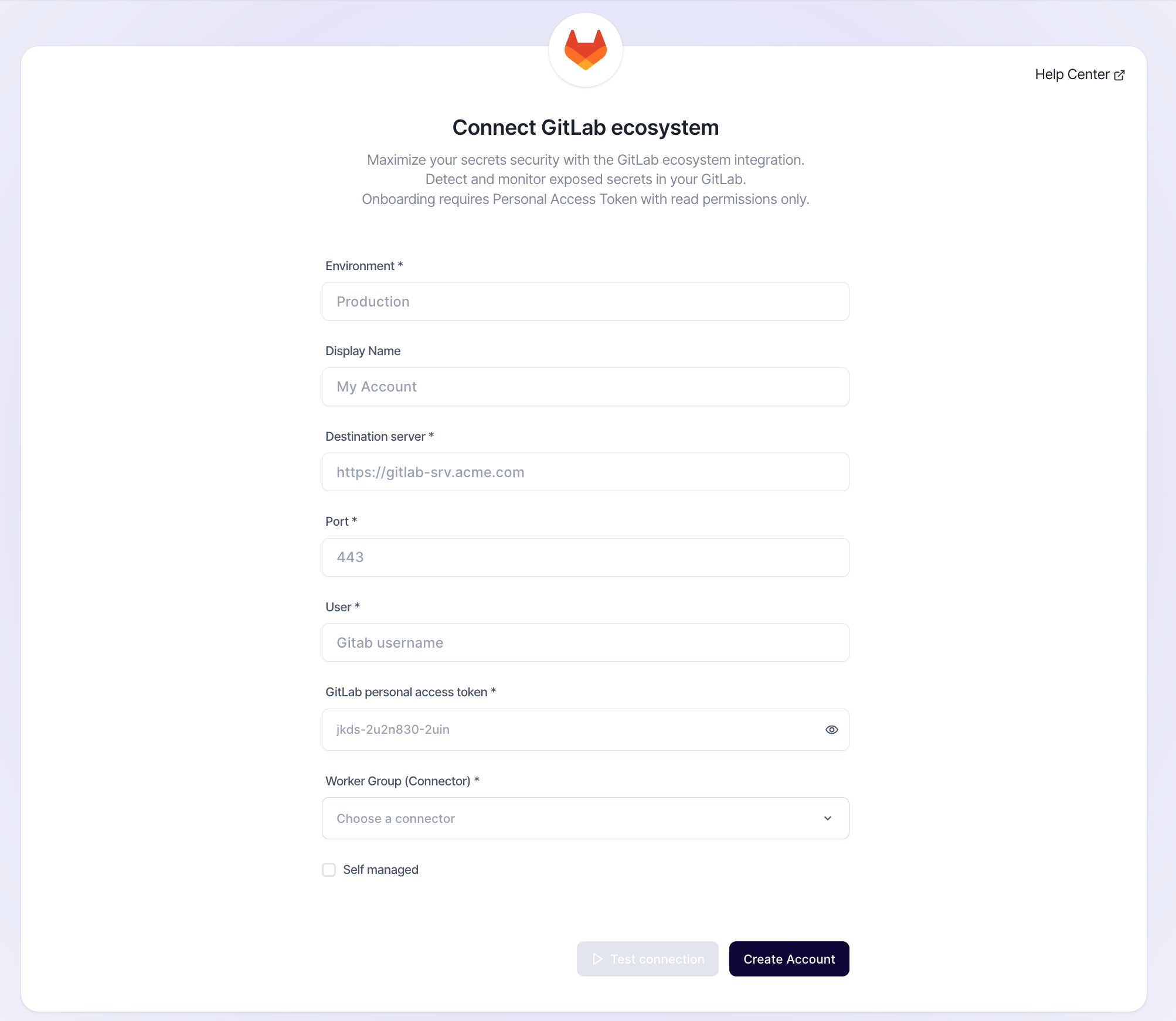
Fill in the connection form in SailPoint Entro with the following fields:
-
Nickname: any nickname to tag your Gitlab environment
-
Destination server:
-
For Gitlab cloud, enter this server name:
https://gitlab.com -
For on-premise server, the input is the target IP or Hostname of your self-hosted Gitlab server:
https://my-gitlab-srv.acme.com
-
-
Port:
-
For Gitlab cloud:
443 -
For on-premise server, the port of your Gitlab server.
-
-
User: the username copied during step 7
-
GitLab personal access token: the token copied dfrom step above
-
Worker Group: Select a connector agent in the dropdown menu
-
Self managed: tick this box in case this is a self-managed private Gitlab server that can't be accessed directly from the internet.
-
-
Click Connect. SailPoint Entro validates the credentials and establishes a secure connection. When complete, status displays Verified.