Slack Enterprise App Onboarding
Use this method if your organization uses Slack Enterprise Grid.
Configuration Steps
Step 1 - Add New Integration
-
In SailPoint Entro, go to Management > Accounts & Integrations > Add New Account > Slack.
-
Select Slack Enterprise Grid App.
-
Enter a Company nickname.
-
Select Consent OAuth.
Important
You must be an Org Owner in Slack to install the application.
Caution
If you see team_not_authorized, contact Slack to enable the Discovery API for this account.
Step 2 - Grant Permissions
-
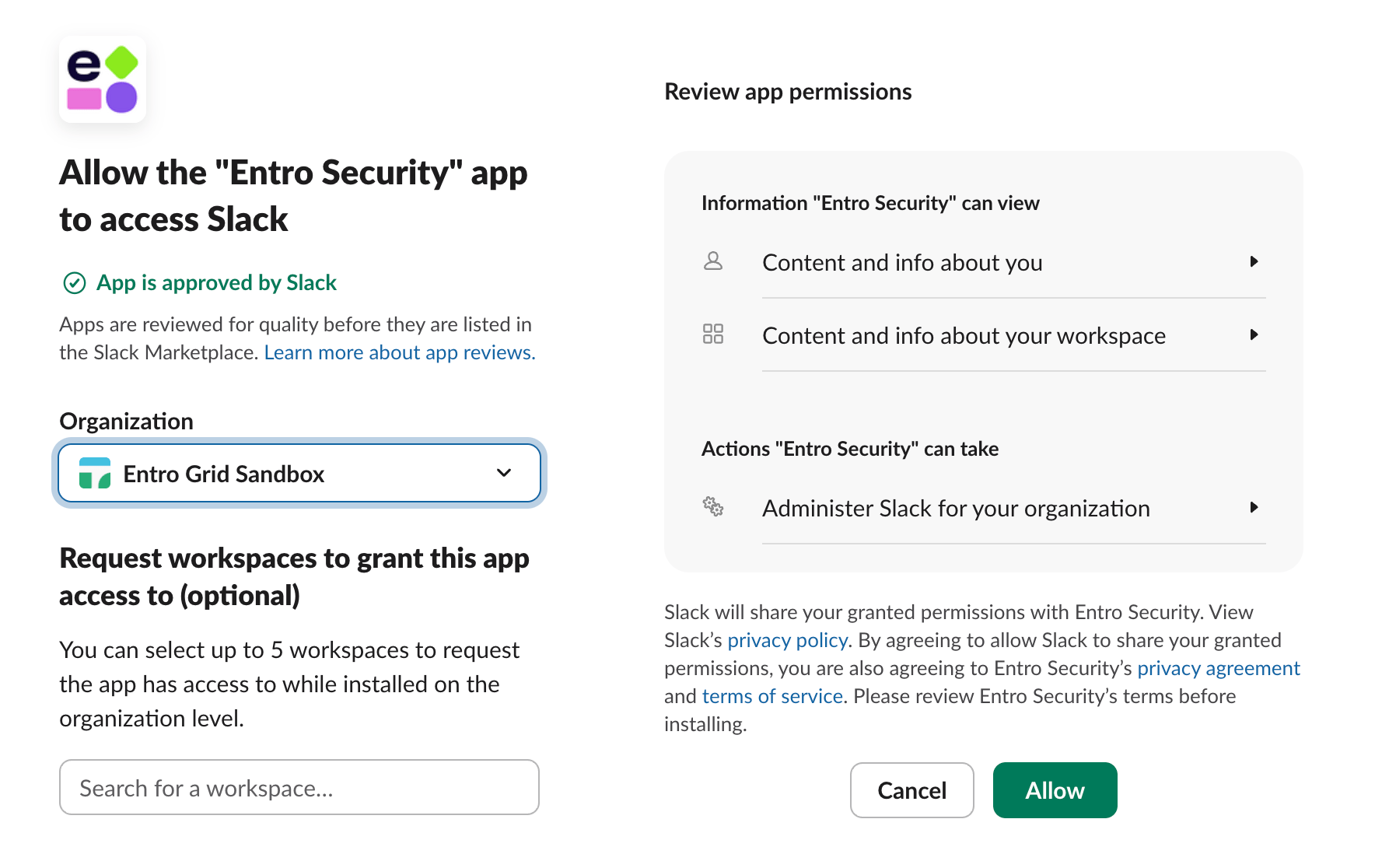
Choose the organization and select Allow.
Step 3 - Choose Worker Group and Workspace
After you allow the SailPoint Entro app to be installed on your Slack organization, Slack redirects you to the SailPoint Entro integration form.
-
Choose your Worker Group (Connector).
-
Choose the Target Workspace.
-
Select Confirm.
SailPoint Entro scans messages, users, and channels within the authorized workspace scope.