Widgets for Certification
| Widget | Instance options | Release version | Updated version |
|---|---|---|---|
| ISC Login for Certification | None | v5.0 | |
| ISC Campaign Certifications List | None | v5.0 | |
| ISC Certification Access Review Items | Two | v5.0 | v5.1 |
| ISC Certification Identity List | One | v5.0 | |
| ISC Certification Campaign Details | None | v5.0 | |
| ISC Certification Recommendation | None | v5.0 |
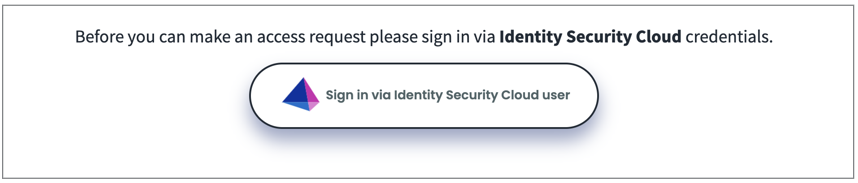
ISC Login for Certification
This widget enables the necessary authentication to establish connections with SailPoint instances.
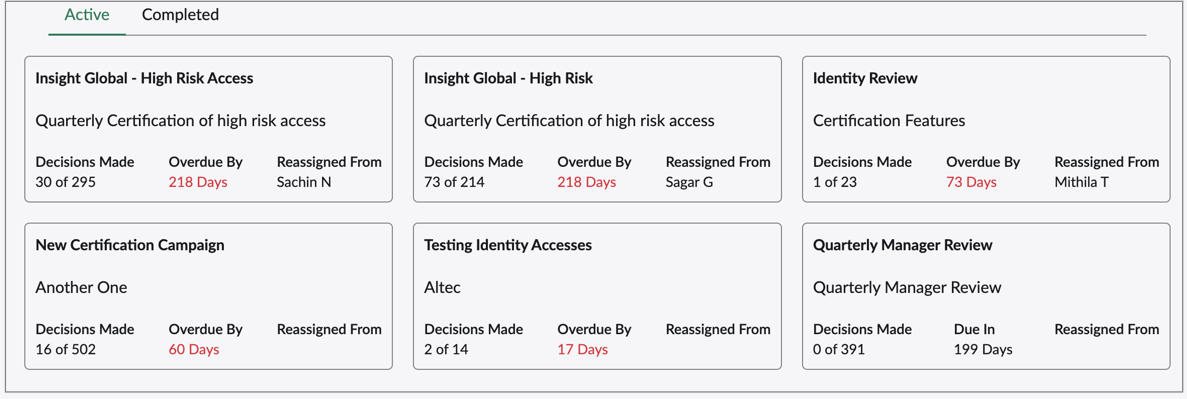
ISC Campaign Certifications List
This widget displays all the certifications assigned to users.
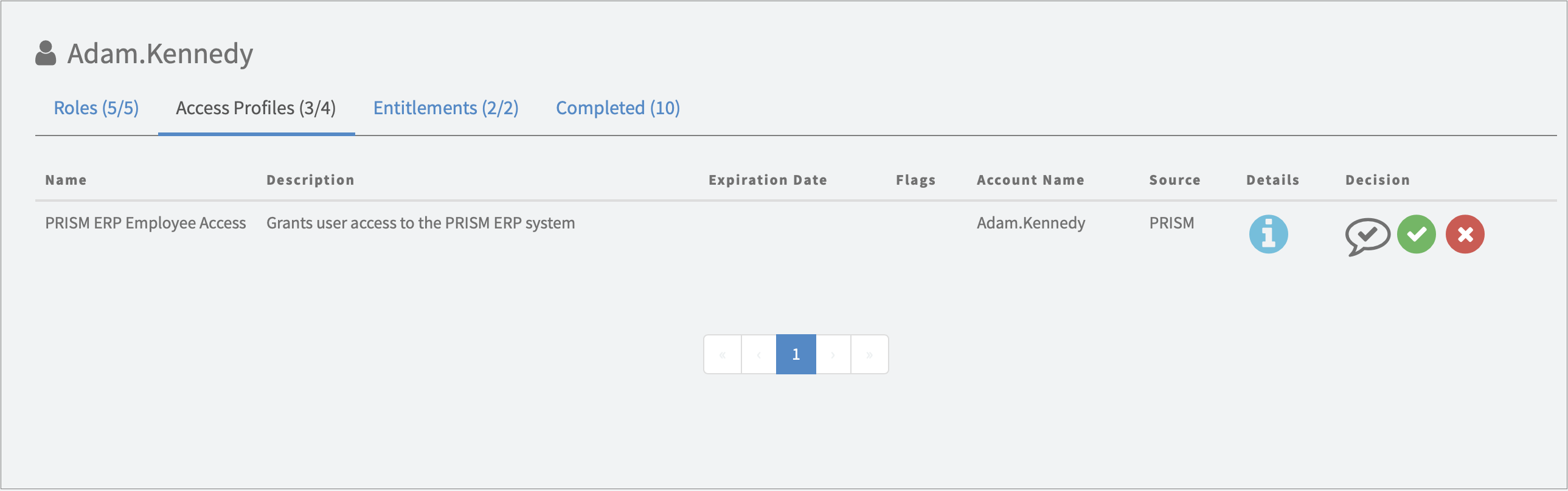
ISC Certification Access Review Items
This widget displays all access items that need to be reviewed or have already been reviewed for the user.
-
Items Per Page (Default 5)
-
Select the number of access objects to be shown in the widget.
-
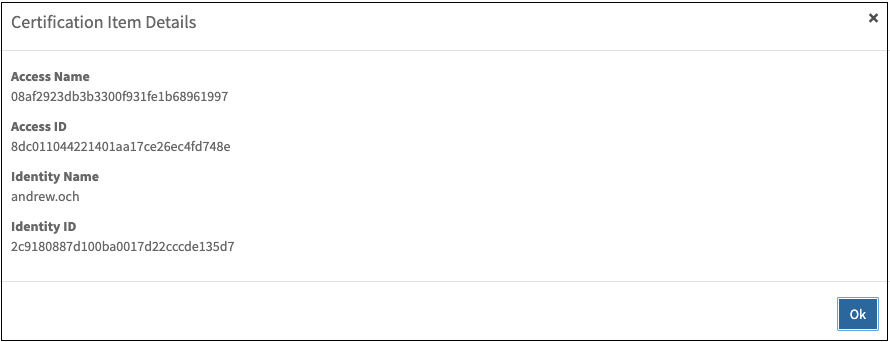
Details Pop-Up Window (Default: False)
-
Enabling this option displays the Details column.
- This popup can be customized to display additional information as required. Some basic information has been pulled on to this page for sample.
ISC Certification Identity List
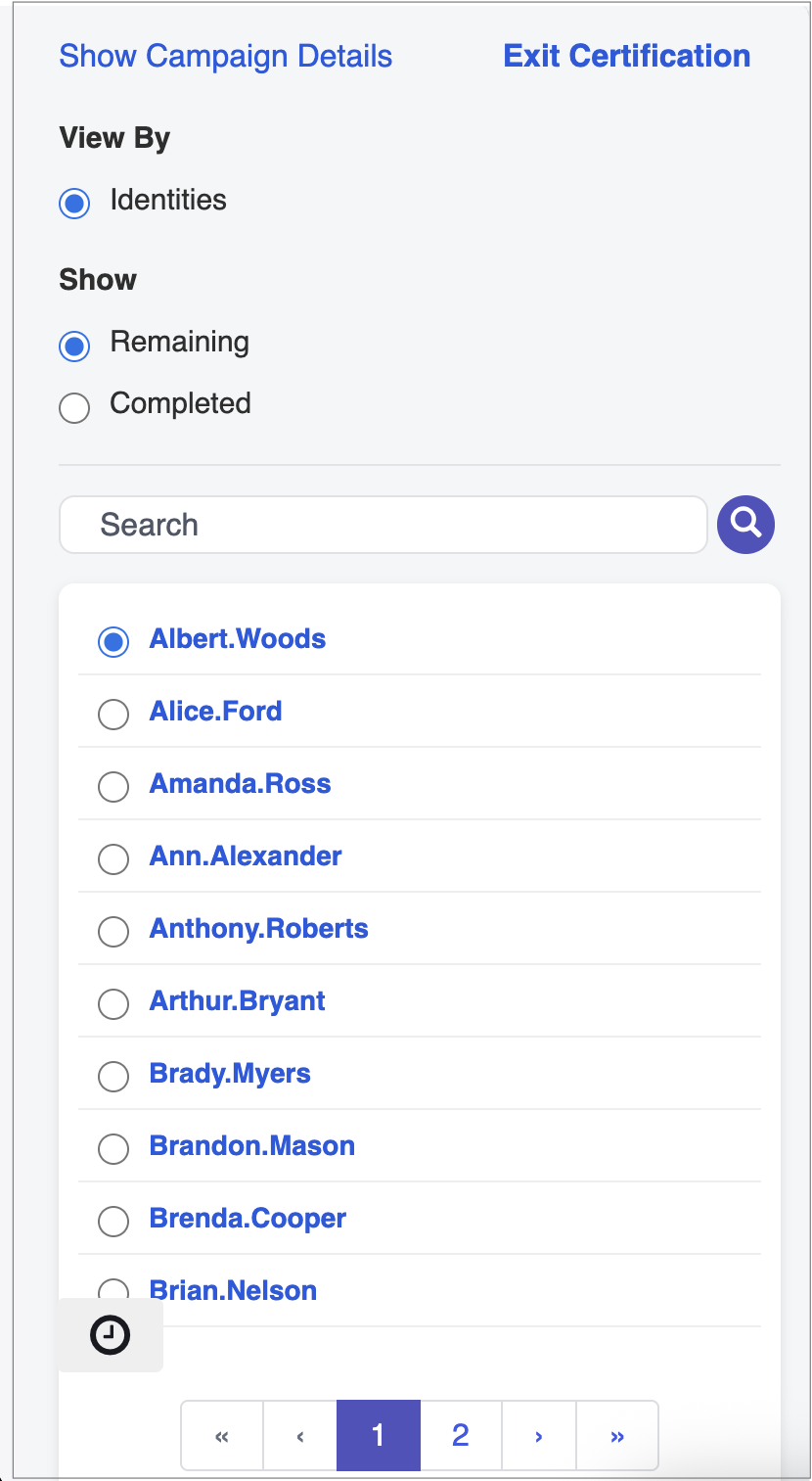
This widget displays a list of identities with pending or completed decisions. Select Show Campaign Details to view additional information about the respective campaign. Use the search option to filter identities within the list. Select Exit Certification to exit the current process and return to the landing page.
-
Items Per Page (Default 10)
-
Select the number of identities to be shown in the widget.
ISC Certification Campaign Details
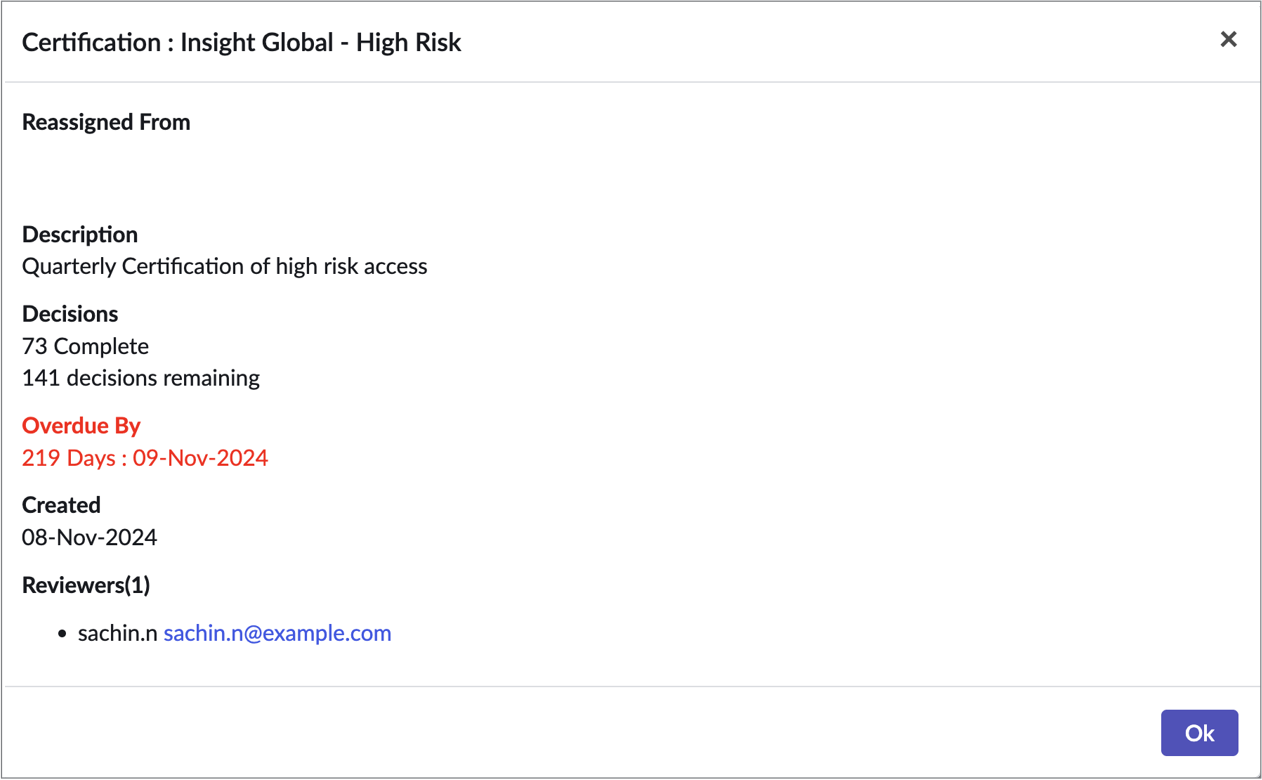
This widget displays the details of the selected certification.
ISC Certification Recommendation
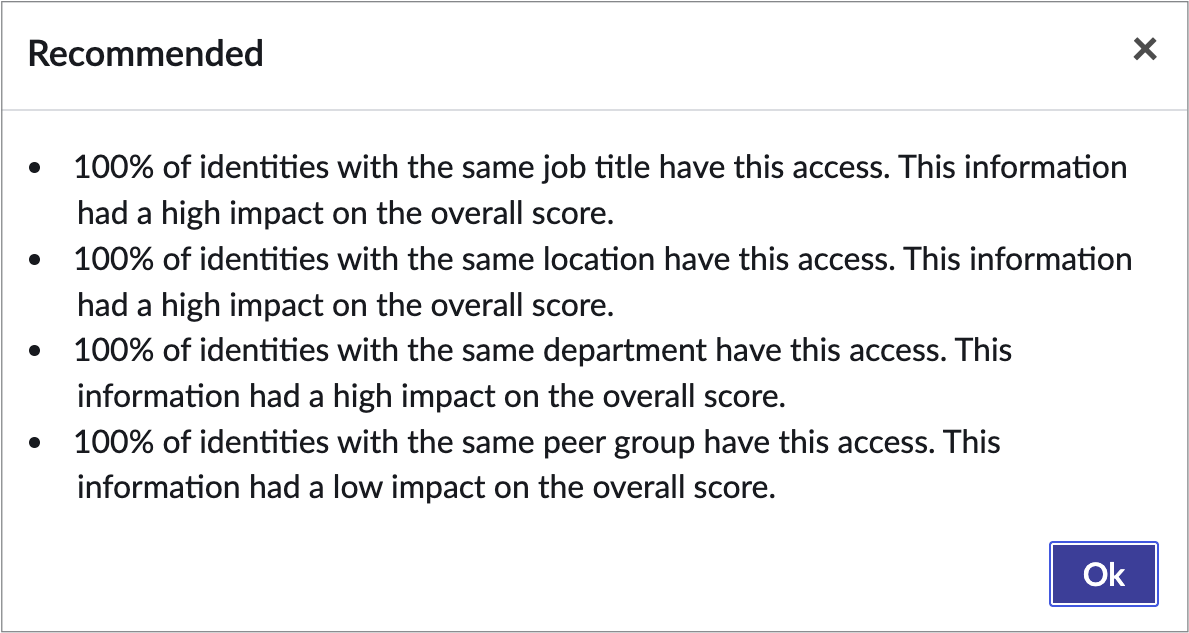
This widget lists all the the reasons behind the recommendation.
Documentation Feedback
Feedback is provided as an informational resource only and does not form part of SailPoint’s official product documentation. SailPoint does not warrant or make any guarantees about the feedback (including without limitation as to its accuracy, relevance, or reliability). All feedback is subject to the terms set forth at https://developer.sailpoint.com/discuss/tos.