Using Integrations
Listing Integrations
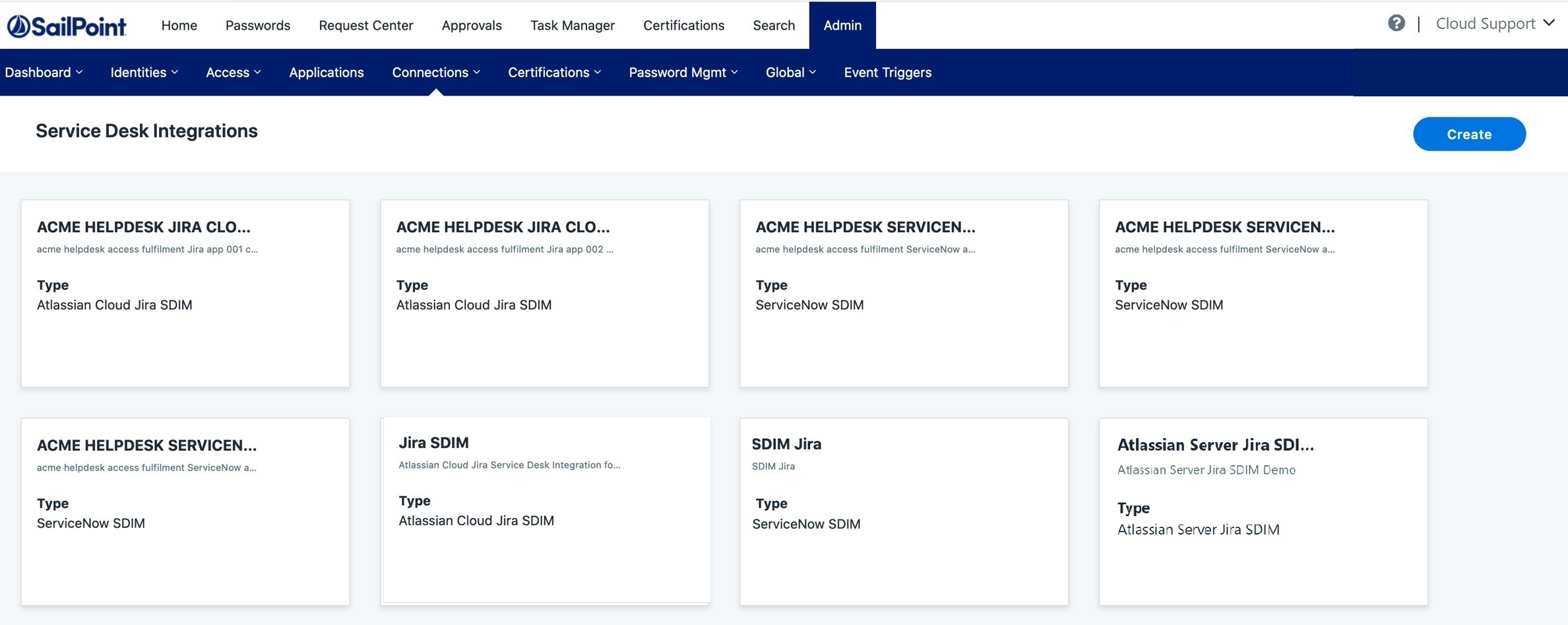
To list the SailPoint ServiceNow Service Desk integrations in the card-view format, perform the following:
Screenshot
Note
All your Service Desk integrations are displayed based on: Name, Description, and Integration Type.
- Go to Admin > Connections > Service Desk.
- On the Service Desk Integrations page, the integrations will be sorted by name in alphabetical order. The ServiceNow Service Desk integrations are listed accordingly.
Viewing Integrations
Screenshot
- Go to Admin > Connections > Service Desk.
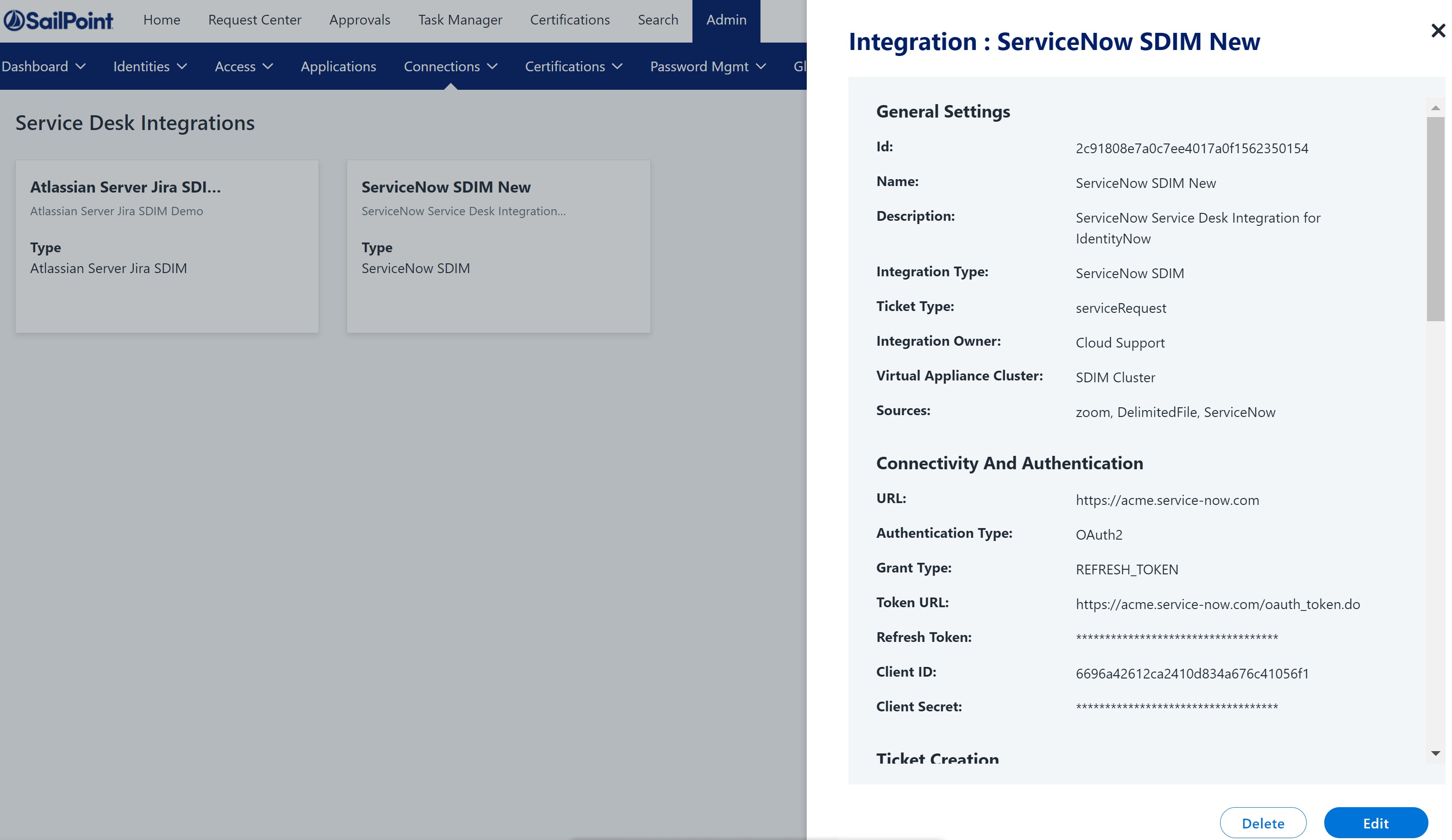
- On the Service Desk Integrations page, select a card for the ServiceNow Service Desk integration to view the corresponding details.
- Scroll down to view the values of the UI fields.
- To exit, select the X.
Editing an Integration
Screenshot
- Go to Admin > Connections > Service Desk.
- On the Service Desk Integrations page, select a card for the ServiceNow Service Desk integration to view the corresponding details.
- Scroll down to view the values of the UI fields.
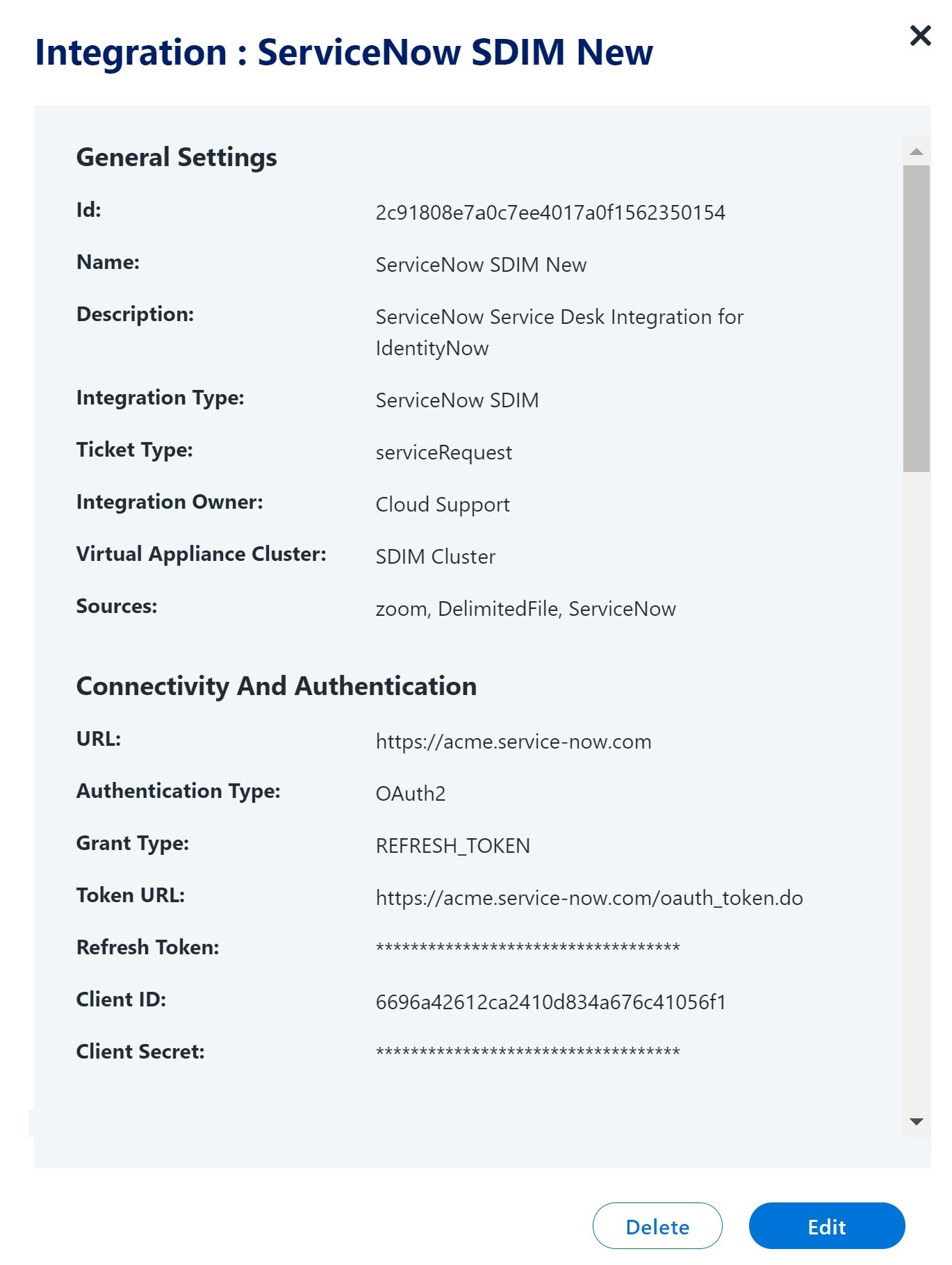
- Select Edit. The integration details with the previous values are displayed. Change the UI field values as per your requirement.
- Select Continue on the dialog boxes to proceed to the Summary page.
- Select Update to save the changes.
Deleting an Integration
Screenshot
- Go to Admin > Connections > Service Desk.
- On the Service Desk Integrations page, select a card for the ServiceNow Service Desk Integration to view the corresponding details.
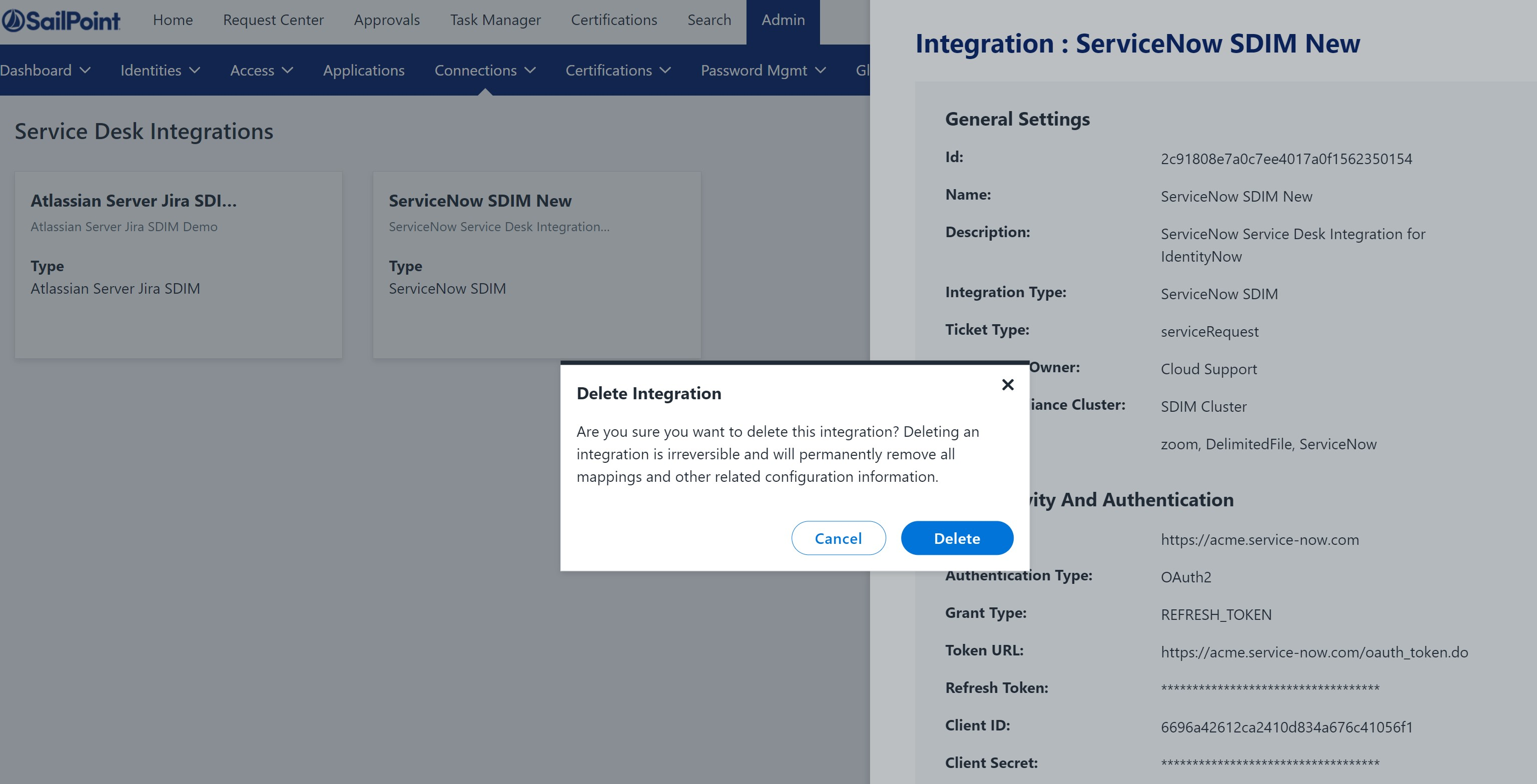
- Select Delete. A warning message is displayed. Select Delete if you're sure you want to delete the integration.
Documentation Feedback
Feedback is provided as an informational resource only and does not form part of SailPoint’s official product documentation. SailPoint does not warrant or make any guarantees about the feedback (including without limitation as to its accuracy, relevance, or reliability). All feedback is subject to the terms set forth at https://developer.sailpoint.com/discuss/tos.