Installing and Configuring AI Assistant
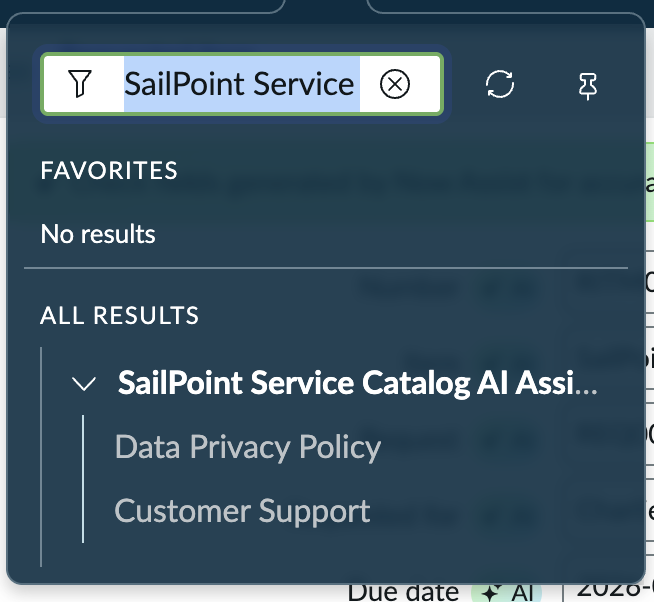
Promote the SailPoint Access Request skill in Now Assist.
Screenshot
- Sign in to your ServiceNow instance with the necessary administrative credentials.
- In the Filter navigator in the upper-left corner, enter
Admin Centerand press Enter. - In the Admin Center dropdown list, select Now Assist Admin.
- On the left, go to Settings > Now Assist Panel.
-
In the Summary section of the main panel, select Turn On to enable Now Assist.
Note
If the Turn On button is not disabled, the necessary plugin is not installed. Select View available plugin to select and install the required plugin before proceeding with activation.
Documentation Feedback
Feedback is provided as an informational resource only and does not form part of SailPoint’s official product documentation. SailPoint does not warrant or make any guarantees about the feedback (including without limitation as to its accuracy, relevance, or reliability). All feedback is subject to the terms set forth at https://developer.sailpoint.com/discuss/tos.