Deleting Component Interface
Complete the following to delete the component interface:
-
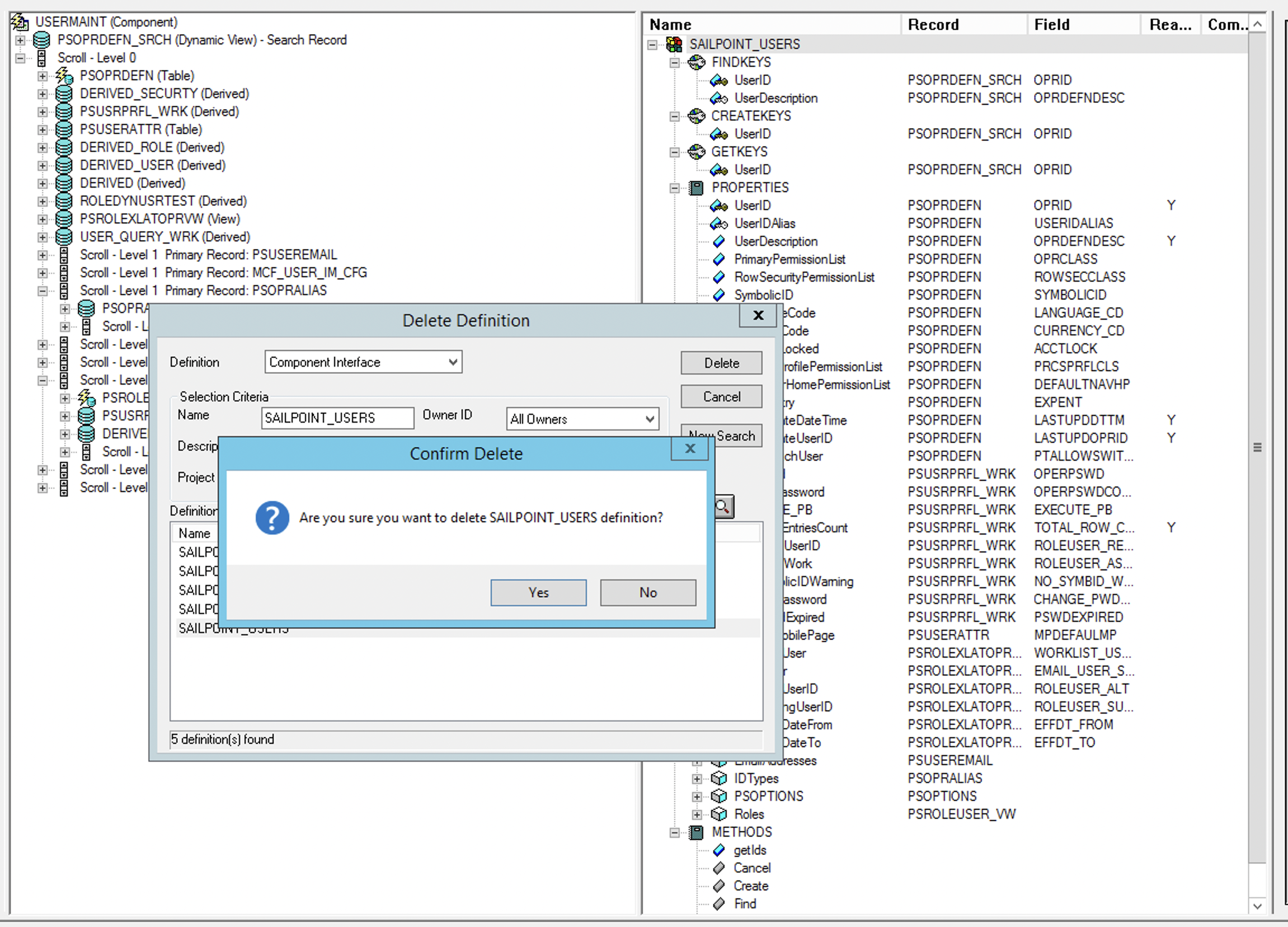
Open Application > Files > Delete.
The Delete Definition window opens.
Screenshot
-
In the Definition drop-down select Component Interface.
- Enter your Selection Criteria.
- Select the definition you want to delete and select Delete.
Documentation Feedback
Feedback is provided as an informational resource only and does not form part of SailPoint’s official product documentation. SailPoint does not warrant or make any guarantees about the feedback (including without limitation as to its accuracy, relevance, or reliability). All feedback is subject to the terms set forth at https://developer.sailpoint.com/discuss/tos.