Data Access Security
Identity Collectors
An Identity Collector synchronizes identity data such as accounts and attributes for users, groups, and their relationships from your source into Data Access Security. You can use these Identity Collectors when you create Data Access Security applications to perform identity forensics and permission analysis.
Important
You need a license to access Identity Collectors. Contact your SailPoint Customer Success Manager (CSM) to request access and for more information.
Prerequisites
Before you configure Identity Collectors, ensure the following requirements are met:
- Your tenant has a Data Access Security license.
- Data Access Security Identity Collectors is enabled for your tenant.
- You completed Source Setup for the Snowflake source.
Screenshot
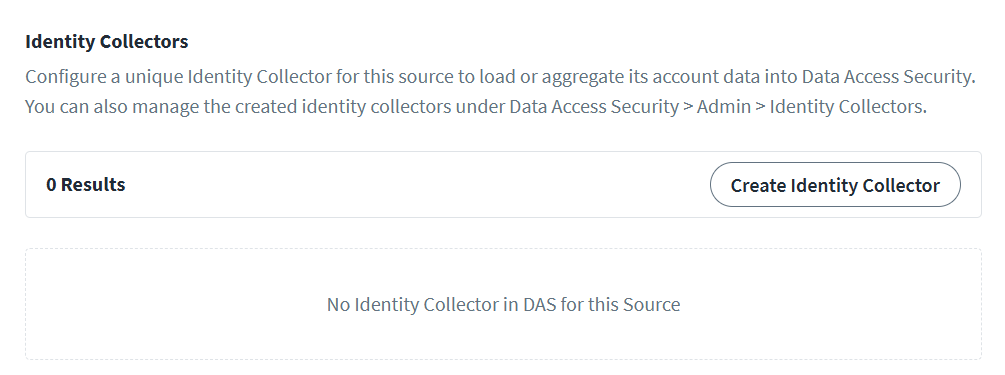
Creating an Identity Collector
To create an Identity Collector, perform the following steps:
- Select Create Identity Collector.
- Enter a unique Name for the Identity Collector.
- Select Save. This links the Identity Collector to your source and sets Snowflake as a collector type.
Note
You can also manage Identity Collectors that you create here under Data Access Security > Admin > Identity Collectors. For more information on managing Identity Collectors in the Data Access Security, refer to Create an Identity Collector.
Editing or Deleting an Identity Collector
To edit an Identity Collector:
- Select the Identity Collector you want to edit.
- Select Edit.
- Update the Name.
- Select Save.
To delete an Identity Collector:
- Select the Identity Collector you want to delete.
- Select Delete.
- Confirm the deletion.
Documentation Feedback
Feedback is provided as an informational resource only and does not form part of SailPoint’s official product documentation. SailPoint does not warrant or make any guarantees about the feedback (including without limitation as to its accuracy, relevance, or reliability). All feedback is subject to the terms set forth at https://developer.sailpoint.com/discuss/tos.