Aggregation Settings
For more information about aggregation, refer to Loading Account Data.
 Screenshot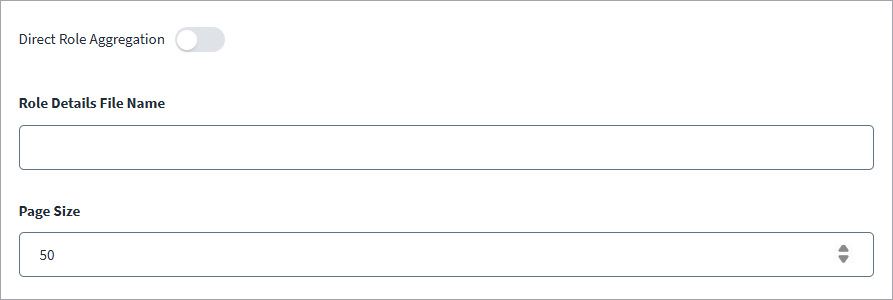
-
Select Aggregation Settings from the menu.
-
Enable Direct Role Aggregation toggle button to enable to use SCIM API in order to fetch the roles from S4 HANA public cloud.
-
Enter the Role Details File Name that has the details of roles Business UUID and Business ID.
-
In Page Size, enter the number of records to fetch. The default value is 50.
-
Select Save.