Base Configuration
Provide the base configuration parameters. Information you entered in the Create New Source dialog is automatically entered into the fields in the Base Configuration page. You can edit this information if necessary.
 Screenshot
Note
Ensure that the name and description of each source is unique.
-
Enter a descriptive Source Name for the connection.
-
Enter the Source Description that provides details necessary to distinguish it from similar source connections.
-
Select a Source Owner by typing the source owner's name into the field provided. Matches display after you type two or more letters. Set up the source owner as required.
-
Select a Virtual Appliance Cluster that will be used as the application connector for the source. For more information about configuring and deploying virtual appliances, refer to the Virtual Appliance Reference Guide.
-
(Optional) Select the appropriate Governance Group for Source Management from the drop-down list. For more information about governance groups, refer to Associating Governance Groups with a Source.
-
Select Save.
Connector Files
-
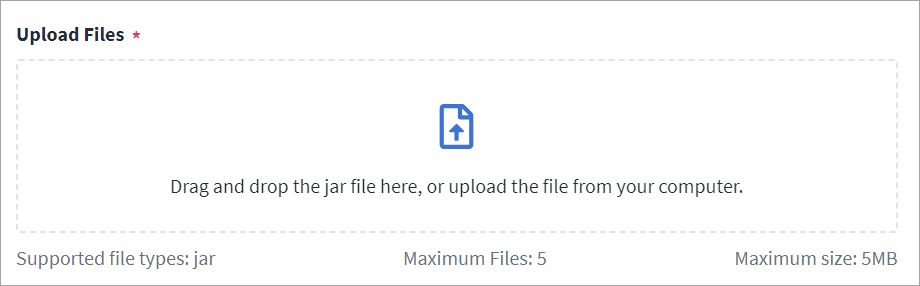
Upload the .jar file used for the source connection. The current file and upload history are listed below the button.
Warning
Ensure that the file you upload is not vulnerable or malicious.Drag and drop the file onto the Upload Files box to upload it, or select anywhere within the Upload Files box to choose the file on your computer.
-
Select Save.