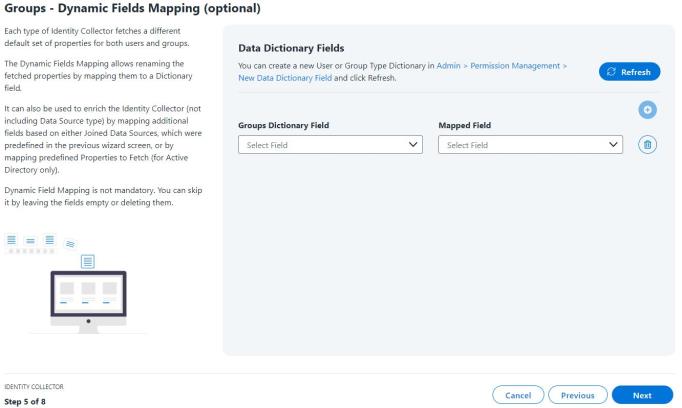
Dynamic Field Mapping (Groups)
This feature allows the user to rename the previously fetched properties by mapping them to a dictionary field, and therefore changing their name.
Note: Dynamic Field Mapping is not mandatory.
-
To create a new data dictionary field, use the link provided. Once created, click Refresh to have the new data dictionary field display in the Group Dictionary Field dropdown.
-
From the Groups Dictionary Field dropdown, select a mapped property.
-
From the Mapped Field dropdown, select a value that is to be mapped to the new data dictionary field.
Note: To add more dictionaries, click the plus icon.
-
Click Next.