Selecting the Review Process
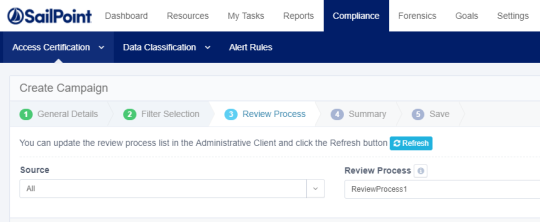
The Review Process tab is highlighted and the tab fields display.
The predefined review process sources are “By Data Owner” or “By Selected Reviewer(s).” If you select By Data Owner, the review process is only available for Permission type filters.
-
In Review Process, type or select the relevant data in the following fields:
Source
Select a source (All, Predefined, or Custom) from the drop-down list.
Review Process
Select a review process from the drop-down list. The processes available depend upon the Source you selected.
You can update the review process list in the Administrative Client if you have permission to do so, and then select the Refresh button.
Type of Account
Select either User Account or Group Account from the drop-down list.
This option is only displayed if you chose the By Data Owner review process or the By Selected Reviewer(s) review process.
Default Reviewer(s)
This option is only displayed for the By Data Owner predefined review process, since default reviewers are the reviewers when no data owner was found. This is a mandatory field.
Selected Reviewer(s)
This option is only displayed for the By Selected Reviewer(s) predefined review process to set a static list of reviewers. You can choose multiple users or groups. This is a mandatory field.
-
Select Next.
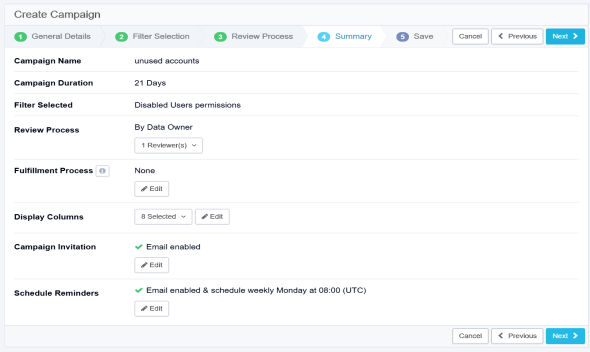
The Summary tab opens, showing a summary of the campaign. In this screen, you can view and edit the review parameters before saving and / or running the review.