Creating an Access Certification Campaign Template
If you created campaigns using a template and you want to delete that template, you can only do so after first deleting the campaigns from which it was created. If you attempt to delete the template, a notification will display the campaigns on which the template was based, and will request that you delete the campaigns before you delete the template.
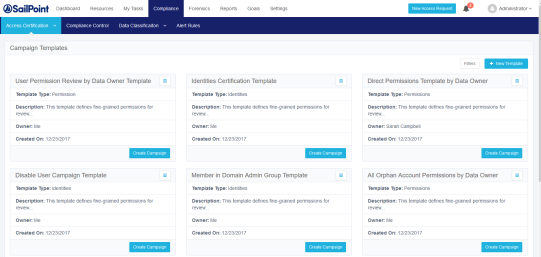
Compliance managers and administrators can select one of the following actions to manage campaign templates:
-
Create a new template
-
Edit an existing template
-
Duplicate an existing template
-
Delete an existing template
-
Create a campaign based on an existing template
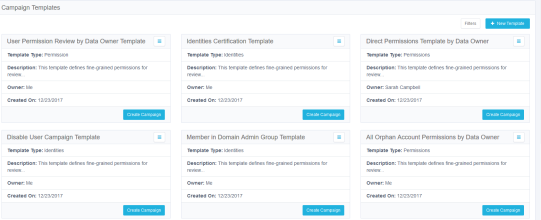
The templates display from left to right, row by row, sorted chronologically by date of template creation.
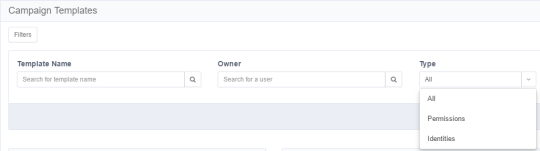
You can filter the display of current templates to find the templates more quickly.
To filter the available campaign templates:
-
Select the Filters button.
-
Under Filters, type or select the relevant data in the following fields to narrow your search of campaign templates:
Template Name
Type the template name, or the first few characters of the template name, and then select the Search button next to that field.
Owner
Type the owner (user) name, or the first few characters of the name, and then select the Search button next to that field.
Type
Select All, Permissions, or Identities from the drop-down menu.