Create Ticket Advanced Properties
Service Request Tickets
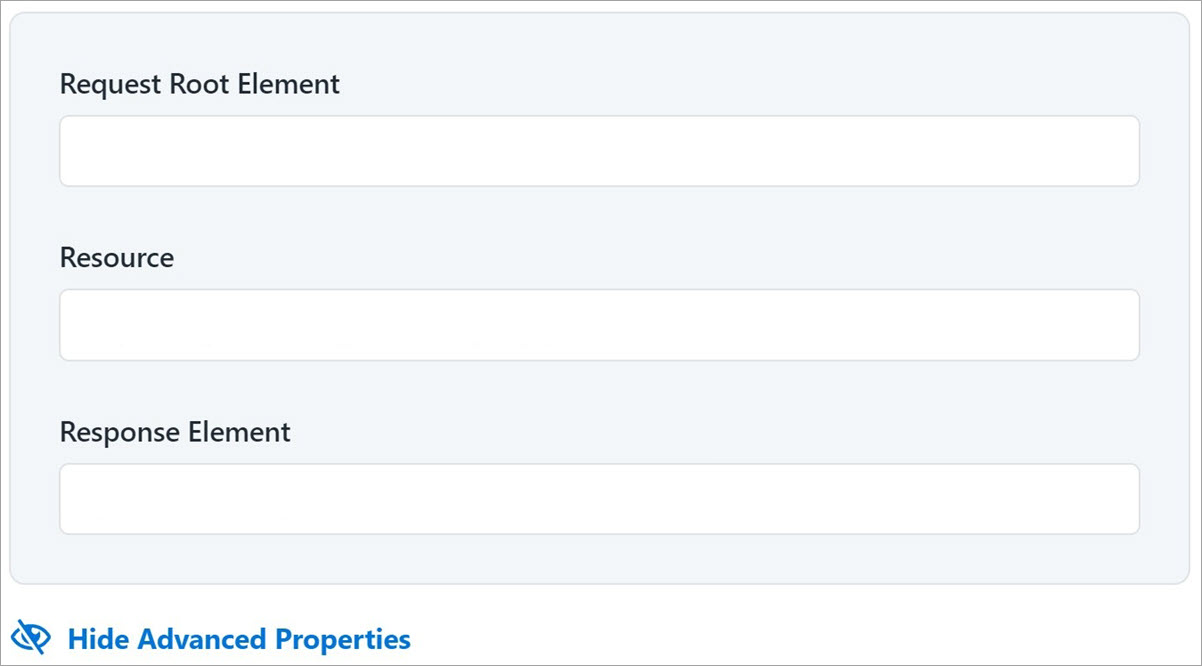
Select View Advanced Properties to add other details of the ticket.
 Request Root Element
Enter the basic element of the request ticket. The value represents the JSON root element in a request.
Resource
Enter the resource used for the request ticket. This is the ticket creation REST endpoint. Do not provide the base URL in the value. The base URL is appended to this endpoint value. Enter only the remaining endpoint URL. For example:
/api/x_sap_sdim/sailpoint_cart_js_api/create_ticket
Response Element
Enter the response code for the request ticket. This value is JSON path expression that provides information about where to find a ticket number. For example:
-
For REQ:
$.result.request_number -
For RITM:
$.result.items
Incident Tickets
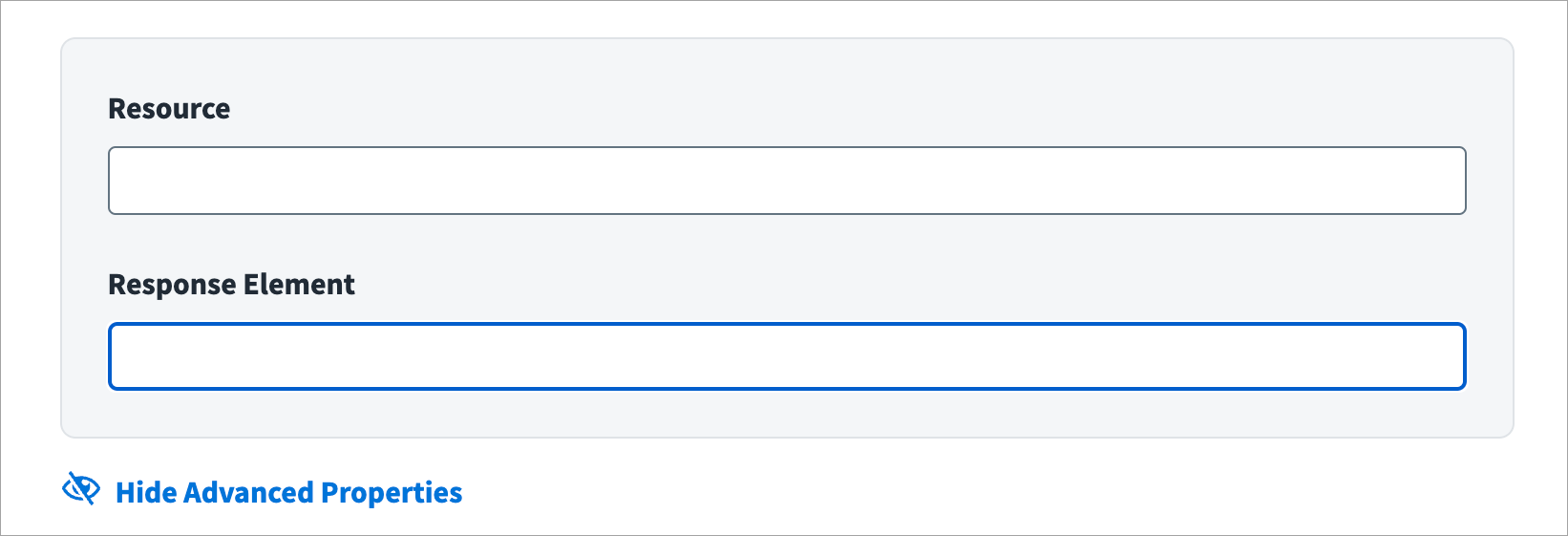
Select View Advanced Properties to add other details of the ticket.
Resource
Enter the resource used for the incident. This the ticket creation REST endpoint. Do not provide the base URL in the value. The base URL is appended to this endpoint value. Enter only the remaining endpoint URL. For example:
/api/now/import/x_sap_sdim_incident
Response Element
Enter the response code for the incident. This value is a JSON path expression that provides information about where to find a ticket number. For example:
result[0].display_value