Authenticate with an API Token
Configure your source to authenticate with Okta using an API Token.
 Screenshot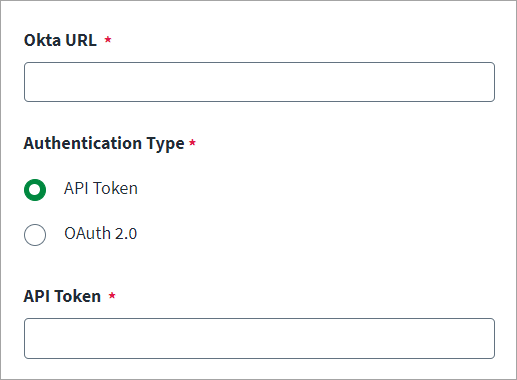
-
Enter the Okta URL of the host. For example, https://{yourOktaDomain}.com.
-
Select the API Token radio button.
-
In API Token, enter the Single Sign-On Web System (SSWS) API token required for Okta authentication.
Note
SSWS specifies the proprietary authentication scheme Okta uses. -
Select Save.