Workspace Settings
Configure workspace filtering to control which workspaces are included in aggregation and provisioning flows. If filtering is disabled, all workspaces attached to the metastore will be included.
 Screenshot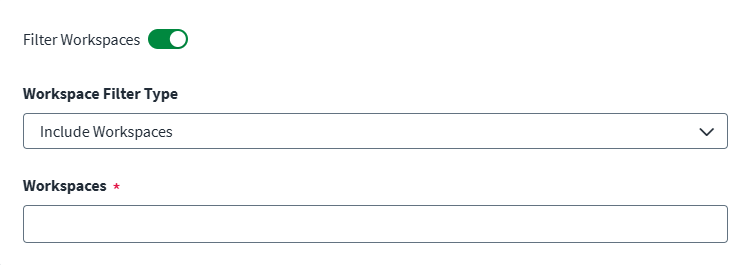
-
Enable Filter Workspaces to filter workspaces by ID.
-
Select a Workspace Filter Type to include or exclude the specified workspaces.
-
Enter the Workspace IDs to include or exclude. Press Enter after each ID to add it to the list.
-
Select Save.