Connection Settings
The following information is required to connect and interact with CrowdStrike.
 Screenshot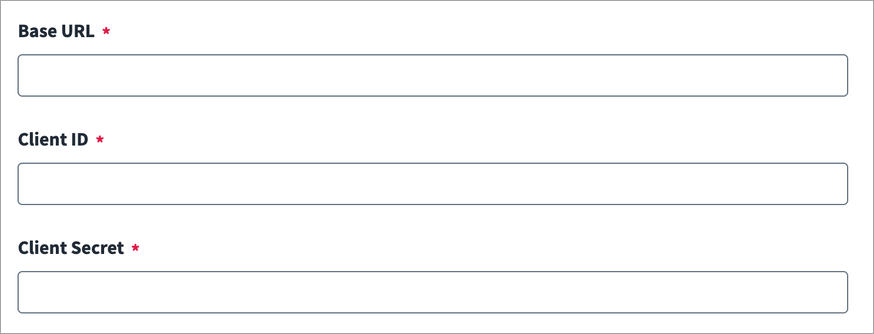
-
Enter the Base URL for the CrowdStrike source. To find the Base URL, refer to your CrowdStrike Cloud Environment URL. For example,
https://api.us-2.crowdstrike.comorhttps://api.eu-1.crowdstrike.com -
In the Client ID and Client Secret fields, enter the client identifier and accompanying secret that you previously generated in your CrowdStrike system. For more information on generating the client ID and client secret, refer to the CrowdStrike OAuth documentation.
-
Select Save.