Additional Settings
Use the additional settings to configure aggregation and auditing settings.
Note
The Oracle HRMS connector only aggregates organizational data with active persons and assignments.
 Screenshot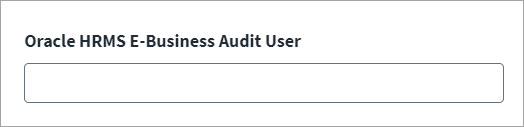
-
(Optional) For Oracle HRMS E-Business Audit User, enter a valid EBS user name from the FND_USER table that creates employee records in the HRMS application. When auditing the system, the provisioning transactions to the Oracle HRMS system are identified with this user name.
-
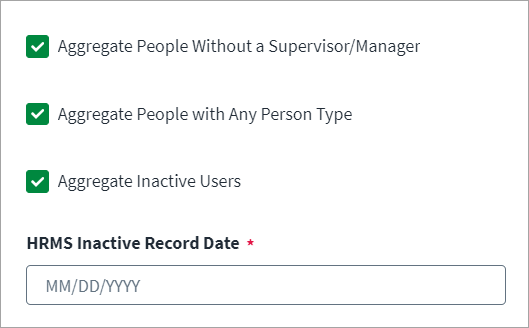
(Optional) Aggregate People Without a Supervisor/Manager.
-
If selected, it will include accounts that don't have a supervisor ID associated with them.
-
If deselected, supervisor association is mandatory for the account to be aggregated.
-
-
(Optional) Aggregate People with Any Person Type.
-
If selected, this will aggregate persons whose user person type is not the default for the current system person type, along with persons whose user person type is default to the system person type.
-
If deselected, this will aggregate only persons whose user person type is default to the system person type.
Note
This is applicable only for type Employee and Contingent workers.
-
-
(Optional) Aggregate Inactive Users.
-
If selected, it will populate the HRMS inactive Record Effective From text field to enter the inactive offset date. It will include inactive accounts in aggregation from the inactive offset date to present day.
-
If deselected, it will only include active accounts in aggregation.
-
-
Select Save.