Account Settings
On the
 Screenshot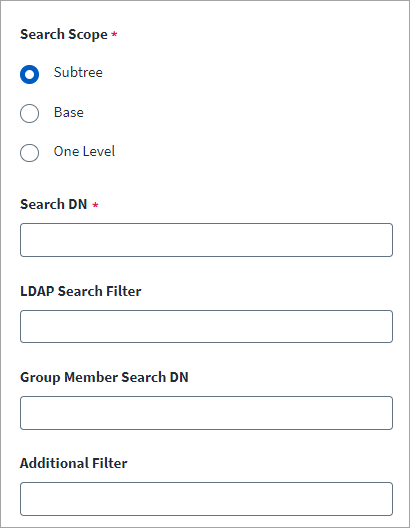
-
Configure the Search Scope within the LDAP directory as follows:
-
Subtree: to search the specified Search DN and all containers within it.
-
Base: to search only the Search DN.
-
One Level: to search the Search DN and the containers one level below it.
-
-
In the Search DN field, enter the distinguished name of the container. For example:
ou=people,dc=example,dc=com
-
The Group Member Search DN field represents a multivalued attribute to define the scope for group memberships.
-
The
For example, the following filter returns all entries that do not represent a person:
(! (objectclass=person))
-
The Additional Filter field is an optional filter applied to the results returned by the
For example, the following filter string removes users if there is an attribute named deleted and the value is true:
deleted == "true"
-
Select Save.