Application Settings
Provide the following details for configuring application related passwords and account attribute mappings in Imprivata EAM connector:
 Screenshot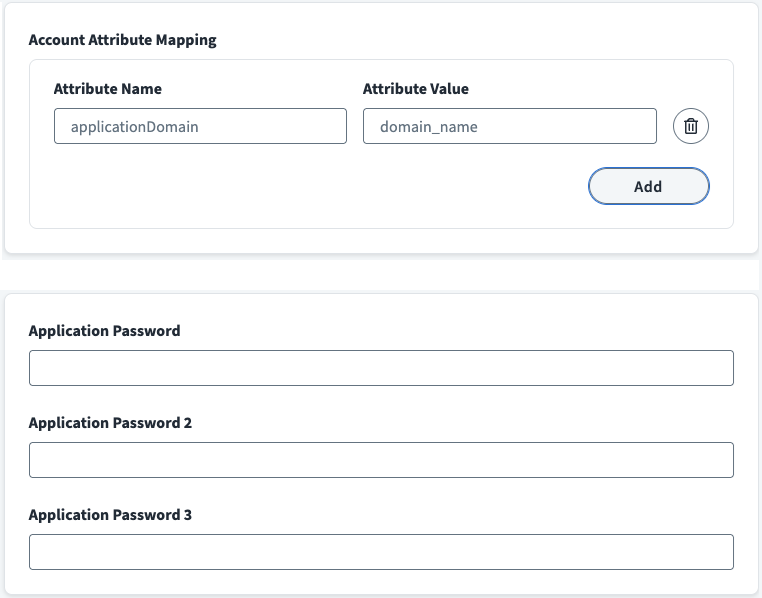
-
If application require application account attributes, enter Attribute Name and Attribute Value for that application in the Application Account Attribute Mapping section. Use Add option to include more attributes as needed. For example,
applicationUsername,applicationGroup,applicationPIN,applicationSite. -
Enter default application password for your application in Application Password field.
-
If the application requires additional passwords in its account credentials, you can provide them in Application Password 2 and Application Password 3 respectively.
-
Select Save.