Connection Settings
This section contains the information that the source uses to authenticate with the Tivoli Access Manager system. After you click Connection Settings the following user interface page is displayed.
 Screenshot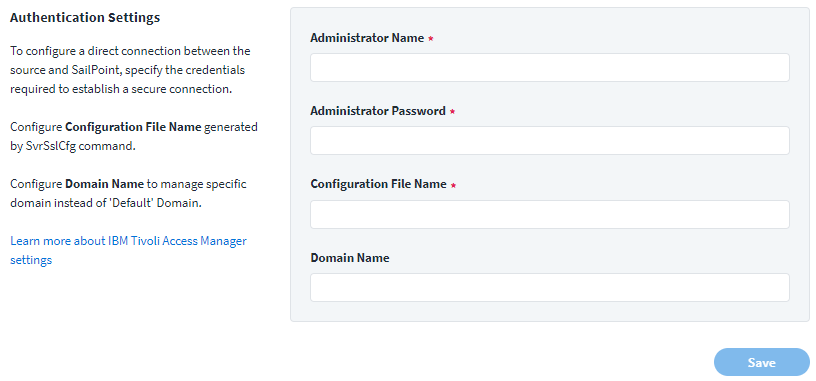
-
Enter the Security Verify Access Administrator Name.
-
Supply the Administrator Password associated with the name provided.
-
Enter the Configuration File Name of the configuration data file generated by the
com.tivoli.pd.jcfg.SvrSslCfgutility. -
Supply the Domain Name that is managed by the source.
-
Click Save.