Connection Settings
Configure a secured direct connection between the IBM AIX source and Identity Security Cloud.
 Screenshot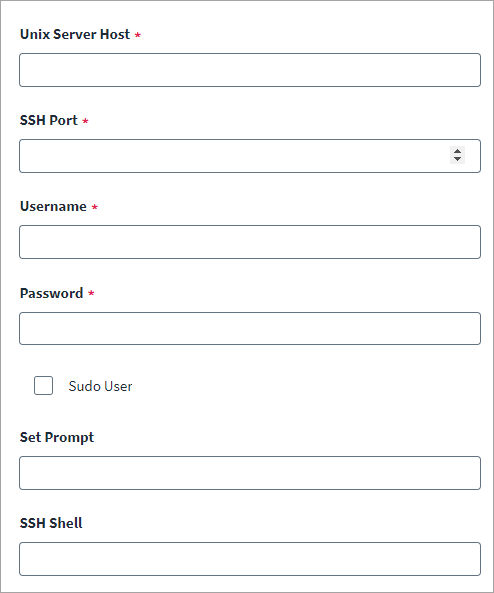
-
Enter the AIX Unix Server Host name or the IP address managed by the source.
-
Enter the AIX SSH Port number used for SSH communication. The default is port
22. -
Enter the Username of the sudo or root user that has the required permissions, as noted in Required Permissions.
-
Enter the Password for the sudo or root user.
Note
Select the Sudo User checkbox if the user account is not the root user. -
Enter the Set Prompt to set the source shell prompt.
Default –
PS1='SAILPOINT>' -
Enter the SSH Shell present on the AIX system.
Default –
sh. -
Select Save.