Reordering Attributes
Identity Security Cloud computes the account attributes in the order they are listed. If one attribute relies on data from another attribute to generate its value, the primary attribute must be listed first.
For example, if an account’s email attribute is defined based on its display name, the displayName attribute must come before email in the list so that the displayName is generated by the time it is needed for the email address generation.
To reorder attributes:
-
In the Admin interface, go to Connections > Sources and select the source you want to update.
-
In the Accounts tab, select Create Profile from the left panel.
-
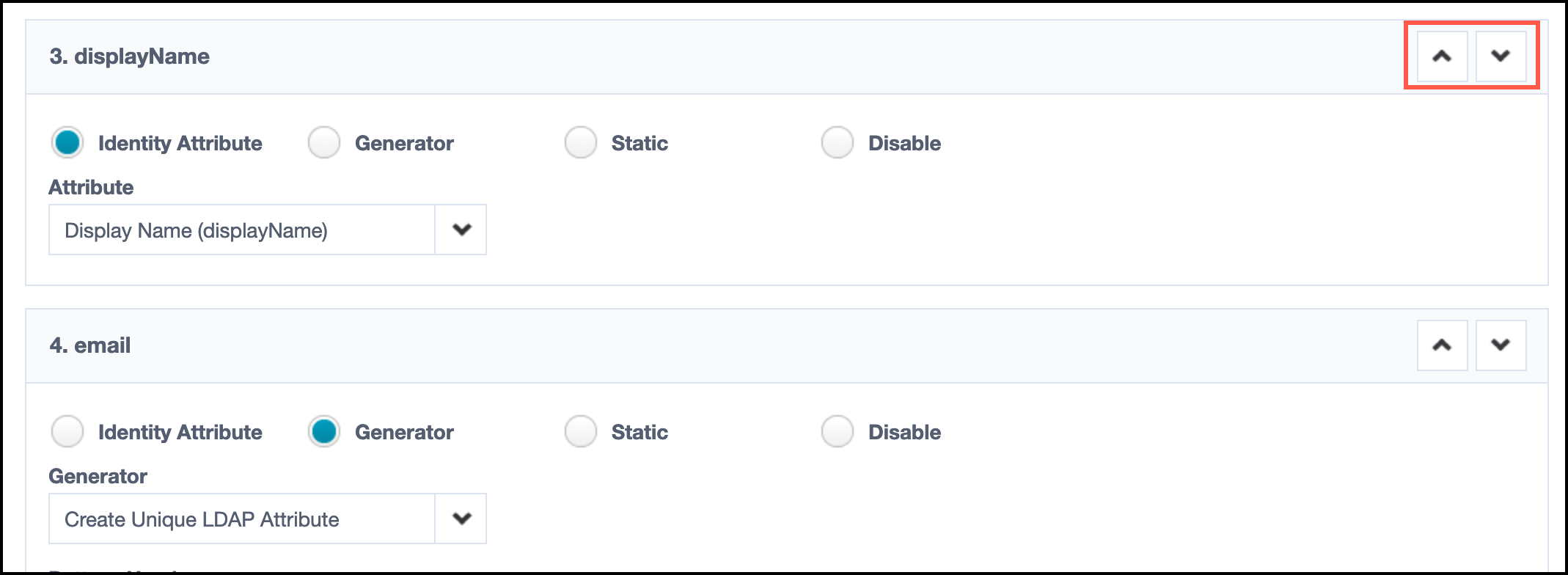
Use the up or down arrows next to the attributes to reorder them.
-
Select Save to save your changes.